
An email scraper is a tool that collects email addresses for outreach. The term covers two different jobs. One is pulling addresses off web pages, Google Maps listings, and directories. The other is finding the work email of a specific person you already have in mind.
This guide compares 14 tools across both jobs. For each, you'll see the free tier, the cost once you pay, how results get verified, and where it falls short. The last sections cover deliverability and the legal lines. I checked prices and free tiers on the vendors' own pages on 24 September 2026, except where noted below.
Disclosure: I'm Benjamin Douablin, co-founder and CEO of FullEnrich, one of the tools below. I'll say where others do better.
Key Takeaways
- "Email scraper" covers two jobs. Harvesters pull any address they see on web pages. Finders return the work email of a person you name.
- For named B2B contacts, pick a finder with built-in verification. FullEnrich (our product) checks 25+ providers in sequence. Apollo, Hunter, and Prospeo cost less per credit. FullEnrich's case is coverage, so test both on the same list.
- For websites, Google Maps, and directories, use a harvester (Email Extractor, Apify, Octoparse, or Outscraper). Then verify everything before you send.
- Free tiers are samples: 10 to 100 emails a month. Apollo's 900 credits a year works out to 75 a month.
- Scraping can be legal or expensive depending on how you do it. France's CNIL fined Kaspr €240,000 in 2024, and CAN-SPAM penalties reach $53,088 per email.
The best email scrapers at a glance
The best email scraper depends on where your leads come from. Here's the short version, sorted by job.
- Finding a named B2B contact: FullEnrich for coverage across regions. Apollo for an all-in-one database with outreach. Hunter for searching by company domain. Prospeo for the biggest monthly free tier.
- Harvesting from websites and maps: the Email Extractor Chrome extension for quick page grabs. Apify or Octoparse for crawling many sites. Outscraper for Google Maps.
Whichever you pick, verify before you send.
Tool | Job | Free tier | Paid from |
|---|---|---|---|
FullEnrich | Finder (waterfall) | 50 credits, one-time | $29/mo |
Apollo | Finder + outreach | 900 credits/year (75/mo) | $49/mo per seat (Basic, billing basis unconfirmed) |
Hunter | Finder (domain search) | 50 credits/mo | $34/mo, billed annually |
Prospeo | Finder | 100 credits/mo | $37/mo yearly, $49 monthly |
Findymail | Finder (verified only) | 10 credits, one-time | $99/mo |
Snov.io | Finder + outreach | 50 credits every 30 days | $39/mo |
Lusha | Finder (quick lookups) | 40 credits/mo | $37.45/mo yearly, $49.90 monthly |
Kaspr | Finder (LinkedIn) | 15 emails/mo, unlimited after 3 invites | €45/mo per seat, billed annually |
Skrapp.io | Finder (LinkedIn) | 50 credits in total | $29 or $39/mo (see section) |
Evaboot | Sales Navigator exports | None | $9/mo for 100 credits, billed annually |
Email Extractor | Harvester (Chrome) | Free | Free |
Apify Contact Details Scraper | Harvester (crawler) | $5 of prepaid credits | $1.05 per 1,000 pages |
Octoparse | Harvester (no-code) | 10 tasks, local runs only | $69/mo, billed annually |
Outscraper | Harvester (Maps, websites) | Not confirmed (see section) | Not confirmed (see section) |
Not sure where to start? Open the line that matches where your leads come from.
My leads are a list of names and companies
Use a finder. FullEnrich for the widest coverage, or Prospeo and Hunter for a cheaper single source. Caution: test on your 50 hardest contacts first, because find rates move with region and seniority.
My leads come from LinkedIn
Kaspr or Skrapp.io for profile-by-profile work, Evaboot if you already pay for Sales Navigator. Caution: LinkedIn's User Agreement bans scraping tools, so your account carries the risk.
My leads are company websites
Email Extractor for a handful of pages, Apify or Octoparse for hundreds of sites. Caution: you'll mostly get generic inboxes like info@, and none of it is verified.
My leads are on Google Maps or in directories
Outscraper for Maps listings, Octoparse or Apify for directory sites. Caution: set a usage cap before a big run, and verify every address before it goes near a sequence.
What is an email scraper? Two jobs, two kinds of tool
The name covers two very different tools. Some people call the harvester type an email extractor. Same job, different name.
Harvesters read pages and return every address they see. You give them URLs, a search, or a map area. They give you back whatever emails are printed there.
Finders work the other way around. You give them a name and a company, or a LinkedIn URL. They return one work email for that person, usually with a verification status.
Mixing the two up is an easy way to buy the wrong tool. A harvester can't find a VP of Sales whose email isn't published anywhere. A finder won't crawl 500 local business websites for you.
How website email scrapers work
Most harvesters follow the same four steps.
- Crawl. The tool opens a page, then follows links to other pages on the same site, up to a limit you set.
- Read. It scans the visible text for anything shaped like name@company.com. It also reads mailto links, the clickable addresses that open your mail app.
- Decode. Some sites hide addresses from bots. They write "name [at] company [dot] com", split the address inside the page code, or show it as an image. Better tools undo the simple tricks. Few can read an image.
- Render. Many modern sites load their content with JavaScript after the page opens. A basic scraper sees an empty page. A better one runs the page in a real browser first, which is slower but catches more.
Two limits follow from this. First, the output is unverified. The tool only knows an address was printed somewhere, not that it still works. Second, most results are generic inboxes like info@ or sales@, not a named decision-maker.
If you're pulling more than emails (names, phones, company details), our guide to web scraping for lead generation covers the wider setup.
How email finders work
Finders use one of three methods, and many mix them.
- Their own database: the vendor has already collected contacts and matches your request against its records. Apollo and Snov.io both run their own contact databases.
- Pattern plus check: the tool guesses the company's format (first.last@, for example) and tests the guess against the company's mail server.
- Waterfall: the tool asks several data providers in sequence. If the first one has nothing, or returns an address that fails verification, the next one gets a turn.
Waterfalls are now common. Apollo sells one on paid plans that draws on "20+ data partners". Clay lets you build your own. FullEnrich runs every request through a waterfall of 25+ providers.
Can AI agents find emails for you?
Yes. AI agents can call a finder's API or MCP server for you. FullEnrich, for example, offers an MCP server that works with Claude and ChatGPT. The verification and legal rules below still apply.
Best email scrapers for finding a named B2B contact
These ten tools are ranked for teams prospecting named buyers. Each gets the same checks: who it suits, the free tier, the entry price, and where it falls short.
1. FullEnrich
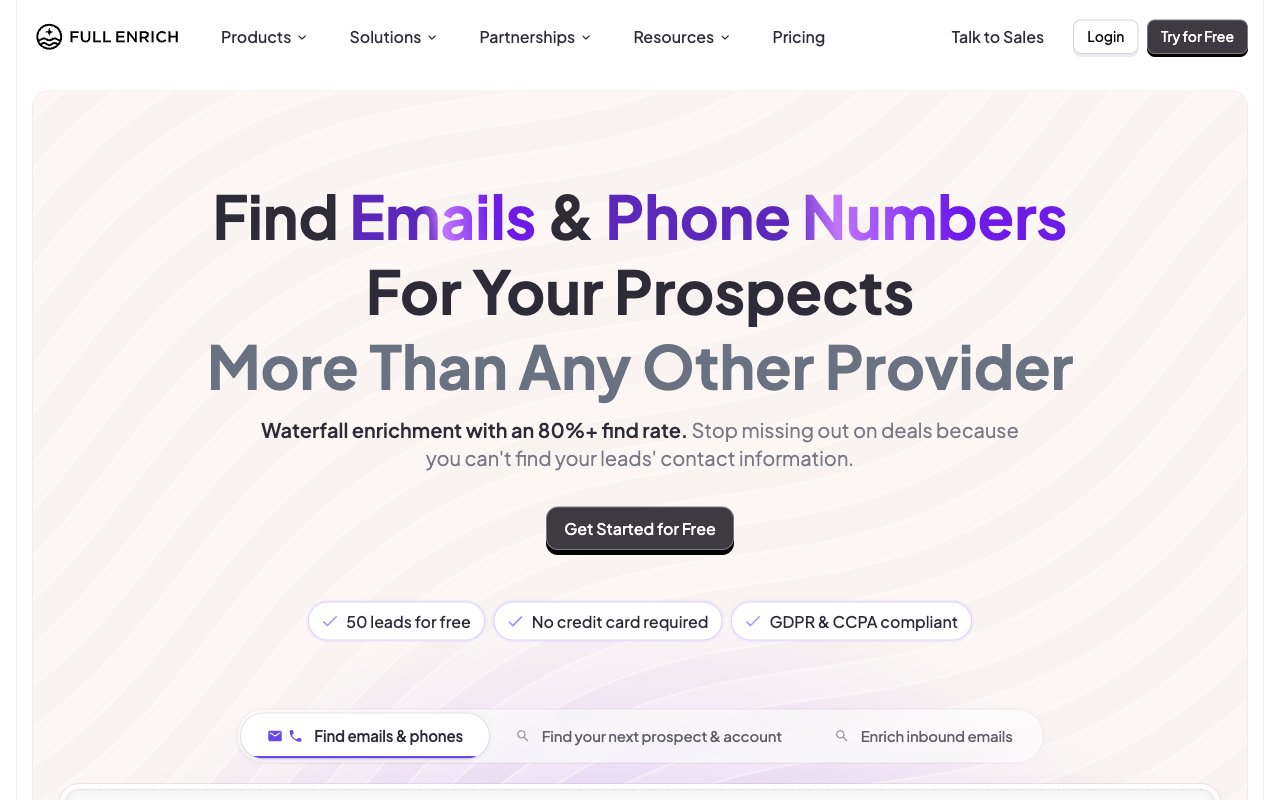 FullEnrich's homepage. Source: fullenrich.com, captured 24 September 2026.
FullEnrich is an email and phone finder built on a waterfall. For each contact, it asks its providers in sequence and stops at the first result that passes verification. Every email goes through a syntax check, an MX record check, and an SMTP check. This is the tool I co-founded, so read this section with that in mind.
You pay only when an email comes back: no email found, no credit used. Results come graded by status, so you choose which grades go into a sequence.
By FullEnrich's own figures, it finds an email for about 80% of contacts on average. It also removes about 30% of raw provider data at verification, per its pricing page. Treat both as vendor numbers, not independent results.
It pushes to HubSpot natively and has Zapier, Make, and n8n actions, plus an API.
- Best for: teams prospecting named buyers across several regions, where one database leaves gaps.
- Free tier: 50 credits to start, no credit card. They're one-time, not monthly.
- Paid from: $29/mo for 500 credits, or $26/mo billed yearly. Pro is $55/mo for 1,000 credits. A work email costs 1 credit, a personal email 3, and a mobile number 10. Unused credits roll over for 3 months on monthly plans and 12 on annual ones.
- Where it falls short: list price per credit is higher than Hunter, Apollo, Prospeo, Findymail, and Snov.io. Pro works out to $55 per 1,000 credits on monthly billing, and the 12,000-credit yearly plan to $49, against $17.00 to $39.00 for those five. There's no built-in sequencer, so contacts go to your CRM or outreach tool. The free credits don't renew. It doesn't harvest emails from websites. And per its credit docs, a catch-all result still uses a credit.
2. Apollo
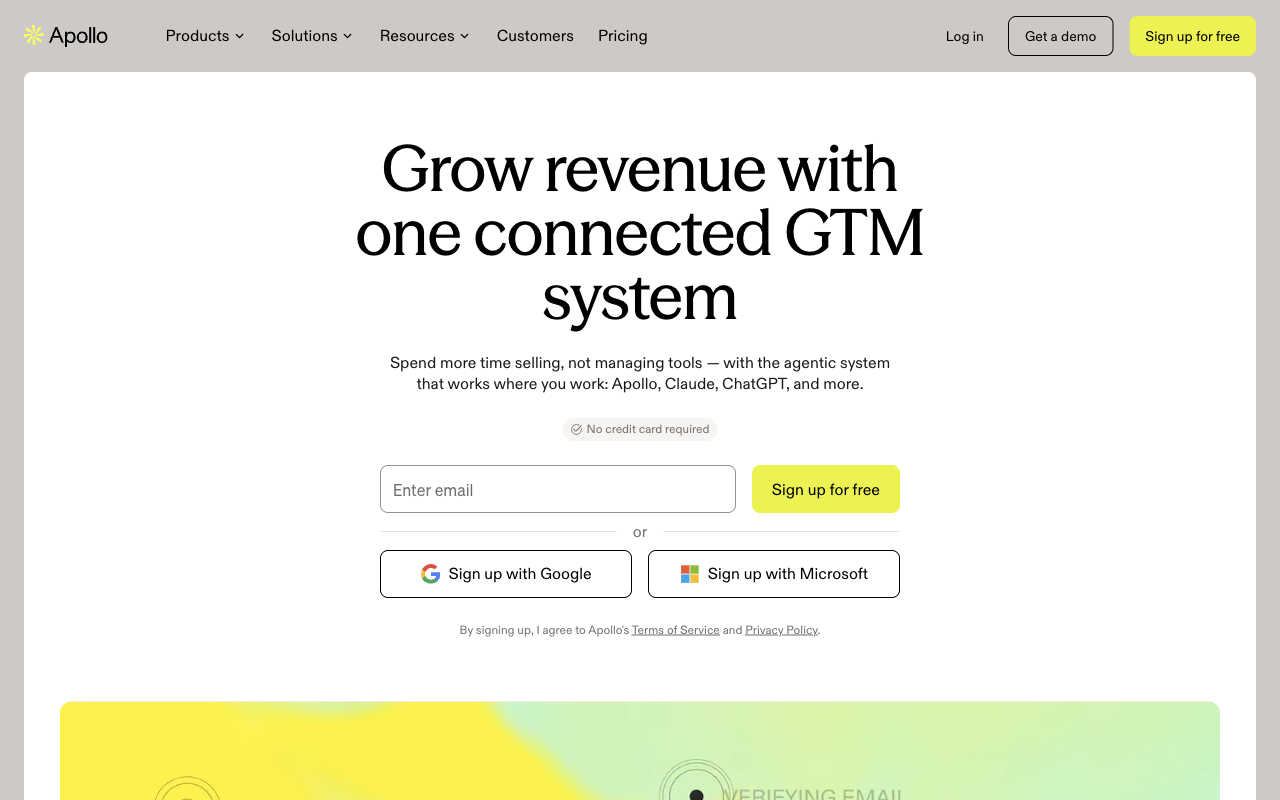 Apollo's homepage. Source: apollo.io, captured 24 September 2026.
Apollo is a B2B contact database with outreach tools built in. You search for people, reveal their emails, and send sequences from the same account.
- Best for: founders and small teams who want data and sequencing in one place.
- Free tier: 900 credits per seat per year, granted monthly (75 a month). An email costs 1 credit and a phone costs 8.
- Paid from: Basic at $49 a month per seat (Apollo's page toggles between monthly and annual billing, so confirm which applies), with 30,000 credits per seat per year granted upfront. That's $19.60 per 1,000 credits at list price. Professional is $79 and Organization is $119, per the Apollo pricing page. Paid plans add Apollo's own waterfall.
- Where it falls short: phone numbers eat credits, since one phone costs as much as 8 emails. Data quality also varies by market. One G2 reviewer, while praising the US data, flagged outdated details "especially when prospecting outside of North America or targeting smaller companies." Another reviewer rated its European accuracy highly. Test it on your own market.
For the full plan breakdown, see our Apollo pricing guide.
3. Hunter
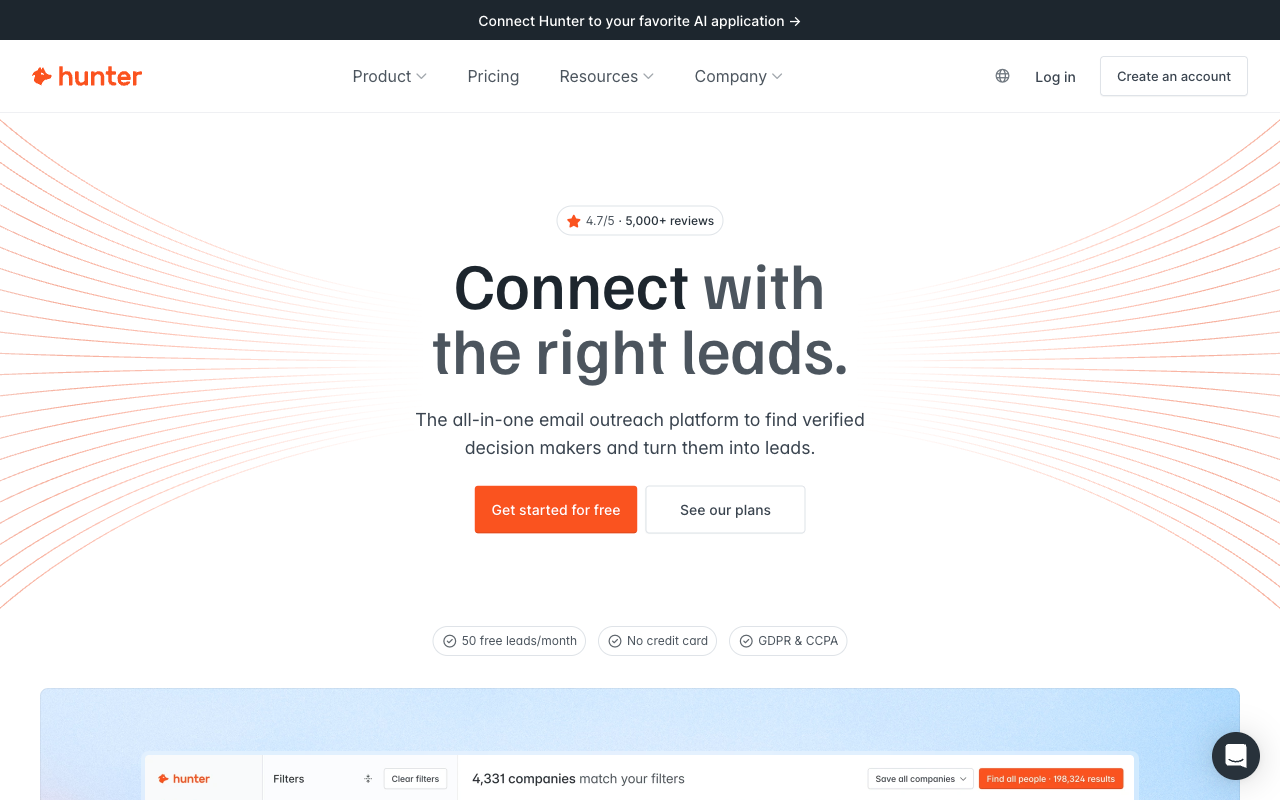 Hunter's homepage. Source: hunter.io, captured 24 September 2026.
Hunter is built around Domain Search. Type a company's domain and you get the addresses Hunter knows at that company. It also has an Email Finder for a name plus company, and an Email Verifier.
- Best for: account-based prospecting, where you start from a company and look for the right people inside it.
- Free tier: 50 credits a month. A found email costs 1 credit and a verification costs 0.5.
- Paid from: Starter at $34/mo billed annually, with 2,000 credits a month, per Hunter's pricing page. That's $17.00 per 1,000 credits, the cheapest per-credit list price among the finders here.
- Where it falls short: its credit list covers emails and verifications only, so you'll need another tool for mobile numbers. And the free tier runs out fast. As one G2 reviewer put it: "It'd be great if the free credits could be more."
Our Hunter.io pricing breakdown walks through every plan.
4. Prospeo
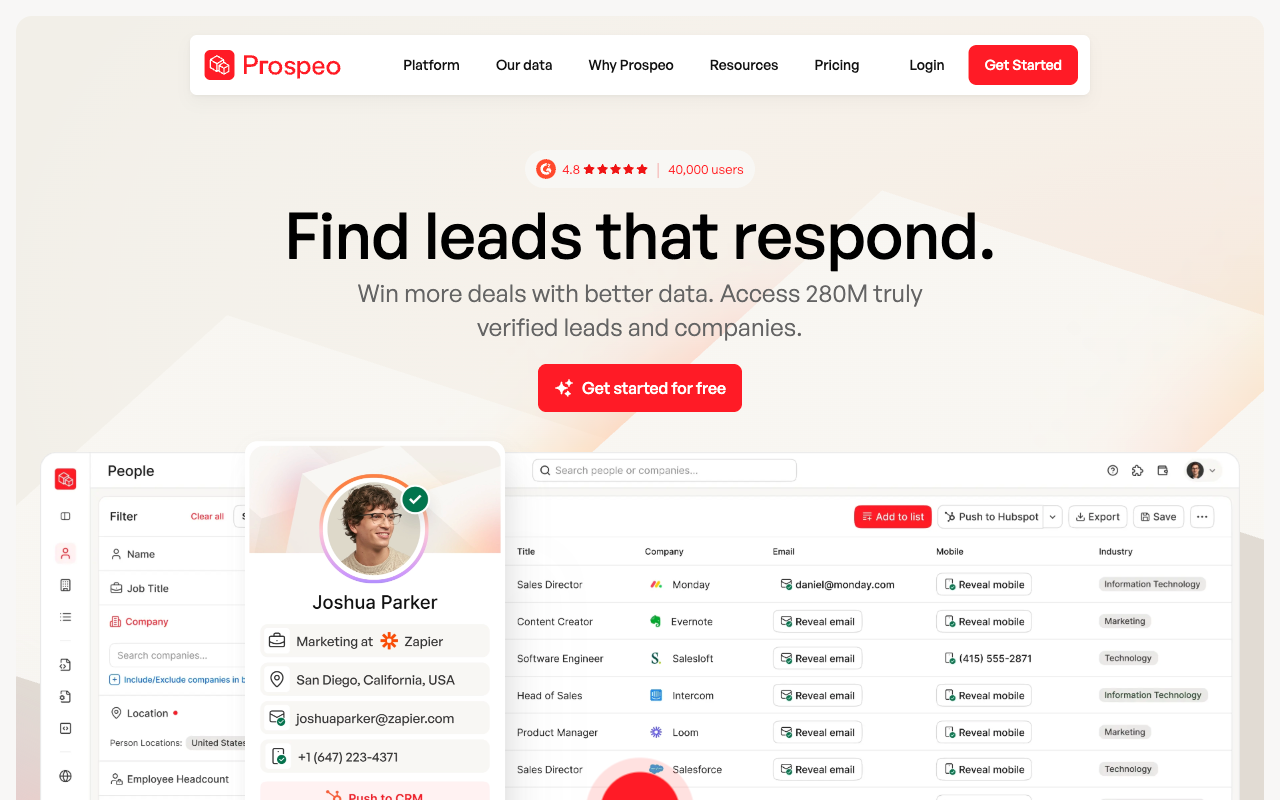 Prospeo's homepage. Source: prospeo.io, captured 24 September 2026.
Prospeo sells verified business emails and direct mobile numbers on a simple credit model. One credit buys one verified business email. A direct mobile costs 10 credits.
- Best for: solo prospectors and small teams who want a generous free tier and cheap paid credits.
- Free tier: 100 credits a month, the largest monthly free allowance among the dedicated finders here, without invite conditions.
- Paid from: Starter at $37/mo billed yearly, or $49 monthly, with 2,000 credits a month, per Prospeo's pricing page. That's $18.50 to $24.50 per 1,000 credits.
- Where it falls short: credits reset on renewal and don't roll over, so a quiet month is money lost. Mobile numbers cost 10 credits each. Run a sample of your own list before you commit to a yearly plan.
More detail in our Prospeo pricing guide.
5. Findymail
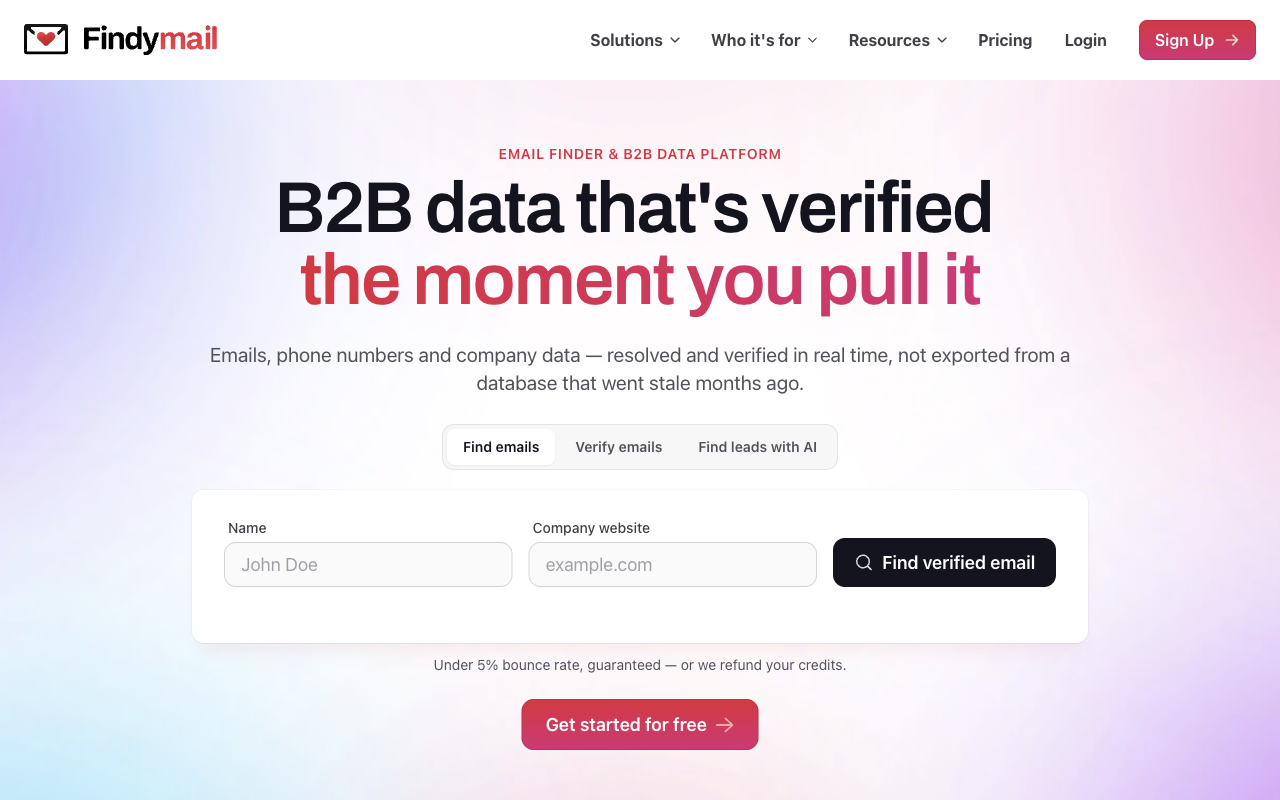 Findymail's homepage. Source: findymail.com, captured 24 September 2026.
Findymail's pitch is simple: "You only pay for verified results. No charge if we can't find it." It also verifies catch-all addresses and offers a "<5% bounce rate" guarantee on its pricing page.
- Best for: teams sending high volumes of cold email who care most about bounces.
- Free tier: 10 credits to test, no credit card. They're one-time.
- Paid from: $99/mo for Starter, with 5,000 finder credits plus 5,000 verifier credits as a bonus. That's $19.80 per 1,000 finder credits. An email costs 1 credit and a phone costs 10.
- Where it falls short: it has the highest entry price of the ten ranked finders. Ten test credits are too few to judge coverage on your market.
6. Snov.io
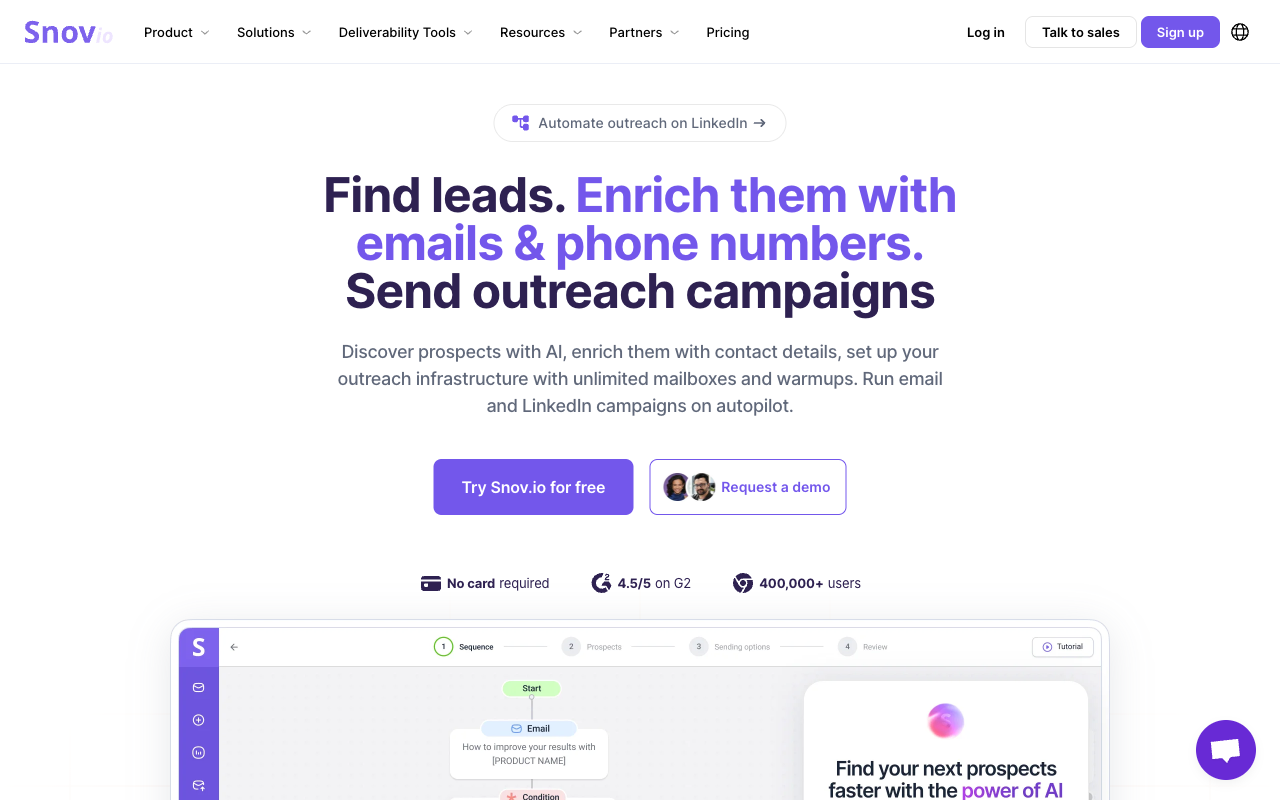 Snov.io's homepage. Source: snov.io, captured 24 September 2026.
Snov.io combines an email finder, a "7-tier Email Verification" process, and outreach sequences. Its database is "reverified monthly", per the vendor.
- Best for: small teams who want finding, verifying, and sending in one low-cost tool.
- Free tier: 50 credits and 100 recipients, renewed every 30 days.
- Paid from: Starter at $39/mo for 1,000 credits and 5,000 recipients, per Snov.io's pricing page. That's $39.00 per 1,000 credits.
- Where it falls short: at list price, it costs more per credit than Hunter ($17.00) or Apollo ($19.60). Credits also go fast once you verify at scale. One G2 reviewer noted that "sometimes the email verification credits run out quickly."
See our Snov.io pricing guide for the plan-by-plan math.
7. Lusha
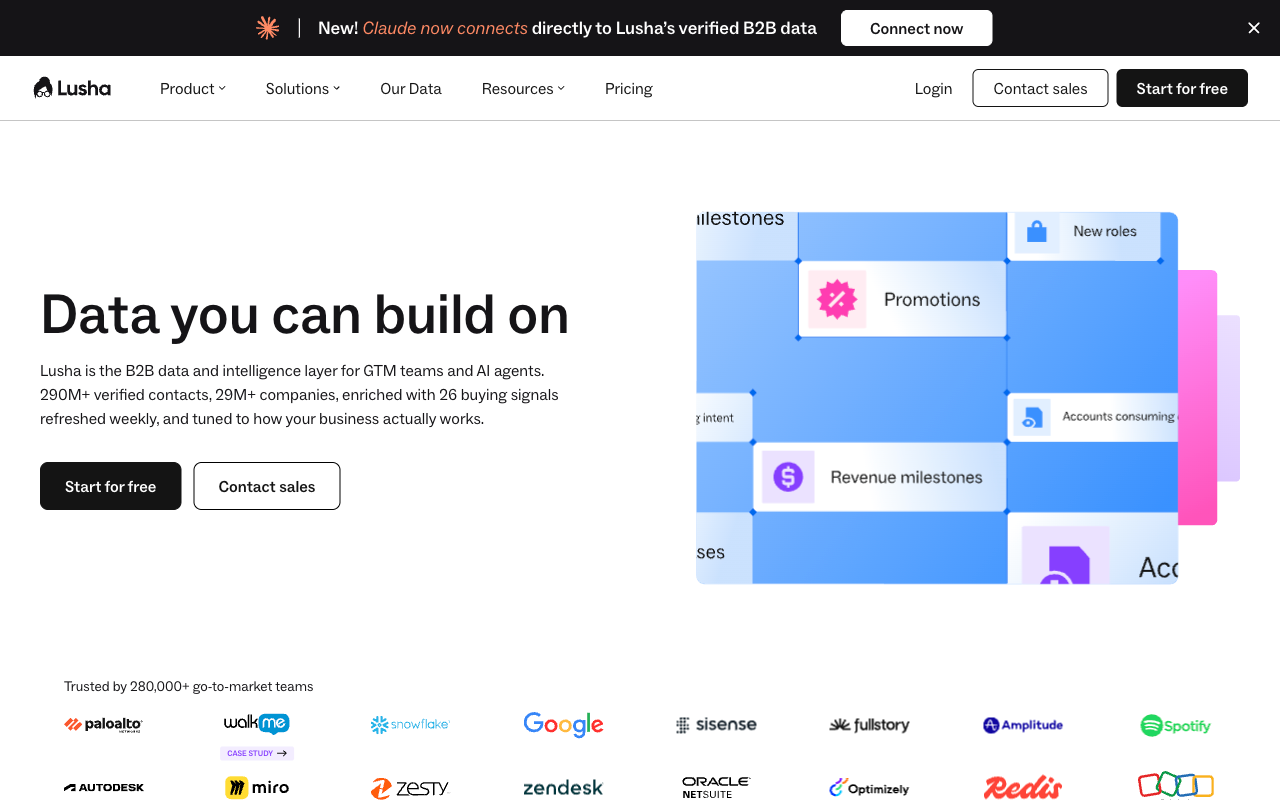 Lusha's homepage. Source: lusha.com, captured 24 September 2026.
Lusha is built for quick lookups. You find a contact, reveal an email or a phone number, and move on. An email costs 1 credit and a phone costs 5. That phone price is where Lusha wins: it's the lowest phone multiplier in this guide.
- Best for: reps who mostly need a phone number for a handful of contacts a week.
- Free tier: up to 40 credits a month.
- Paid from: Starter at $49.90/mo, or $37.45/mo billed annually, with 400 credits a month, per Lusha's pricing page.
- Where it falls short: per email, it's the most expensive plan in the price table below. 1,000 email credits cost $93.63 on annual billing and $124.75 on monthly.
Our Lusha pricing guide covers the higher tiers.
8. Kaspr
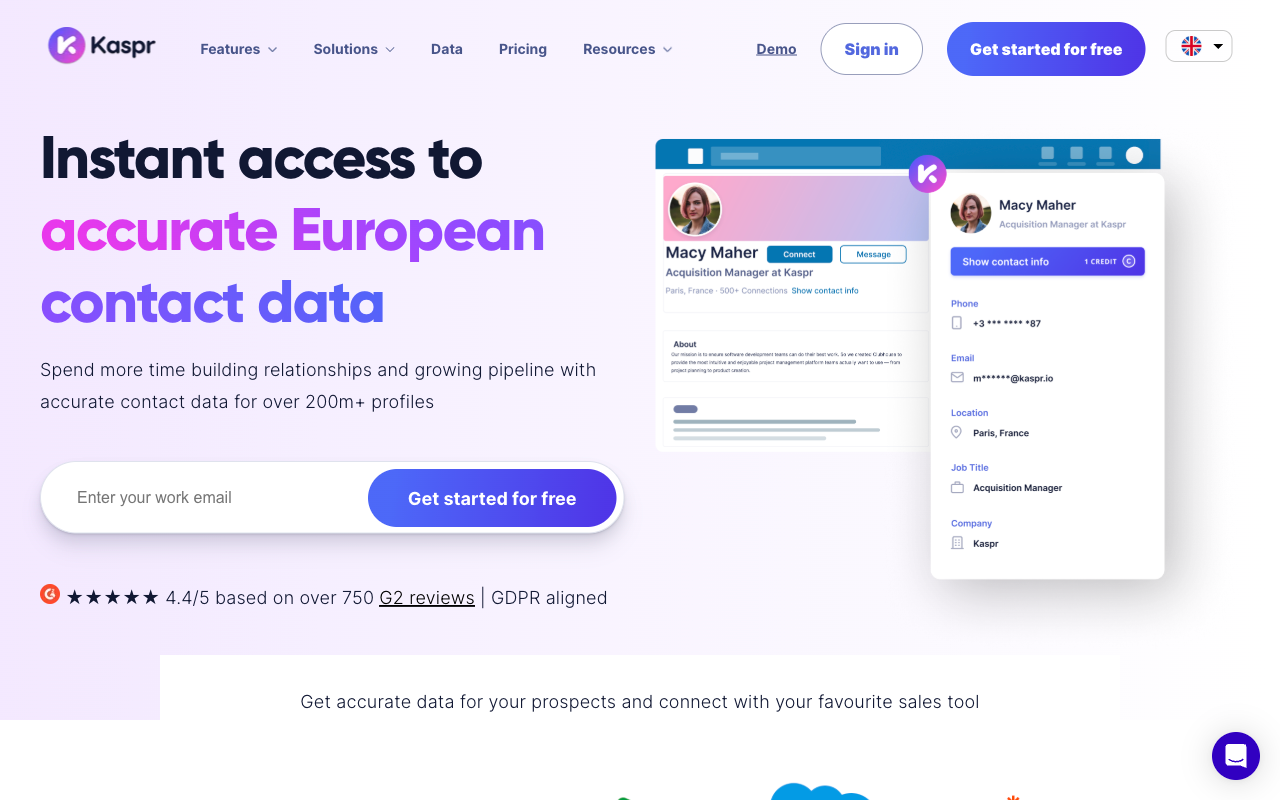 Kaspr's homepage. Source: kaspr.io, captured 24 September 2026.
Kaspr is a LinkedIn-first finder. You open a profile and reveal the contact's details from there.
- Best for: small teams who prospect on LinkedIn and can bring in three colleagues.
- Free tier: 15 B2B email credits, 5 phone credits, and 5 direct email credits a month, per Kaspr's pricing page. B2B emails become unlimited once you invite three colleagues, per Kaspr's help center.
- Paid from: Starter at €45 a month per seat, billed annually.
- Where it falls short: paid plans are priced per seat, so costs grow with headcount. Its data comes through LinkedIn, which bans scraping tools. And in December 2024, France's data regulator fined Kaspr €240,000 over how it collected LinkedIn contact details (see the legal section).
Our Kaspr pricing guide breaks down the paid tiers.
9. Skrapp.io
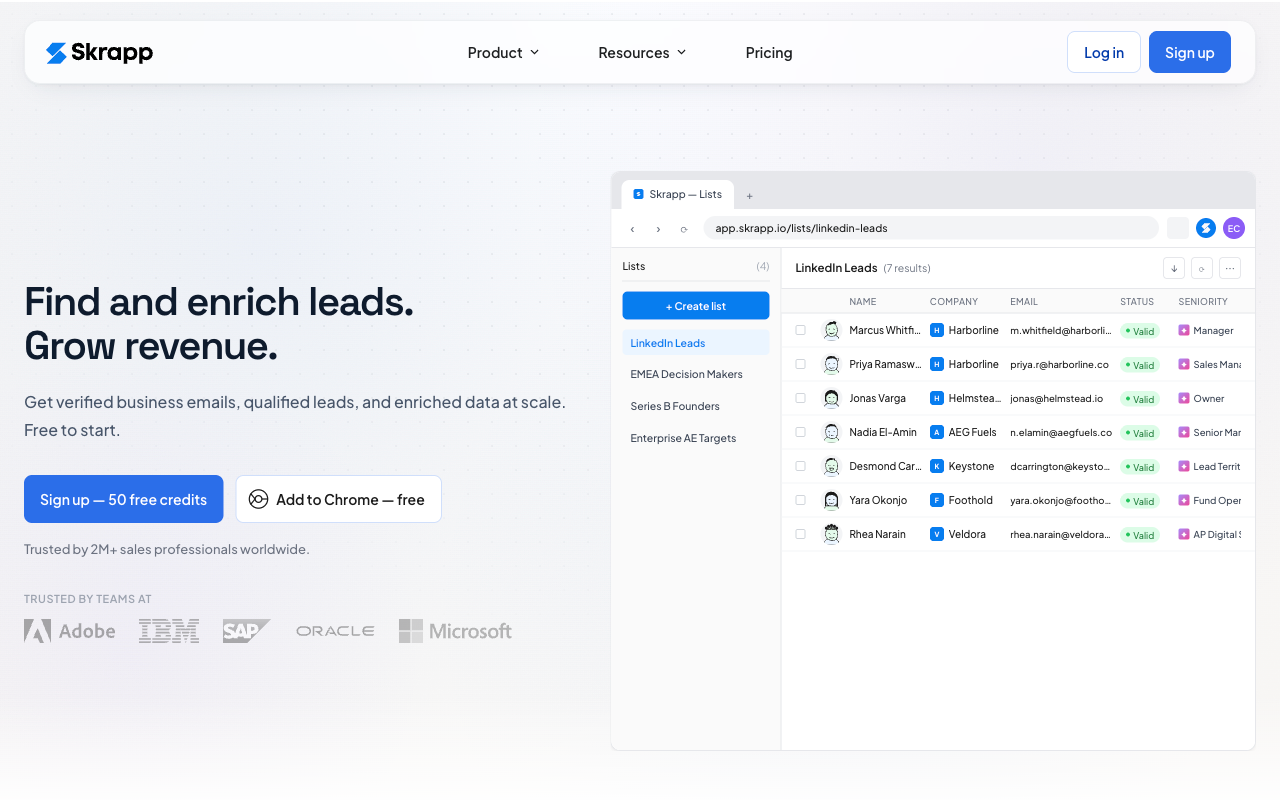 Skrapp.io's homepage. Source: skrapp.io, captured 24 September 2026.
Skrapp.io finds emails from LinkedIn and Sales Navigator. You're charged only when a result comes back Valid or Catch-all.
- Best for: LinkedIn prospectors who want to pay only for Valid or Catch-all results.
- Free tier: 50 credits in total. Skrapp's FAQ says unused credits roll over, but its plan table lists rollover only for paid tiers, so don't count on it for the free plan.
- Paid from: Professional, with 2,000 credits a month. On 24 September 2026, Skrapp's pricing page showed both $29 and "$39/month billed annually" for that plan. The toggle was ambiguous, so confirm the price at checkout.
- Where it falls short: catch-all results cost a credit, and catch-alls are the addresses most likely to bounce. FullEnrich bills catch-alls too, so filter by grade before you send on either tool. The LinkedIn angle carries the same platform risk as Kaspr.
10. Evaboot
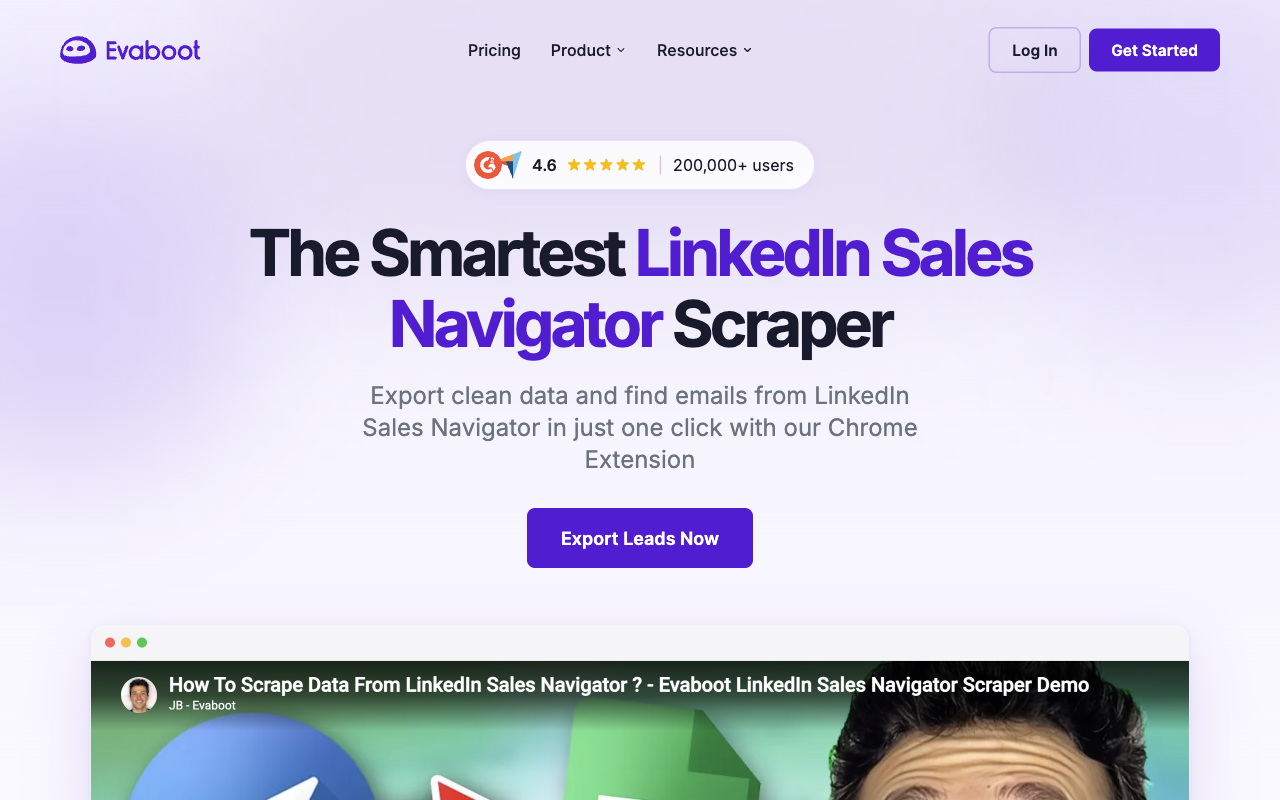 Evaboot's homepage. Source: evaboot.com, captured 24 September 2026.
Evaboot cleans and enriches Sales Navigator exports. You export a lead list through it and get back a tidy file with emails.
- Best for: teams whose whole prospecting motion lives in Sales Navigator.
- Free tier: none. Evaboot's pricing page lists paid plans only.
- Paid from: $9/mo for 100 credits, billed annually. Each lead with an email costs 2 credits, so that's 50 leads with emails.
- Where it falls short: you need an active Sales Navigator seat, which isn't included. And it can't help with contacts you found anywhere else.
Also worth a look
Four more finders fit specific cases.
- GetProspect: 50 valid emails and 100 email verifications free. The $49 monthly plan gives 1,000 valid emails and 2,000 verifications, and you pay only for valid contacts, per GetProspect's pricing page.
- Wiza: 20 valid emails and 5 phone numbers free. Starter costs $49 per month, per user, for 100 emails and 100 phones, per Wiza's pricing page.
- SignalHire: 10 free credits a month once you install the extension. Paid plans start at $57 a month billed annually, per SignalHire's pricing page.
- Clay: a builder for your own waterfall. Its pricing page describes it as a way to "combine multiple data providers for the best coverage." The free plan includes 500 actions a month and 1.2K data credits a year. Launch costs $167/mo, per Clay's pricing page.
Best email scrapers for websites, Google Maps, and social
Harvesters are cheap or free. The catch is that everything they return needs verifying, and most of it is generic inboxes. These four cover pages you're browsing, whole websites, and Google Maps.
11. Email Extractor • Bulk Email Scraper
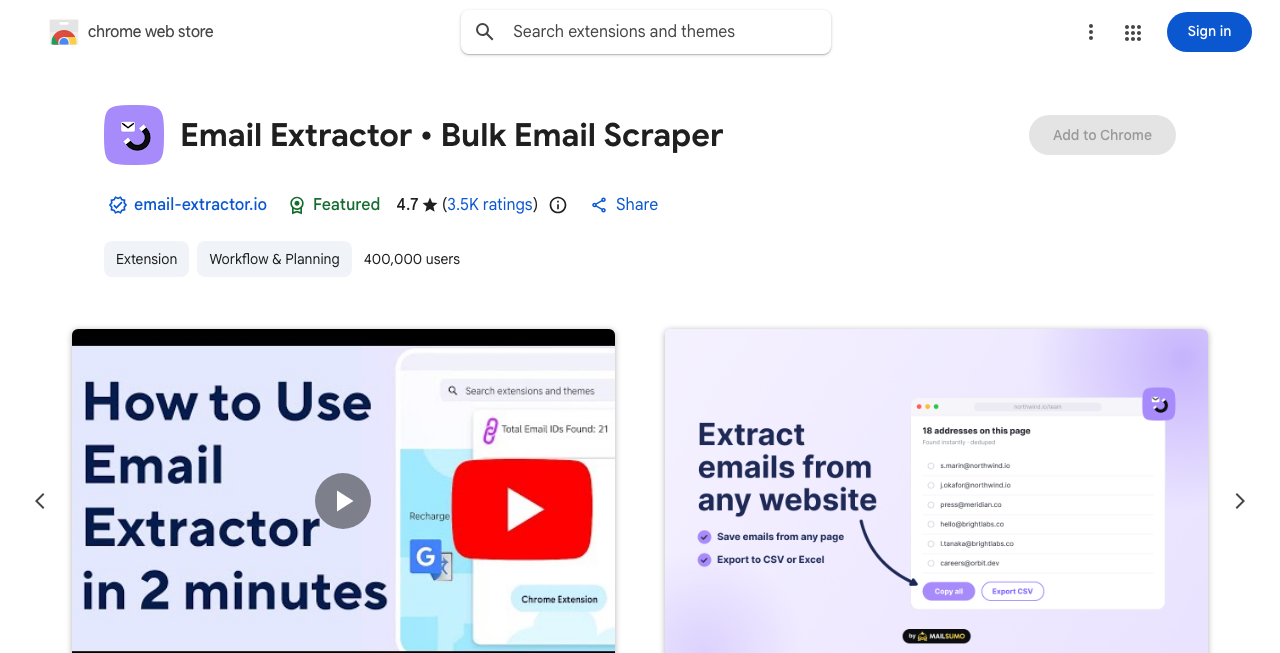 Email Extractor's Chrome Web Store listing. Source: chromewebstore.google.com, captured 24 September 2026.
Email Extractor is a free Chrome extension from Mailsumo.io. It pulls email addresses from the pages you open. The listing shows 400,000 users and a 4.7 out of 5 rating from 3.5K ratings. It says extracted emails "are stored in your local storage", meaning your own browser.
- Best for: quick grabs from a few websites, event pages, or directories you're already browsing.
- Where it falls short: nothing is verified. You'll mostly collect generic inboxes. For hundreds of sites, a cloud crawler is a better fit.
A lighter option is the Email Scraper extension, with 4,000 users and 4.2 stars from 5 ratings. It says your data "stays on your device" and isn't uploaded.
12. Apify Contact Details Scraper
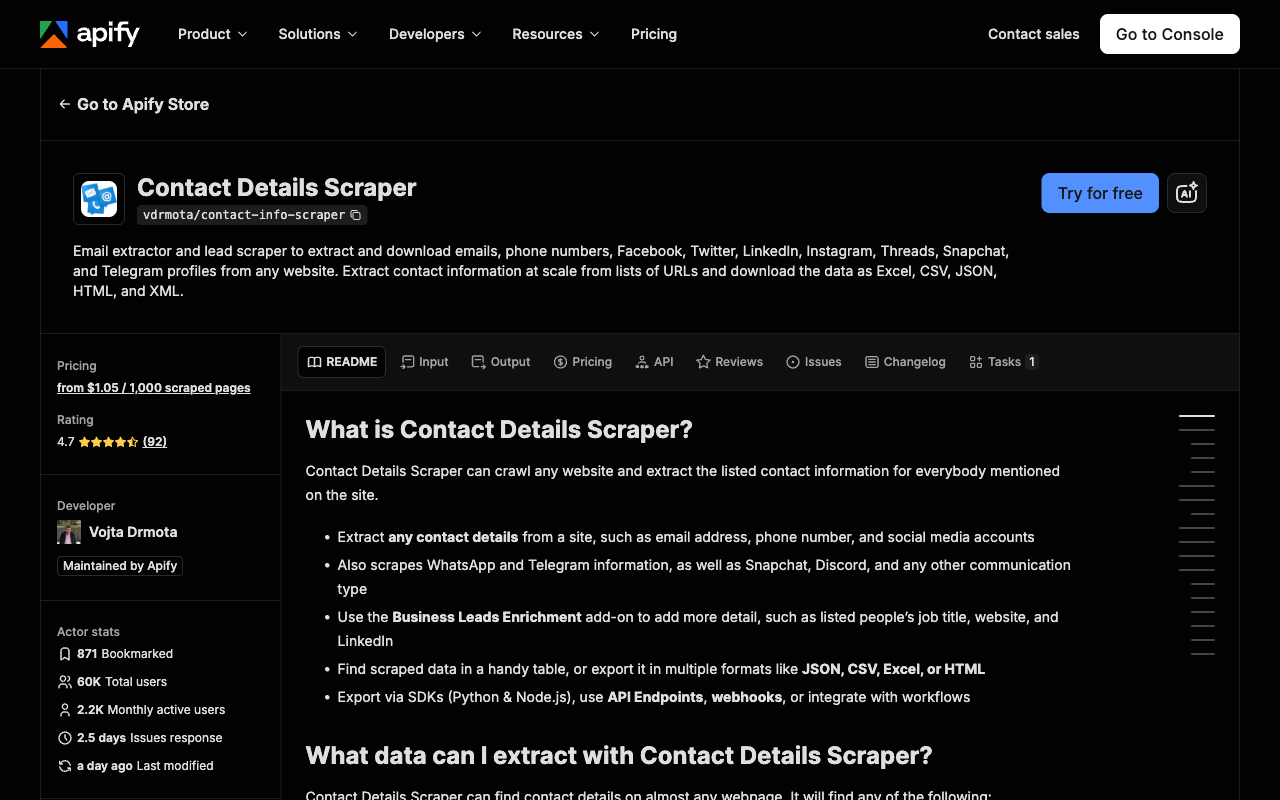 Apify's Contact Details Scraper page. Source: apify.com, captured 24 September 2026.
Apify's Contact Details Scraper is a ready-made cloud tool. You give it a list of websites, and it crawls them for contact details. It runs "from $1.05 / 1,000 scraped pages", and the free plan includes $5 of prepaid credits.
- Best for: crawling hundreds or thousands of company websites without running anything on your own machine.
- Where it falls short: you pay per page, even when a page has no email on it. Setup takes a little more thought than an extension. And the output is unverified.
13. Octoparse
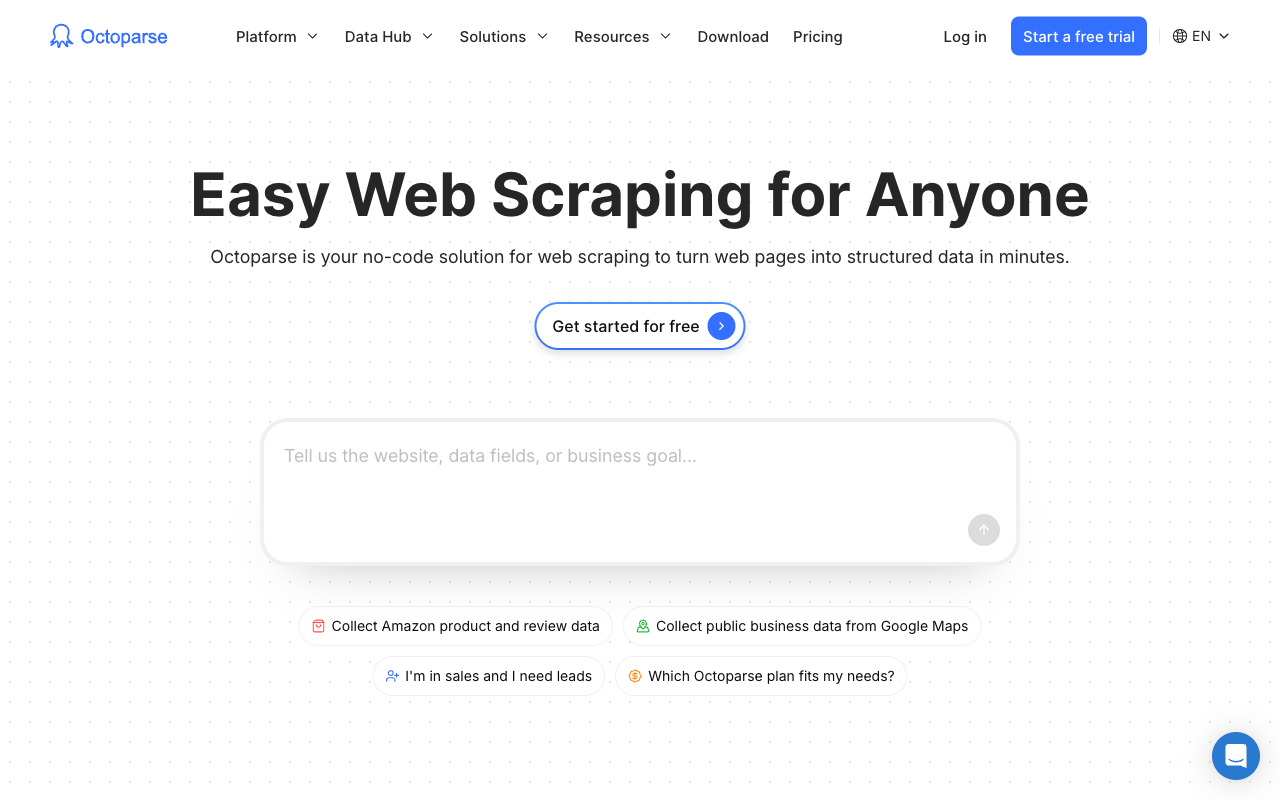 Octoparse's homepage. Source: octoparse.com, captured 24 September 2026.
Octoparse is a no-code scraper with ready-made templates. Its Contact Details Scraper template extracts email addresses, phone numbers, website URLs, and social media links.
- Best for: non-developers who want a visual tool for directories and business listings.
- Free tier: 10 tasks and 2 concurrent runs on your own computer, with up to 50K rows of export a month. No cloud runs.
- Paid from: Standard from $69/mo billed annually, per Octoparse's pricing page.
- Where it falls short: free runs tie up your own machine, and custom sites take some trial and error. The output needs verifying like any harvest.
14. Outscraper
Outscraper is best known for Google Maps data. Its emails scraper looks for contact addresses on business websites. That pairing suits local prospecting: pull businesses from Maps, then find their emails.
I couldn't verify its current prices on 24 September 2026, so I'm not quoting numbers. Check Outscraper's emails scraper page before you commit.
- Best for: local and SMB prospecting built from Google Maps listings.
- Where it falls short: I couldn't confirm how it bills, so set a spending cap before a big run, and verify the output.
Also: PhantomBuster for LinkedIn and social
PhantomBuster runs automations on LinkedIn and other social platforms, including email lookups. The 14-day trial includes 5 automation slots, 2 hours of execution time, and 50 email credits. Exports are limited to 10 rows.
Start costs $56 a month billed annually ($672 a year), with 500 email credits a month, per PhantomBuster's pricing page. Monthly plans start at $59.
One warning applies to every LinkedIn tool here. LinkedIn's User Agreement bans software "such as crawlers, browser plugins and add-ons" used to scrape the service. Break that rule, and it's your account on the line.
Best free email scrapers: what free actually gets you
Free finders give you 10 to 100 lookups a month. Free harvesters are unlimited but unverified.
The chart above ranks free email lookups per month. Prospeo leads with 100, then Apollo at 75, and a cluster of tools at 50. Filled dots renew every month. Hollow dots are one-time signup credits: FullEnrich's 50 and Findymail's 10 are for testing, not for running a free pipeline.
The fine print matters as much as the headline number:
- Rollover: FullEnrich rolls unused paid credits over (3 months on monthly plans, 12 on annual). Prospeo resets them on renewal.
- Team tricks: Kaspr's B2B emails turn unlimited once three colleagues join.
- Verification: Hunter charges 0.5 credit per verification, which shrinks the free tier if you verify everything.
So which free option should you use? Prospeo for the biggest monthly allowance. Kaspr for LinkedIn, if three colleagues join. The Email Extractor extension for websites, with verification done elsewhere.
At 100 a month, free covers a test, not a sales team's pipeline.
What a usable email really costs
A cheap credit is only cheap if the email is real. Price per credit hides two losses: credits spent on addresses that bounce, and contacts the tool never finds.
That second loss has a name worth remembering: the coverage gap. It's the difference between the contacts on your list and the ones you can actually email.
Loss 1: paying for junk
Every data provider returns some bad results. The question is who absorbs them.
FullEnrich says it removes about 30% of raw provider data at verification. On 1,000 raw results, that's about 300 that never reach you or cost a credit. A tool that shows you everything it has passes that risk on to you, as bounces.
Apollo makes a related point. Its waterfall page cites a "45% lower email bounce rate" among beta users of its multi-source waterfall.
Loss 2: contacts you can't reach
The chart above shows what the coverage gap looks like on one list of 1,000 contacts. These are FullEnrich's own figures, not an independent test.
By FullEnrich's figures, an average email find rate of about 80% gives about 800 emails found, graded by status. FullEnrich also claims, in its own product materials, that it finds 30% to 200% more than any single provider. That range depends on geography, seniority level, and list composition.
Work backward, and a single provider lands between 267 and 615 emails found on the same list. The gap is 185 to 533 buyers you can't email. Some of those are deals left on the table.
At FullEnrich's Pro price of $55 per 1,000 credits, those 800 emails cost about $44.00. That's $0.055 per email found, since lookups that return nothing cost nothing.
List price per 1,000 email credits
At list price, other tools win.
Tool | Plan and billing | Per 1,000 email credits |
|---|---|---|
Hunter | Starter, billed annually | $17.00 |
Prospeo | Starter, billed yearly | $18.50 |
Apollo | Basic (billing basis unconfirmed) | $19.60 |
Findymail | Starter, monthly | $19.80 |
Prospeo | Starter, monthly | $24.50 |
Snov.io | Starter | $39.00 |
FullEnrich | 12,000 credits a year, billed annually | $49.00 |
GetProspect | 1,000 valid emails a month | $49.00 |
FullEnrich | Pro, monthly | $55.00 |
Lusha | Starter, billed annually | $93.63 |
Lusha | Starter, monthly | $124.75 |
Hunter, Prospeo, Apollo, Findymail, and Snov.io beat FullEnrich here on either billing basis. Hunter, Prospeo, Findymail, GetProspect, and FullEnrich charge only when they find an email, so for those tools this is close to a per-email comparison. Tools differ on whether catch-alls count. If one database already covers most of your list, that's a real saving. Lusha is the priciest per email in this table.
Phones change the math again. One phone costs 5 credits at Lusha, 8 at Apollo, and 10 at Prospeo, Findymail, and FullEnrich. Budget each phone as 5 to 10 emails.
So how do you compare fairly? Run the same 50 to 100 hard contacts through two tools. Count the verified emails each one returns. Then divide what you spent by that count. That's your real cost per usable email.
How to keep scraped emails from hurting your domain
Verify every address before it enters a sequence. Bounces land on your sending domain, not the tool's.
The three standard checks
- Syntax: is the address correctly formed?
- MX record: does the domain accept email at all?
- SMTP: does the mail server say this mailbox exists?
The weak spot is the catch-all domain. A catch-all server accepts mail for any address, real or not. So the SMTP check can't tell you whether jane@ exists.
Verified has grades
Good tools grade their results instead of saying "valid" or "invalid". FullEnrich's email status docs put DELIVERABLE emails at about a 2% bounce rate. HIGH_PROBABILITY emails, catch-alls that are likely valid, sit at about 9%. Plain catch-alls run higher.
Separately, FullEnrich's product materials say its deeper catch-all check resolves roughly half of catch-all domains to a clear valid or invalid status. Other tools handle this differently. Findymail verifies catch-alls and Snov.io runs a 7-tier check. Skrapp.io and FullEnrich both bill for catch-all results.
The practical rule: send only your top grade to cold sequences. Test lower grades in small batches.
What Google and Yahoo actually require
The big mailbox providers publish their line as a spam rate. Google says to keep spam rates reported in Postmaster Tools below 0.30%. Yahoo says to keep your spam rate below 0.3%.
Both expect SPF or DKIM from every sender. Bulk senders need SPF, DKIM, and DMARC, plus one-click unsubscribe. Yahoo also asks you to honor unsubscribes within 2 days.
Before any send, run the list through a bounce checker and cut anything that doesn't pass.
Is email scraping legal?
Scraping itself isn't banned everywhere. But what you collect, how you store it, and how you email people are all regulated. This isn't legal advice, so check with counsel for your case.
Europe: GDPR
B2B outreach in the EU often relies on legitimate interest under Article 6(1)(f). That only holds if the processing is necessary for a genuine interest and doesn't override the person's rights.
If you didn't get the data from the person directly, Article 14 says you must tell them "at the latest within one month". Fines under Article 83 reach €20 million or 4% of worldwide annual turnover, whichever is higher.
This isn't theory. On 5 December 2024, France's CNIL fined Kaspr €240,000. The regulator found Kaspr had collected contact details that LinkedIn users had expressly chosen to hide. It also flagged a five-year retention period and late transparency. Kaspr's database held about 160 million contacts.
United States: CAN-SPAM
In the US, the FTC says each email that breaks CAN-SPAM can cost up to $53,088. That's per email, not per campaign.
Harvesting matters here specifically. The FTC guide lists "harvesting email addresses or generating them through a dictionary attack" among aggravated violations. The statute is 15 U.S.C. 7704(b)(1).
Platforms: LinkedIn
LinkedIn's User Agreement bans scraping tools, as covered in the PhantomBuster section. The long hiQ v. LinkedIn fight ended in December 2022 with a consent judgment. It included a permanent injunction, data deletion, and a $500,000 judgment in LinkedIn's favor, as reported by Privacy World.
Platform rules can bite even where scraping public data is otherwise allowed.
How to choose the right email scraper
Four questions narrow the list fast.
- Where do your leads come from? Names point to a finder. Websites, Maps, or directories point to a harvester. The picker at the top maps each source to tools.
- How many do you need a month? Under 100 a month, Prospeo's free tier can carry you, and Apollo's covers up to 75. In the thousands, compare paid plans on cost per verified email, not per credit.
- Do you need phone numbers? If yes, check the phone multiplier first. Lusha charges 5 credits per phone, Apollo 8, and Prospeo, Findymail, and FullEnrich 10.
- Where do contacts go next? Apollo and Snov.io include sequencing. FullEnrich pushes to HubSpot and connects through Zapier, Make, n8n, and its API.
If you work from named buyers, here's a simple test. Take the 50 contacts your current tool misses. Run them through FullEnrich's 50 free credits and count the verified emails.
If the gap is small, stay where you are and save the money. If it's big, you've just measured your coverage gap. Plans and credit costs are on the FullEnrich pricing page, and you can start with 50 free credits without a credit card.
Frequently asked questions
What is the best free email scraper?
It depends on the job. For finding named B2B contacts, Prospeo gives the most free lookups, with 100 credits a month. Apollo is a strong free all-in-one option, at 900 credits a year plus outreach tools. For pulling emails off websites, the free Email Extractor Chrome extension has 400,000 users. Whatever you pick, verify results before you send.
Is email harvesting illegal?
Not automatically, but it's risky. In the US, the FTC lists harvesting email addresses as an aggravated CAN-SPAM violation, with penalties up to $53,088 per email. In the EU, GDPR applies to scraped personal data, and France's CNIL fined Kaspr €240,000 in 2024. Platforms like LinkedIn also ban scraping in their terms. How you collect and use the data decides your exposure.
How do I scrape emails from a website?
For a few pages, install a Chrome extension like Email Extractor, open each page, and export what it finds. For many sites, use a cloud crawler like Apify's Contact Details Scraper or an Octoparse template. Give it a list of URLs and let it crawl. Then run everything through an email verifier, because harvested addresses are unverified and often generic inboxes.
Can AI scrape emails?
Yes. AI agents can call email finders and scrapers through APIs or MCP servers, and fill a sheet with contacts on their own. The agent doesn't change the rules, though. Results still need verification before any send. GDPR, CAN-SPAM, and platform terms like LinkedIn's still apply to whoever sends the emails. An agent just runs the same tools faster.
What's the difference between an email finder and an email scraper?
An email scraper, or harvester, reads web pages and returns every address it sees. You don't choose the people. An email finder starts from a person you name, plus their company or LinkedIn URL. It returns that person's work email, usually with a verification status. Harvesters suit websites and maps. Finders suit named B2B prospects.
Method: G2 quotes come from reviews published May to September 2026 and pulled on 24 September 2026, with vendor-submitted reviews excluded. Prices and free tiers come from each vendor's pricing page on 24 September 2026, except Outscraper (see its section).