
ContactOut remains a highly effective tool for recruiters and sales reps who live on LinkedIn. As a lightweight Chrome extension, its ability to quickly scrape profiles for hidden emails makes it a fantastic, affordable choice for one-off prospecting.
However, as outbound operations scale, the limitations of relying on a single-source database become apparent. Because it pulls from a static dataset, high-volume users inevitably encounter data decay, leading to frustrating email bounce rates. Furthermore, without native CRM hygiene features, reps often waste hours manually formatting CSV exports.
To protect domain reputation and automate workflows, growing teams are upgrading to integrated data infrastructure. Today’s top-tier alternatives solve these scaling issues by offering:
- Multi-vendor waterfall enrichment: Cross-referencing dozens of databases instantly to maximize match rates.
- Real-time SMTP pinging: Validating risky "catch-all" domains before you hit send.
- Automated CRM hygiene: Cleaning data formatting before it enters your pipeline.
Whether you need legally compliant direct dials or automated Sales Navigator exports, here are the 10 best ContactOut alternatives to capture verified, routing-ready data in 2026.
Top 10 ContactOut Alternatives in 2026
This table provides a quick overview of how each alternative compares to the industry standard. Whether you prioritize low-cost entry points or the absolute highest match rates, these metrics will help you find the right fit for your team's workflow.
Tools | Best For | Starting Price | Free Trial | Data Accuracy | G2 Rating |
|---|---|---|---|---|---|
FullEnrich | Max match rates via 20+ source waterfall | $29/mo | Yes (50 Leads) | 95%+ (Triple-verified) | 4.8/5 |
GetProspect | Lead management and list building | $49/mo | Yes (50 Emails) | 90-95% | 4.0/5 |
Dropcontact | Automated CRM cleaning & hygiene | €29/mo | Yes (Free test) | 95% (Real-time) | 4.6/5 |
Wiza | Bulk Sales Navigator exports | $49/mo | Yes (20 Credits) | 97%+ | 4.5/5 |
BetterContact | Affordable waterfall enrichment | $15/mo | Yes (50 Credits) | 90-95% | 4.8/5 |
Nymeria | Recruiters needing personal/social data | $39/mo | Yes (5 credits/mo) | 90%+ | 4.7/5 |
Evaboot | Cleaning & scraping Sales Navigator | $9/mo | Yes (Free test) | 95%+ | 4.6/5 |
Prospeo.io | Verifying difficult "catch-all" emails | $49/mo | Yes (100 Credits) | 98% | 4.5/5 |
SignalHire | Finding direct mobile numbers & social | $69/mo | Yes (5 or 10 Credits) | 90-95% | 4.4/5 |
RocketReach | Global executive & C-suite data | $49/mo | Yes (5 Credits) | 90-95% | 4.5/5 |
1. FullEnrich
Best For:Recruiters and sales teams who need to find the phone numbers and personal emails that single-source databases miss.
Standout Features: 20+ Source Waterfall Enrichment, Triple-Verification, and Unlimited Seats.
Pricing: Starts at $29/month.
Ease of Use:Beginner to Intermediate.
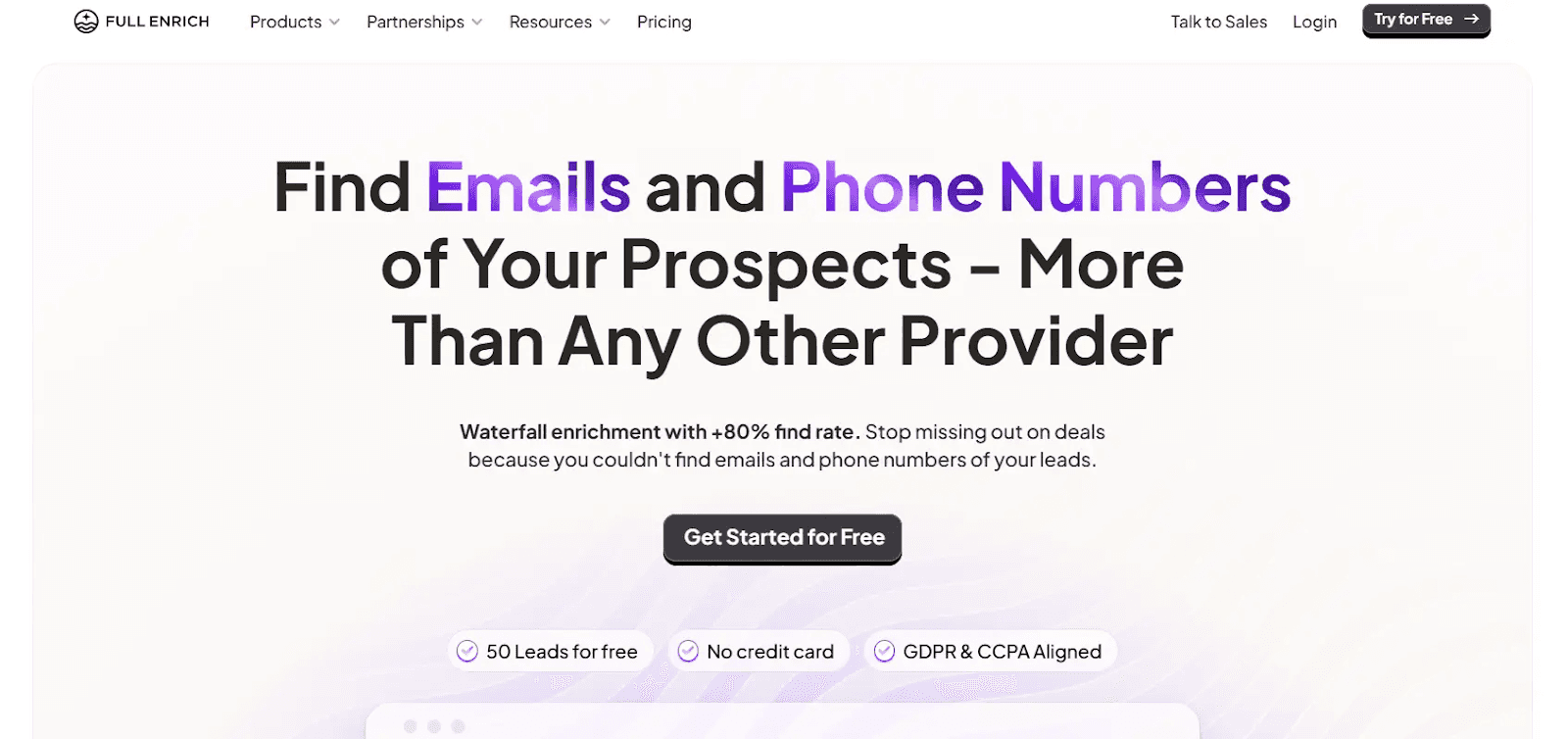
FullEnrich is the ultimate "safety net" for your prospecting. While ContactOut relies on its own static database, FullEnrich uses a Waterfall Enrichment engine. Instead of checking a single list, it automatically pings over 20 data providers in a row until it finds a verified mobile number or email address.
This tool is built for sales teams that are tired of jumping between platforms just to find a single contact's information. It handles all cross-referencing in the background, making it particularly effective for finding personal email addresses and direct mobile numbers that recruiters rely on. Plus, you aren't paying a "user tax"; your whole team can share a single plan without additional seat costs.
Why is FullEnrich a Great Alternative to ContactOut?
ContactOut is a solid tool, but it is still just a single database. If their specific record is outdated, you hit a dead end. FullEnrich serves as a strong layer. It combines 20+ data providers into a single dashboard. This makes your “find rate” significantly higher because now you aren’t relying on a single database.
Core Features
These attributes are designed to ensure your sales team spends more time talking to prospects and less time cleaning lists or dealing with dead ends.
- Waterfall Search: Sequentially checks 20+ sources for a single lead to find what others miss.
- Triple-Verification: Every email is checked three times to keep your bounce rate under 1%.
- Unlimited Seats: Add your entire SDR and AE team to a single plan without per-user fees.
- Credit Rollover: Unused credits stay active for 3 months, so your budget isn't "use it or lose it."
Pricing Plans
FullEnrich offers a transparent, credit-based model that prioritizes team collaboration over individual licensing fees. The Start Plan starts at $29/month with 500 credits, while the Pro Plan starts at $55/month with 1,000 credits. For high-volume teams, the Scale Plan at $500/month provides a custom number of credits and API access.
Pros:
- Drastically higher match rates than single-source tools.
- No additional cost to add more team members.
- Triple-verification protects your email deliverability.
Cons:
- No built-in email sequencer (best used alongside tools like Instantly).
- No LinkedIn Chrome extension.
2. GetProspect
Best For: SDRs who need a robust lead management system alongside their email finding tool.
Standout Features: Bulk Email Finder, Built-in CRM, and Email Verifier.
Pricing: Starts at $49/month.
Ease of Use: Beginner.
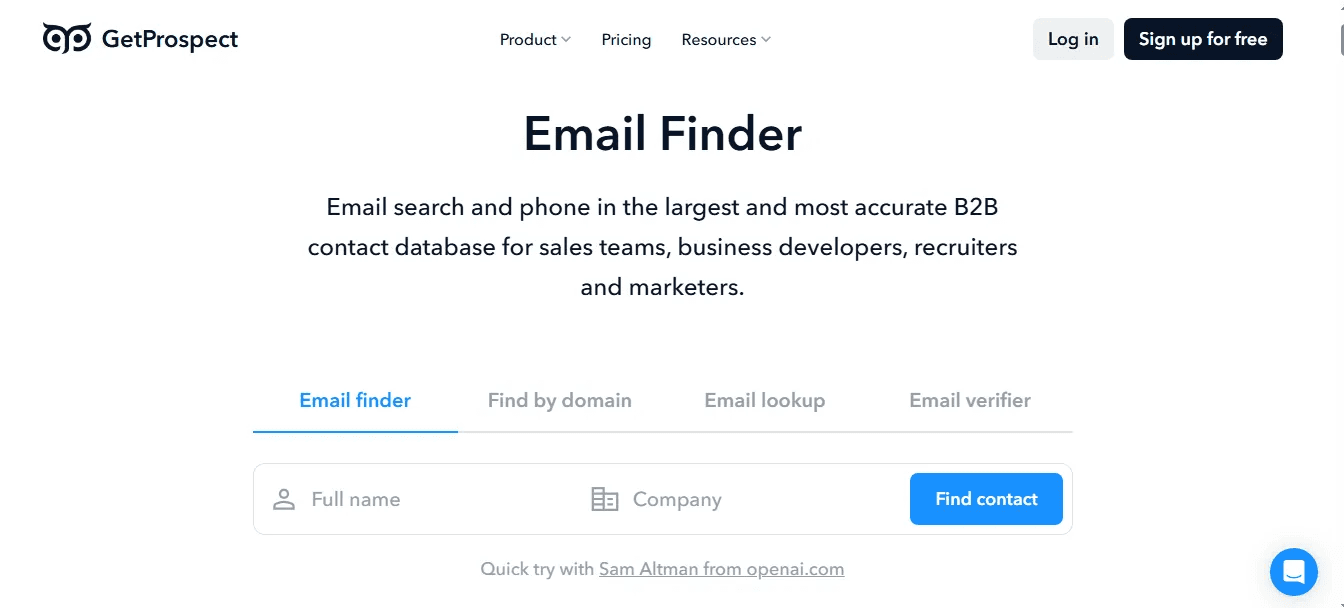
GetProspect is a versatile alternative that focuses heavily on the "list building" aspect of sales. It features a powerful Chrome extension for LinkedIn and a centralized dashboard to store and organize your prospects. This makes it more than just a lookup tool; it serves as a lightweight CRM for teams that aren't ready for a full-featured system like Salesforce.
The platform is designed to handle volume. If you need to search entire LinkedIn pages or upload a CSV to find thousands of emails at once, GetProspect’s bulk features make that process smooth. It’s a great bridge for sales reps who want to stay organized without exporting data every five minutes.
Core Features
Beyond simple contact lookups, these tools allow you to prioritize your outreach based on what is actually happening at your target accounts.
- Bulk Email Finder: Upload lists or search entire LinkedIn pages to find verified emails in seconds.
- Built-in CRM: Manage your found leads, group them into lists, and track status within the platform.
- Advanced Search Filters: Search their internal database of 200M+ contacts using 15+ specific filters.
Pricing Plans
GetProspect offers a tiered model that allows for both free testing and high-volume professional use. The Free Plan includes 50 valid email addresses per month. The Starter Plan is $49/month for 1,000 valid emails. The Growth Plan starts at $99/month for 5,000 valid emails.
Pros:
- Built-in CRM features keep your prospecting organized.
- Excellent bulk processing capabilities.
- Very intuitive user interface for beginners.
Cons:
- Phone data is not as deep as other specialized tools.
- Database accuracy can vary by industry.
3. Dropcontact
Best For: Sales Ops teams who want to automate CRM cleaning and enrichment without a static database.
Standout Features: Algorithm-Based Sourcing and CRM Auto-Enrichment.
Pricing: Starts at €29/month.
Ease of Use: Intermediate.
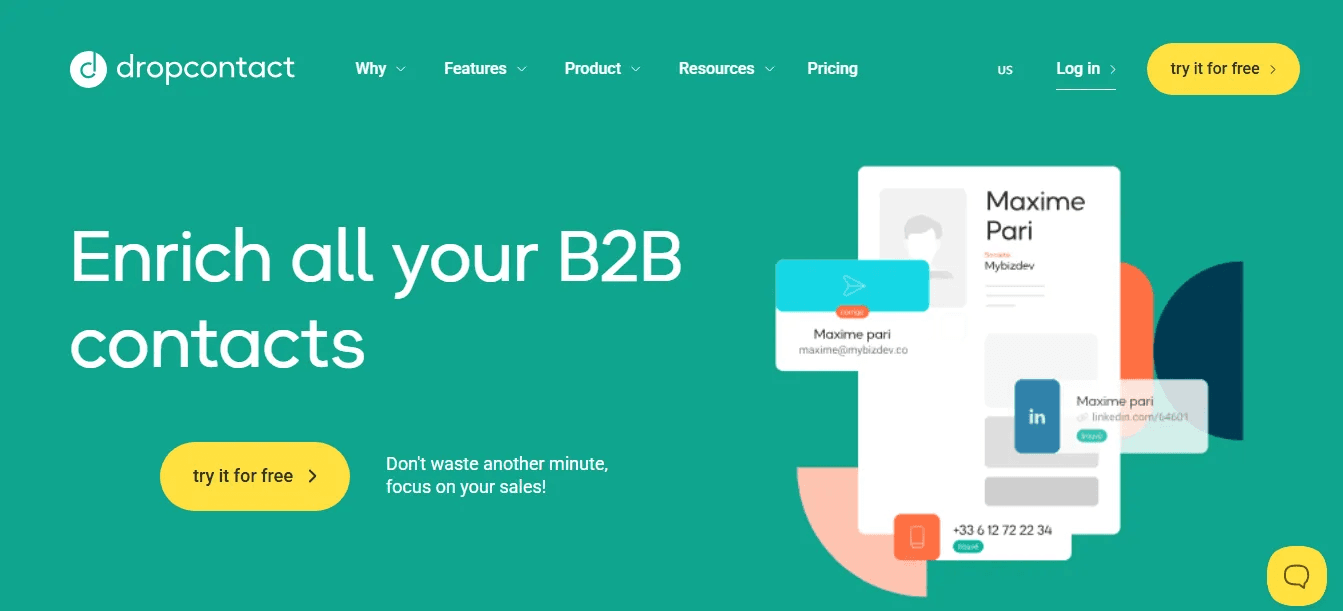
Dropcontact takes a completely different approach to data. Instead of maintaining a static database, which can become outdated the moment it's scraped, Dropcontact uses proprietary algorithms to find and verify email addresses in real-time. All emails processed by these algorithms are 98% to 99% valid, even for difficult "catch-all" domains.
It is particularly powerful for its CRM integration. You can connect it directly to HubSpot, Pipedrive, or Salesforce (and soon Zoho), and it works in the background to automatically fix typos, add missing LinkedIn profiles, and merge duplicate records. It’s the "set it and forget it" tool for teams that prioritize CRM hygiene and want to ensure their data never becomes obsolete.
Who should choose Dropcontact?
Choose Dropcontact if your primary goal is maintaining a clean, enriched CRM without the risk of GDPR non-compliance. Because it does not store a personal contact database, it is considered the most secure choice for European-based companies or those with strict data protection standards.
Core Features
These attributes turn raw company data into actionable sales triggers that help you time your outreach perfectly.
- Algorithm-Based Sourcing: Finds and verifies business emails in real-time without storing a database, ensuring 99% validity.
- Advanced Smart Merge: Automatically detects and intelligently merges duplicate leads and companies even when they have no fields in common.
- Company Change Detection: Automatically detects when one of your contacts changes companies and enriches their record with their new job, business email, and phone number.
- Compliant Mobile Numbers: Sourced from signature extraction within internal email flows to provide verified business mobile data.
Pricing Plans
Dropcontact pricing is based on the volume of records you need to enrich or search. The Individual Plan starts at €29/month. For teams, the Growth Plan is €149/month. They also offer CRM Integration pricing based on your database size, typically starting at around €30/month.
Pros and Cons
Pros:
- 100% GDPR compliant because they don't store personal contact databases.
- Best-in-class for CRM automation and automatic data cleaning.
- Real-time validation prevents outdated data and keeps bounce rates near zero.
Cons:
- Variable data accuracy and reliability in certain markets
- Performance lag due to real-time verification
4. Wiza
Best For: Sales teams that heavily rely on LinkedIn Sales Navigator for bulk prospecting and list building.
Standout Features: LinkedIn Sales Navigator Integration and Real-Time Verification.
Pricing: Starts at $49/month.
Ease of Use: Beginner.
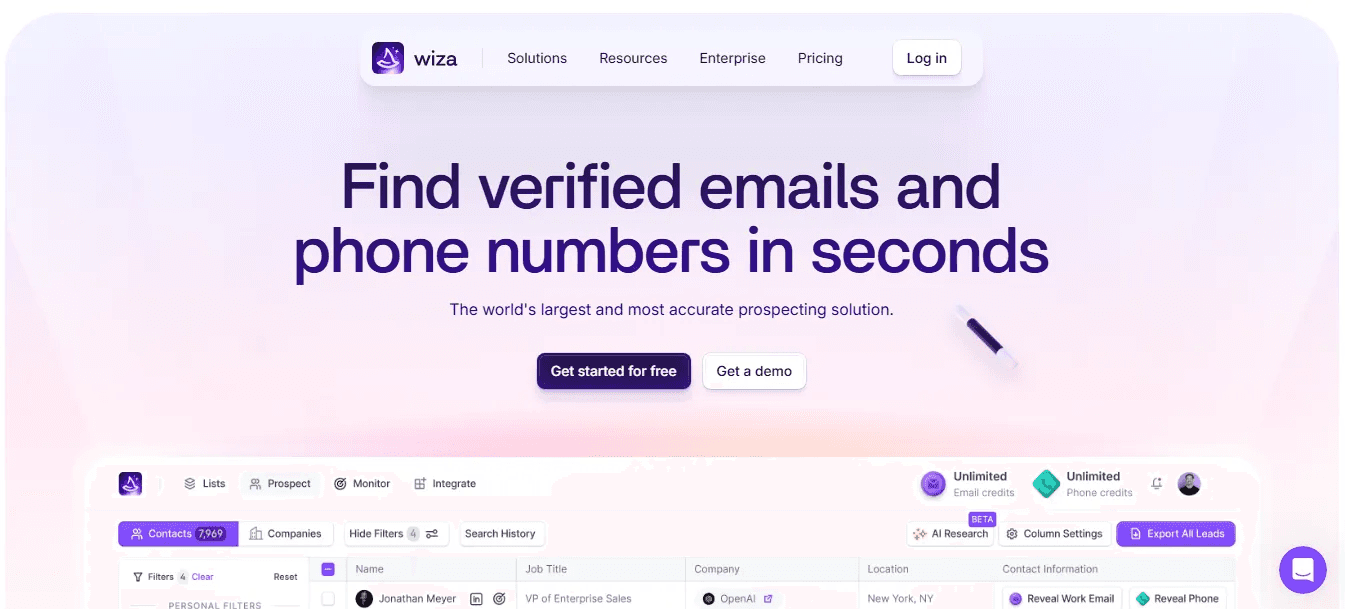
Wiza is the premier choice for anyone using LinkedIn Sales Navigator. While ContactOut is great for one-by-one lookups, Wiza is designed to turn an entire Sales Navigator search into a clean, verified lead list in minutes. It acts as a bridge between LinkedIn's professional database and your outreach tools, automating the extraction and verification process so you don't have to manually unmask every profile.
The tool is particularly valuable for its real-time verification. Instead of pulling from an old database, Wiza verifies every email during extraction. This ensures the lists you build are "ready to send," with no further cleaning required. It’s a specialized tool that does one thing incredibly well: converting LinkedIn searches into actionable data.
Core Features
Beyond simple contact lookups, these tools allow you to prioritize your outreach based on what is actually happening at your target accounts.
- LinkedIn Sales Navigator Integration: Extract up to 2,500 leads from a single search in one click.
- Real-Time Verification: Every email is verified during the export process to ensure 99% accuracy.
- Bulk Export: Smoothly move your found leads directly into a CSV or your CRM (Salesforce, HubSpot, Pipedrive).
- Wiza Monitor: Automatically tracks job changes for your decision-makers and key contacts in real-time.
Pricing Plans
The Starter Plan starts at $49/month with 100 email and phone credits, providing a low entry point for casual prospectors. For more active users, the Email Plan is priced at $99/month for 500 email credits, while the Email + Phone Plan costs $199/month for 500 credits of each type. For high-volume teams, the Unlimited Plan is available at $399/month.
Pros:
- Best-in-class integration with LinkedIn Sales Navigator.
- Real-time verification drastically reduces bounce rates.
- Very fast bulk processing for large lead lists.
Cons:
- Requires a LinkedIn Sales Navigator subscription to unlock full potential.
- The platform may feel technically and functionally rigid
- Credits do not roll over on most monthly plans.
What Users Say:
"Wiza saved us days of manual scraping. We can export a whole search from Sales Navigator and know the emails are 100% valid."
G2 Rating: ⭐⭐⭐⭐⭐ 4.5 / 5
5. BetterContact
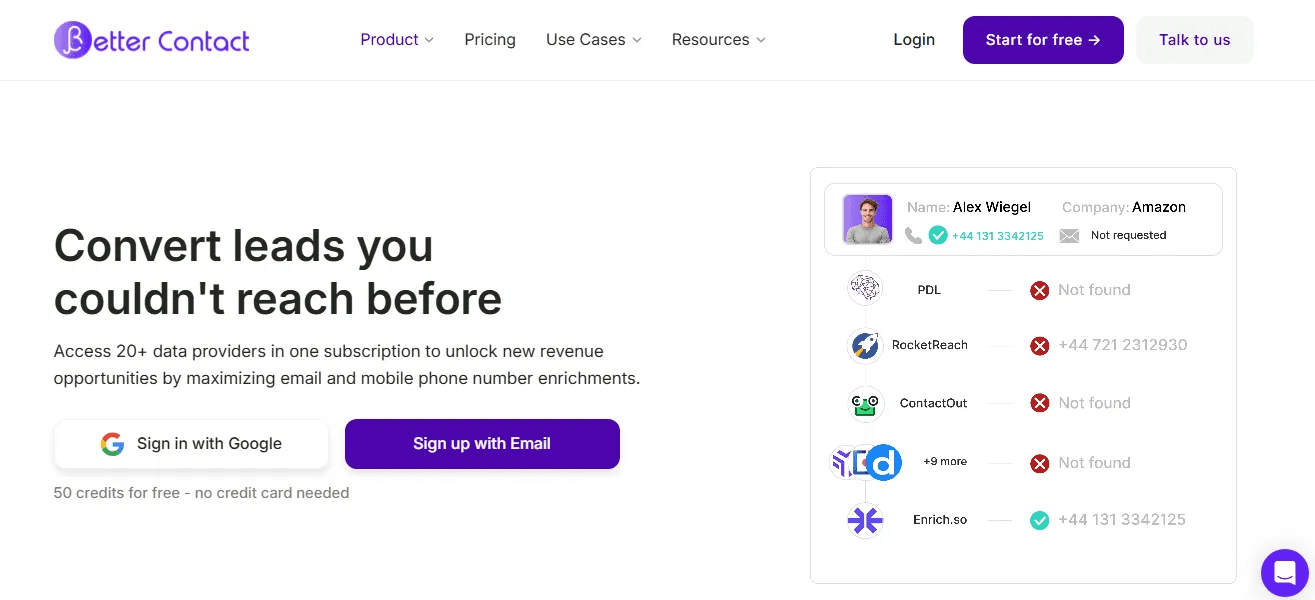
Best For: Sales teams that want "waterfall" accuracy for both emails and mobile numbers at a fraction of the cost.
Standout Features: Real-Time Catch-all Validation and Transparent Credit System.
Pricing: Starts at $15/month.
Ease of Use: Beginner.
BetterContact is a high-efficiency alternative that uses a "waterfall" method to find contact data. Similar to FullEnrich, it doesn't just check one database; it queries over 20 providers sequentially. It stops only when it finds a verified result, ensuring you achieve a significantly higher match rate than with ContactOut alone.
What makes BetterContact unique is its "Pay-per-result" philosophy. They only charge you for valid data, meaning if they find a "catch-all" email that might bounce, you aren't charged a credit.
Core Features
These attributes turn raw company data into actionable sales triggers that help you time your outreach perfectly.
- 20+ Data Source Waterfall: Queries multiple premium databases until a verified contact is found.
- Real-Time Validation: Every email and phone number is scored through 4 verification layers.
- Credit Roll-Over: Unused credits carry over to the next month.
Pricing Plans
BetterContact is known for its highly affordable entry point and transparent billing model. The Starter Plan is only $15/month and provides 200 emails or 20 phone numbers, making it ideal for solo entrepreneurs. The Pro Plan is $49/month for 1,000 emails or 100 phone numbers, while the Enterprise Plan starts at $799/month for large-scale operations.
Pros:
- Exceptionally high match rates due to the multi-source waterfall.
- Very affordable entry point for small businesses.
- You only pay for truly valid data.
Cons:
- A limited free trial (50 credits) may be too small for in-depth testing.
- Dependency on external providers can occasionally lead to slower search times.
6. Nymeria
Best For: Recruiters and high-volume prospectors who need accurate personal emails and direct phone numbers across multiple browsers.
Standout Features: Social Profile Enrichment and Automated Monitoring.
Pricing: Starts at $39/month.
Ease of Use: Intermediate.
Nymeria is a precision-focused tool that excels at finding the "hard-to-find" personal contact info that recruiters live for. It works across Chrome, Edge, and Firefox, allowing you to pull emails, phone numbers, and social links directly from LinkedIn, GitHub, and other professional networks. It’s designed for teams that need to go beyond the corporate switchboard and reach prospects where they are most responsive.
The platform also includes a unique "placement monitoring" feature. This alerts you when a high-value prospect changes jobs, giving you the perfect "trigger" to reach out before your competitors do. It’s not just a lookup tool; it’s a relationship-monitoring system that keeps your CRM up to date and your outreach timely.
Core Features
These attributes are designed to ensure your sales team spends more time talking to prospects and less time cleaning lists or dealing with dead ends.
- Browser Agnostic: Full functionality on Chrome, Edge, and Firefox for flexible workflows.
- Social Enrichment: Automatically finds GitHub, Twitter, and other social links for every profile.
- Automated Placement Alerts: Get notified the moment a key lead updates their job status.
Pricing Plans
Nymeria offers simple, straightforward plans based on request volume. The Nano Plan is $39/month and provides 100 credits. Then comes the Micro Plan, which is available at $79/month for 300 credits. The Kilo Plan, which is most popular, is priced at $159/month for larger teams with high-volume requirements who need consistent, reliable access to personal contact details.
Pros:
- Excellent for recruiters needing personal email and social data.
- Job change alerts provide high-value outreach triggers.
- Works across multiple browsers and platforms.
Cons:
- Data accuracy can vary by industry.
- Customer support response times can be slower than those of enterprise competitors.
What Users Say:
"Nymeria is our go-to for finding engineers on GitHub and LinkedIn. The social links and personal emails are much more accurate than other extensions we've tried."
G2 Rating: ⭐⭐⭐⭐⭐ 4.7 / 5
7. Evaboot
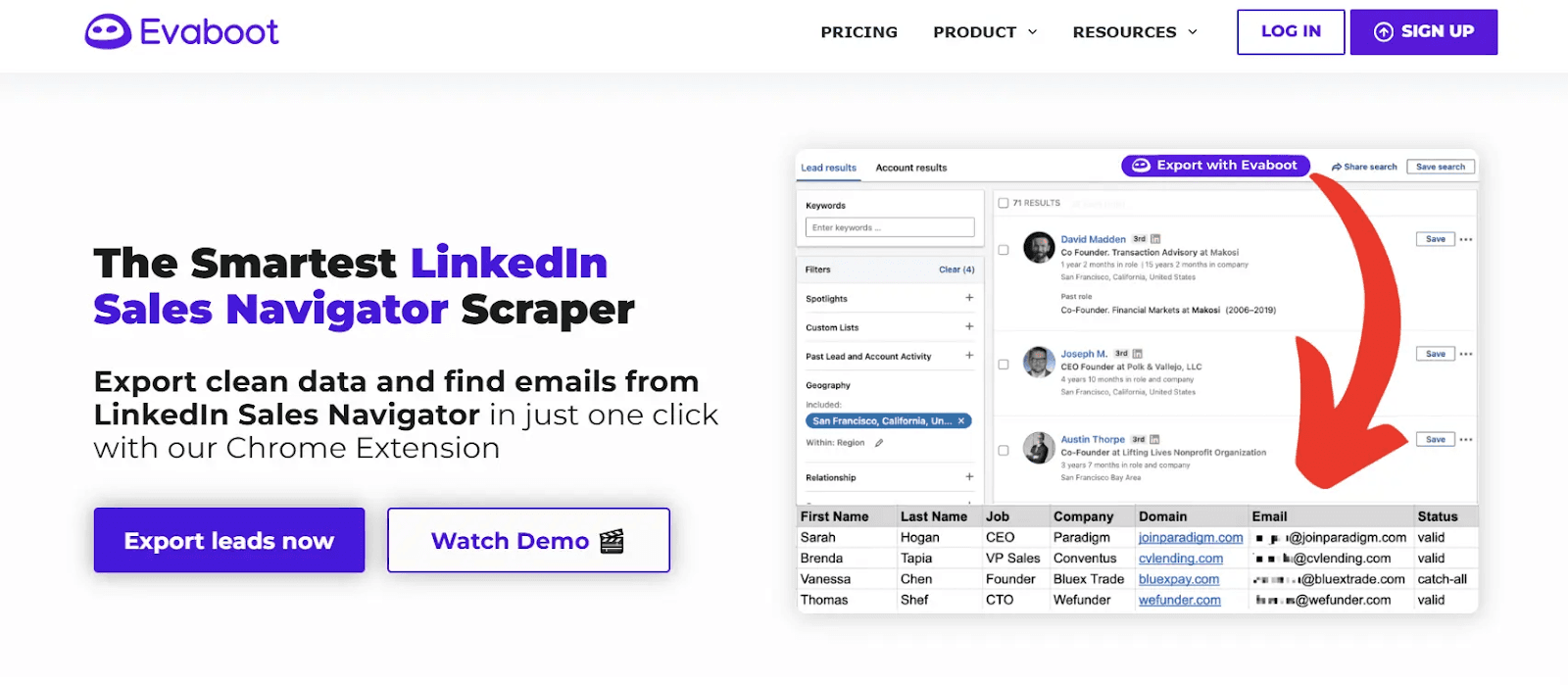
Best For: Sales Navigator users who need to scrape, clean, and verify large lead lists without the manual headache of fixing "messy" LinkedIn data.
Standout Features: Automatic Lead Cleaning and Sales Navigator Scraper.
Pricing: Starts at $9/month.
Ease of Use: Beginner.
Evaboot is more than just a data finder; it’s a data architect. While ContactOut helps you find a single email, Evaboot is built for the "power scaper" who needs to export a list of 1,000 leads from LinkedIn Sales Navigator and ensure the data is actually usable. It automatically cleans up job titles (removing things like "MBA" or emojis), fixes company names, and filters out leads that don't actually match your search criteria.
The tool’s brilliance lies in its "Double Verification" system. It checks whether the lead is a true match for your filters and then verifies the email in real time. This prevents the common issue of paying for data that you end up deleting because it’s irrelevant.
Core Features
These attributes turn raw company data into actionable sales triggers that help you time your outreach perfectly.
- Lead Cleaning & Filtering: Automatically removes emojis and weird formatting from names and titles to make your outreach look human.
- Sales Navigator Integration: Export and verify leads directly from your search results with a single click.
- Real-Time Verification: Every email found is tested instantly to ensure a zero-percent bounce rate for your campaigns.
Pricing Plans
Evaboot’s pricing is based on the number of leads you need cleaned and verified each month. It starts with 100 credits, which are available at $9. You can get 500 credits for $29. And 1.5k credits are available for $49. All options are available through an extensive drop-down list on the pricing page.
Pros:
- Saves hours of manual work by cleaning and formatting data automatically.
- Excellent at spotting "search hallucinations" on LinkedIn to keep lists relevant.
- Native integration makes it the smoothest bridge between Sales Navigator and your CRM.
Cons:
- The accuracy of email data can be better.
- Professional phone or mobile data is not available.
8. Prospeo.io
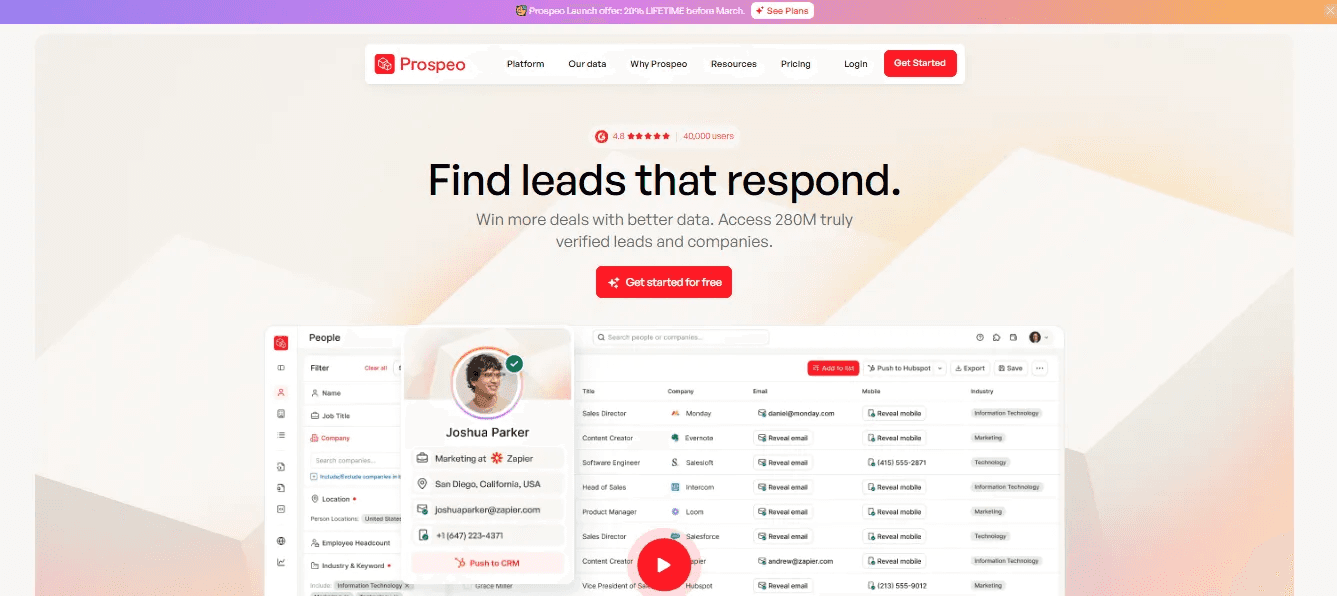
Best For: Efficiency-obsessed sales reps who need a lightning-fast extension to find "catch-all" emails and verified mobile numbers with high accuracy.
Standout Features: Social Prospecting and Bulk Domain Search.
Pricing: Starts at $49/month.
Ease of Use: Beginner.
Prospeo has quickly built a reputation as the "fixer" for bad data. While many tools struggle with restrictive corporate "catch-all" servers (where domains are set to accept all emails, making them impossible to traditionally verify), Prospeo uses proprietary real-time pinging algorithms to validate these addresses. Furthermore, contrary to older single-source tools, Prospeo provides a massive database of over 125 million verified direct mobile numbers. If you are tired of high bounce rates and hitting switchboards, this tool is designed to bypass the noise and protect your sender reputation.
Core Features
Beyond simple contact lookups, these tools allow you to prioritize your outreach based on what is actually happening at your target accounts.
- Catch-All Verification: Specialized technology to verify emails that other tools mark as "risky" or "unknown."
- Verified Mobile Dials: Access to 125M+ mobile numbers with high connection rates.
- Chrome Extension: Seamlessly overlays on LinkedIn and company websites for instant extraction.
- Native Exporting: Push enriched lists (with 50+ data points) directly to your CRM.
- Free Plan: 100 credits per month
- Starter Plan: $49/month (2,000 credits)
- Growth Plan: $99/month (5,000 credits)
- Pro Plan: $249/month (15,000 credits)
Pros:
- Industry-leading find rates for complex corporate domains.
- Excellent 100-credit free tier to test the data quality.
- Strong mobile number coverage for cold-calling teams.
Cons:
- Strictly a data extraction tool; requires a separate platform (like Outreach or Apollo) to actually send email sequences.
- Lacks the advanced buyer intent data found in enterprise platforms like ZoomInfo.
What Users Say:
"Prospeo finds emails that my other three tools miss. The catch-all verification has saved our domain reputation more than once."
G2 Rating: ⭐⭐⭐⭐⭐ 4.9 / 5
9. SignalHire
Best For: Recruiters and headhunters who need a balanced mix of professional emails, personal emails, and direct mobile lines.
Standout Features: Recruitment Search Engine and Real-Time Phone Verification.
Pricing: Starts at $69/month.
Ease of Use: Intermediate.
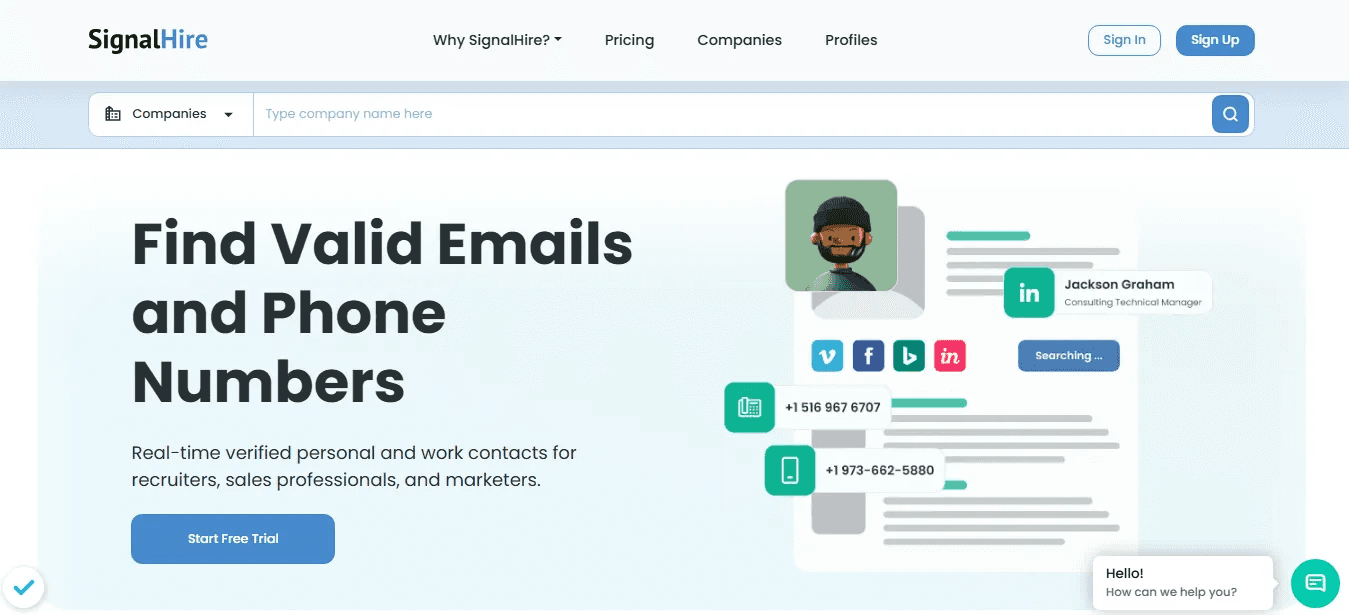
SignalHire is a powerhouse for the recruitment world. While ContactOut is great for a quick email, SignalHire is a full-scale search engine designed to find a candidate's 360-degree contact profile. It’s particularly strong at surfacing personal phone numbers and private email addresses, which are often the only way to reach top-tier talent who aren't active on LinkedIn.
The platform also acts as a "Social Aggregator," pulling data from across the web to build a complete picture of a lead. This includes links to their GitHub, Twitter, and professional portfolios. It’s a deep-dive tool for recruiters who need to bypass the corporate gatekeeper and make a direct, personal connection.
Core Features
These attributes turn raw company data into actionable sales triggers that help you time your outreach perfectly.
- Internal Database: Search through 850M+ Profile Database using advanced filters like "past companies" and "skills."
- Real-Time Phone Verification: Checks the status of a mobile line to ensure you aren't calling a dead number.
- Social Profile Aggregation: Automatically pulls GitHub, Behance, and other professional links into the contact card.
Pricing Plans
SignalHire’s pricing is customized for professional recruiters and offers several entry points. The Lead Generation Plan starts at $69/month and includes 1000 email or 435 phone credits. A larger plan (Emails & Phones) is available for $399/month, which offers 4000 credits. For teams needing higher volume, they offer a custom “Scale” plan. They also have a unique "Pay-as-you-go" option for occasional users.
Pros:
- Excellent for finding direct mobile numbers and personal emails.
- Deep search filters are specifically built for recruitment workflows.
- High-quality "verified" phone data.
Cons:
- More expensive per-credit than some of the more basic email finders.
- Some users may find that the platform needs timely data updates.
10. RocketReach
Best For: Finding high-level executives and personal email addresses that are typically hidden from standard business databases.
Standout Features: 700M+ Profile Database and AI-Powered Recommendations.
Pricing: Starts at $49/month.
Ease of Use: Beginner.
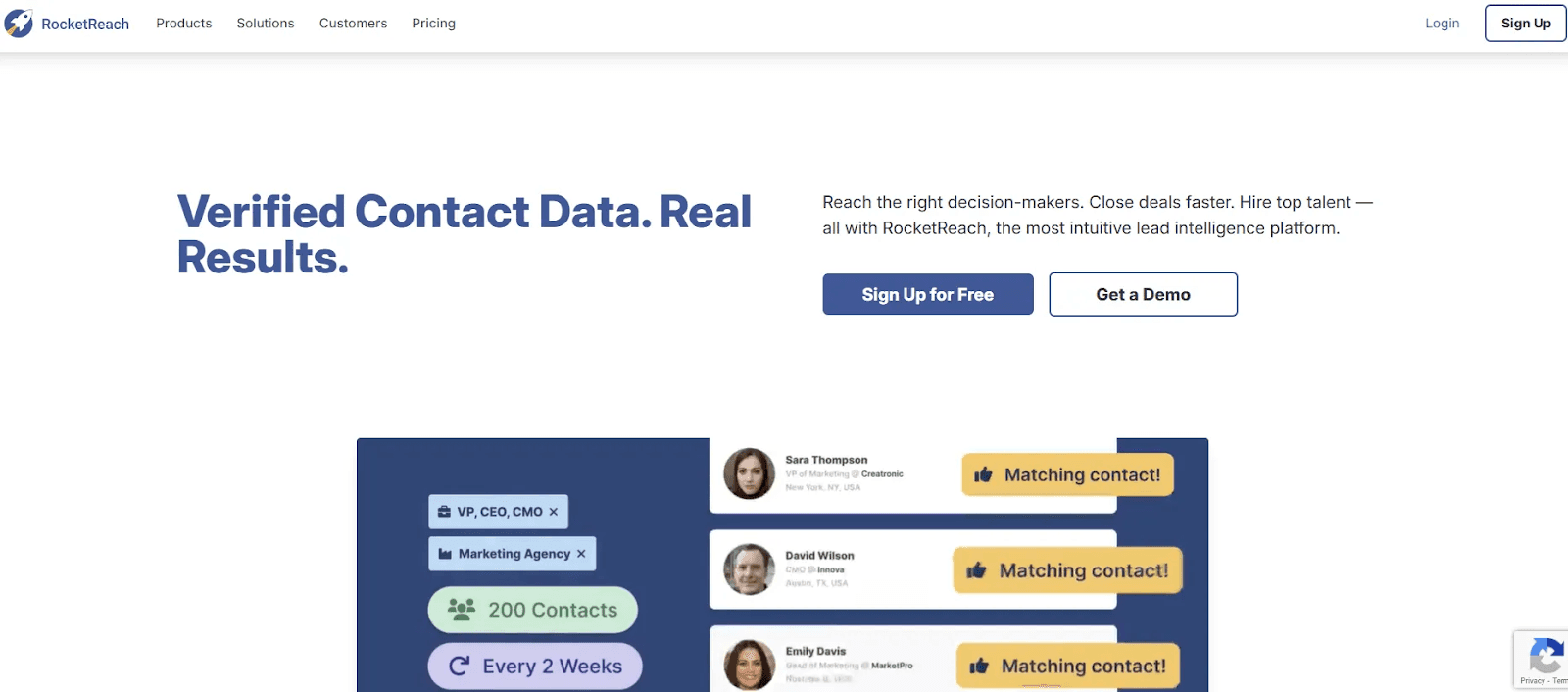
RocketReach is a massive global database that excels where others fall short, particularly in senior leadership. While ContactOut is great for a quick LinkedIn lookup, RocketReach is the tool you use when the data is hard to find. It has a high success rate in surfacing personal email addresses, which can be key to reaching a busy decision-maker.
The platform is purely focused on the data depth. It doesn't try to be a CRM; it just provides the most exhaustive list of professional and personal contact details available.
Core Features
Beyond simple contact lookups, these tools allow you to prioritize your outreach based on what is actually happening at your target accounts.
- Massive Search: One of the world's largest databases with 700M+ professionals.
- Personal Email Reveal: Finds non-work emails that have a higher response rate for certain roles.
- Bulk Lookups: Process entire lists of names or social URLs to find contact data in seconds.
- Browser Extension: A powerful tool that unmasks contact info across LinkedIn, Crunchbase, and AngelList.
Pricing Plans
The Essentials (email only) Plan starts at $49/month and offers 70 lookups and 70 exports per month. The Pro Plan (email and phone) is $99/month and 200 lookups and 200 exports. The third plan, Ultimate (email and phone), costs $209/month and offers 1,000 lookups and 1,000 exports.
Pros:
- Huge global volume; great for recruitment; finds personal data.
- High success rate with C-suite and executive contacts.
- Very fast and efficient bulk processing.
Cons:
- High price per lookup compared to some competitors.
- Phone data is locked behind the more expensive "Pro" tier.
Selecting the Right Sourcing Tool for Your Workflow
Finding the right alternative depends on where your prospecting process currently hits a snag. If your team is primarily focused on technical recruiting or high-level headhunting, your priority should be tools that excel at uncovering personal contact details. On the other hand, if you are a sales professional managing large-scale outbound campaigns, you need a solution that prioritizes email deliverability and high-volume data extraction from platforms like LinkedIn.
As you plan your outreach strategy for 2026, keep in mind that relying on a single data source often leads to missed opportunities. Many professionals are now shifting toward multi-source systems to ensure they have the most accurate information available.
For instance, FullEnrich provides the combined strength of over 20 data providers on a single platform. This means you get the collective find-rate of nearly two dozen tools for just $20, giving you a significant advantage in accuracy and coverage.
Frequently Asked Questions (FAQs)
- Is it actually possible to find personal emails for candidates on LinkedIn?
Yes, but most "standard" databases only scrape work emails. To find personal addresses (like Gmail or Outlook), you need a specialized recruiter tool that cross-references LinkedIn profiles with social data from GitHub, Twitter, and other public directories.
What is the benefit of "Waterfall Enrichment" for a small team?
If you use a single-source tool, you’re limited to its specific database. Waterfall enrichment (used by tools like FullEnrich) queries up to 20 different providers in a single request. For a small team, this means you hit your "find" goals much faster without having to pay for multiple separate subscriptions.
Can I find direct mobile numbers for tech talent who aren't active on LinkedIn?
Yes. For developers and engineers, tools that search GitHub and Stack Overflow (like SignalHire or Nymeria) are often more effective than LinkedIn-only extensions. They pull direct contact info from professional repositories where talent is more likely to list their real contact details.
Do these tools charge me if they can’t find a phone number?
Most modern alternatives use a "success-based" credit system. You are generally only charged a credit if a verified email or phone number is successfully retrieved. If the search comes up empty, your credit is usually returned to your account.
Which alternative is best for avoiding "Catch-all" email risks?
Many corporate domains are set up as "catch-alls," making them hard to verify. Look for tools like Prospeo.io that have specialized tech to validate these specific domains, which significantly protects your sender reputation during cold outreach.
Can I add my entire recruiting team to one plan?
While legacy tools often charge a "seat tax" per user, newer alternatives like FullEnrich offer unlimited users across all plans. This lets your whole team share a single credit pool, making it far more cost-effective as your agency or department grows.
How can I prevent my CRM data from becoming messy when importing lists?
Look for a tool with "Lead Cleaning" features (like Evaboot). These tools automatically remove emojis, fix capitalization, and shorten company names (e.g., changing "Google Inc." to "Google") before the data ever hits your CRM.