



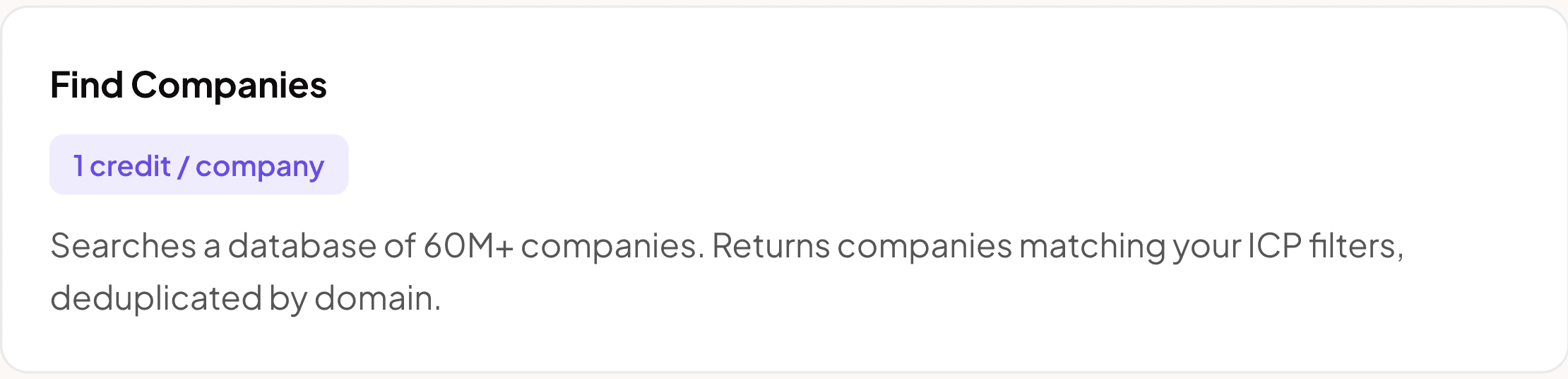
1. Source - Find Companies
Search for companies matching your ICP. Pre-configured filters:
Industry: Software Development OR Technology, Information and Internet
Type: Privately Held
Size: 50–500 employees
Location: United States
Deduplication: By company domain
Limit: Up to 50,000 companies
2. Extract Company Data (Formulas)
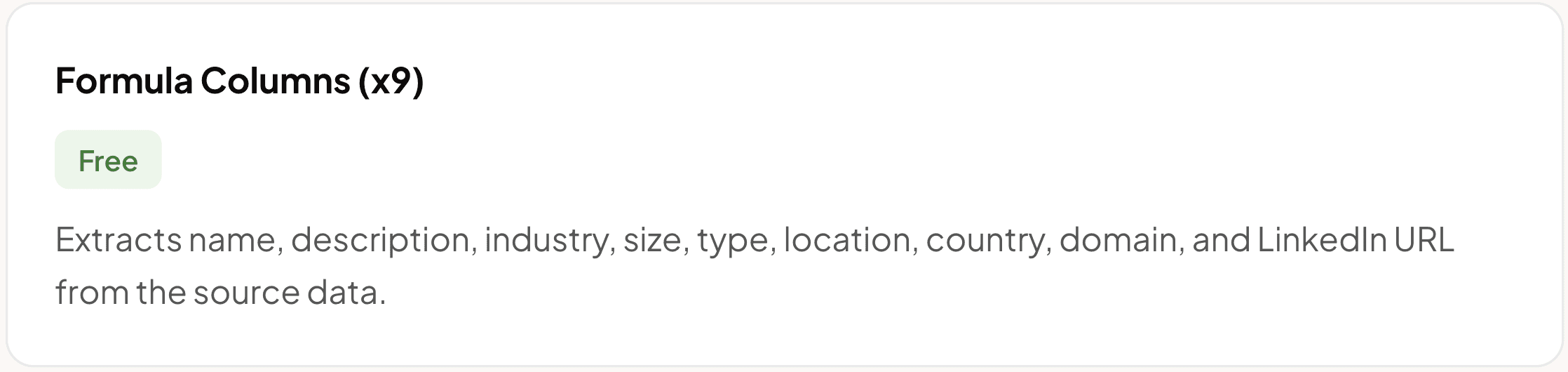
Automatically extracts company info into clean columns:
Name — e.g.
Acme CorpDescription — e.g.
AI-powered sales engagement platform...Primary Industry — e.g.
Software DevelopmentSize — e.g.
51-200Type — e.g.
Privately HeldLocation — e.g.
San Francisco, CaliforniaCountry — e.g.
United StatesDomain — e.g.
acmecorp.com(used as input for FullEnrich)LinkedIn URL — link to the company page
3. Find Decision Maker (FullEnrich Search API)
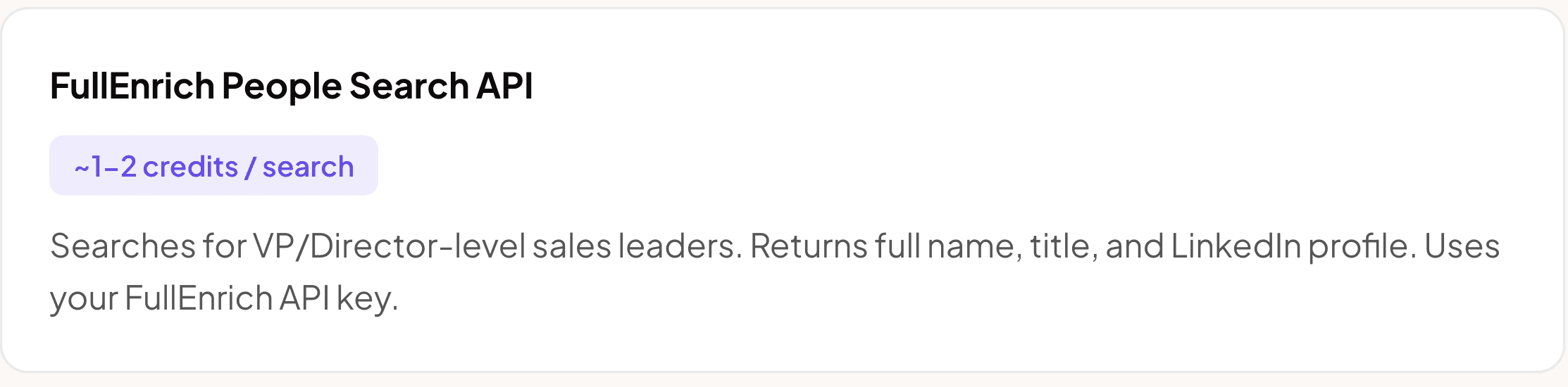
Calls FullEnrich's People Search API to find the sales leader at each company. Only runs if Company Domain exists.
Targets: VP Sales, Head of Sales, Chief Revenue Officer
Seniority: VP or Director level
Returns: Top 1 match per company
POST https://app.fullenrich.com/api/v2/people/search
{
  "limit": 1,
  "current_company_domains": [
    { "value": "{{Company Domain}}", "exact_match": true }
  ],
  "current_position_seniority_level": [
    { "value": "VP" },
    { "value": "Director" }
  ],
  "current_position_titles": [
    { "value": "Head of Sales" },
    { "value": "VP Sales" },
    { "value": "Chief Revenue Officer" }
  ]
}
4. Extract Decision Maker Data (Formulas)
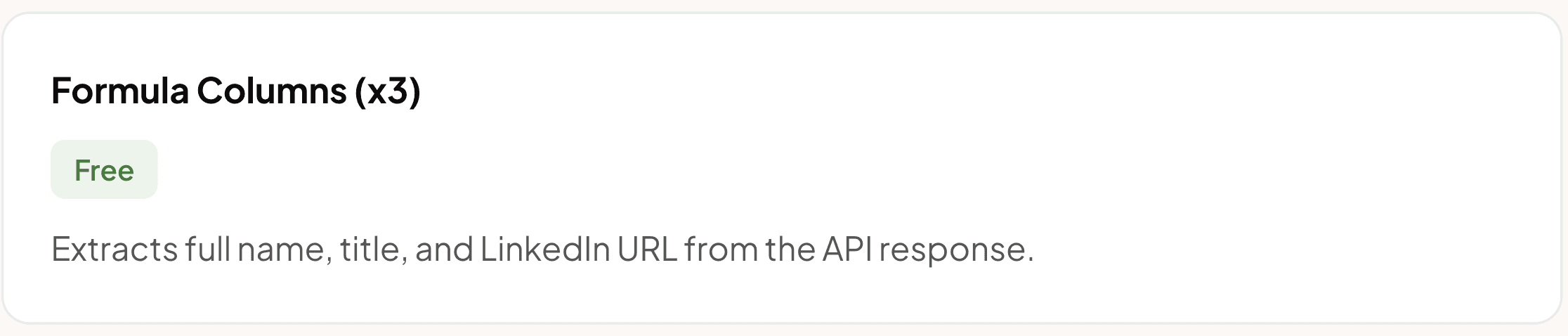
Parses the FullEnrich API response:
Full Name — e.g.
Sarah JohnsonTitle — e.g.
VP of SalesLinkedIn Profile — e.g.
linkedin.com/in/sarahjohnson
Uses optional chaining (?.) — returns null if no match found.
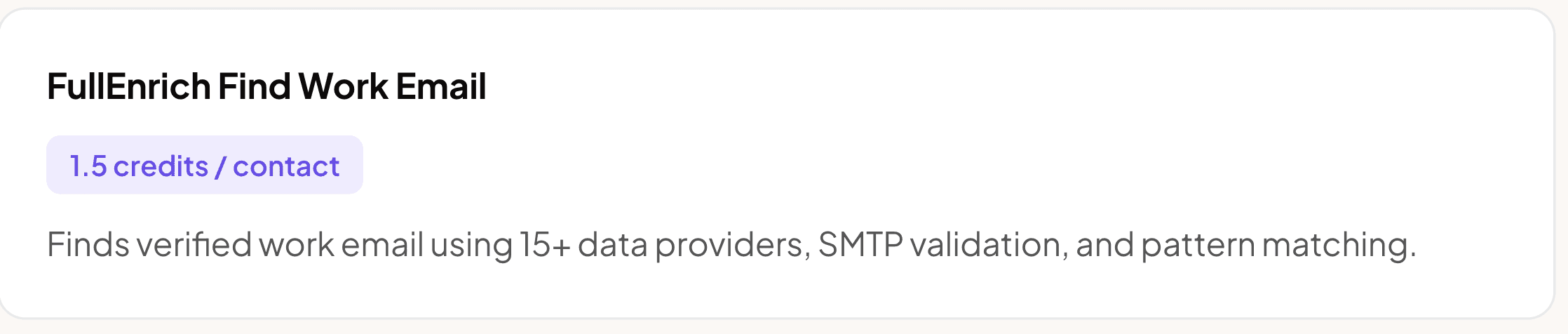
5. Enrich Work Email (FullEnrich)
Uses FullEnrich's email waterfall to find verified work emails. Only runs if Full Name exists.
Full Name → from Step 4
Company Domain → from Step 2
6. Enrich Mobile Phone (FullEnrich)
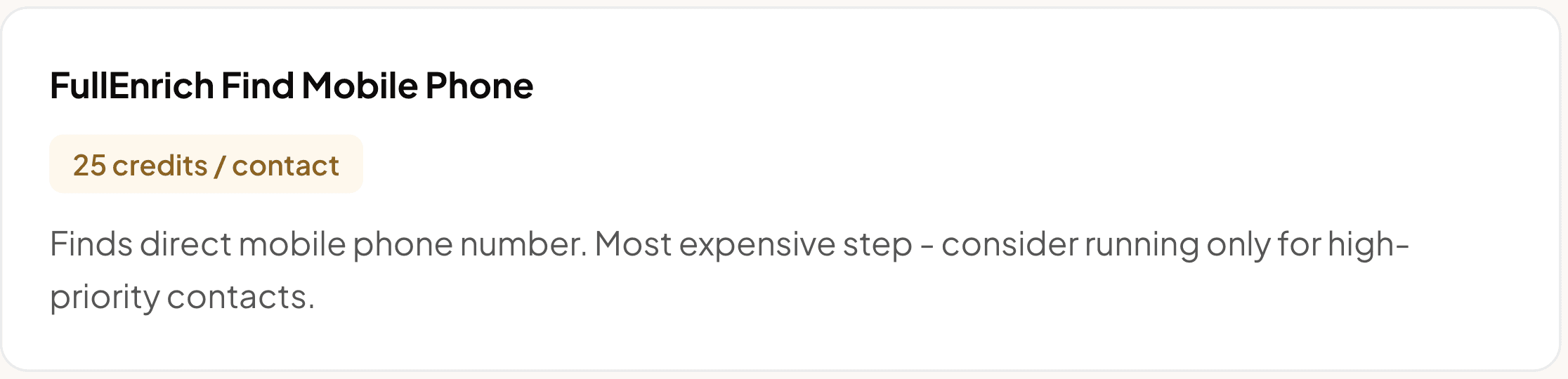
Uses FullEnrich's phone waterfall to find direct mobile numbers. Only runs if Full Name exists.
Full Name → from Step 4
Company Domain → from Step 2
7. Personalized Email Opener (AI - GPT-4o-mini)
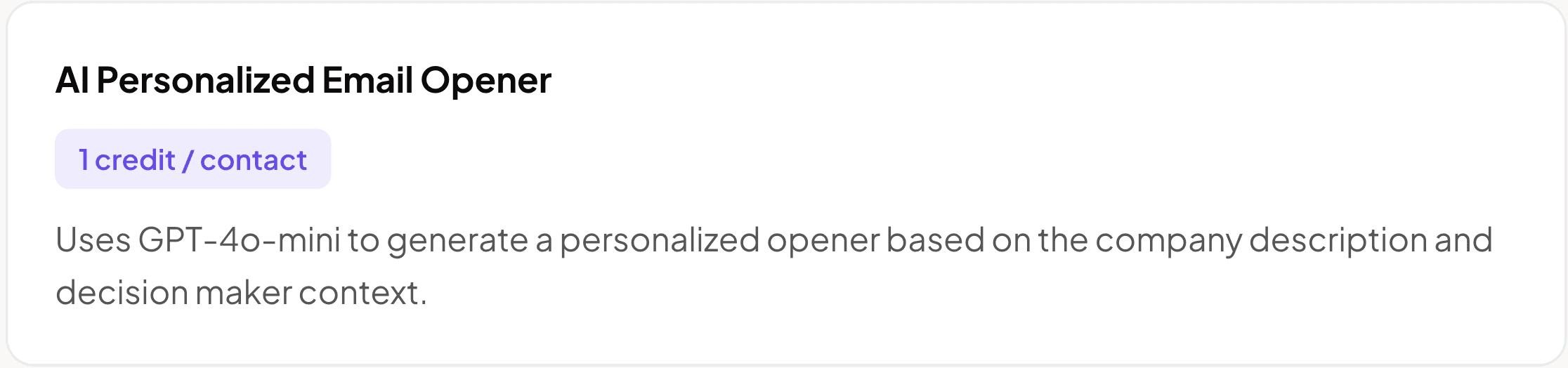
AI writes a 2–3 sentence cold email opener that references what the company does. Only runs if Work Email exists.
Prompt:
Based on this company: {{Company Name}}, described as: {{Company Description}},
the decision maker is {{Full Name}}, {{Title}}.

Write a 2-3 sentence cold email opener that references what the company does
and connects it to how we can help their sales team grow. Be specific, no fluff.
Example output:
Sarah, I see Gong is building revenue intelligence tools that help sales teams close more deals. We help sales leaders like you scale outreach with verified contact data and ready-to-use automation templates. Would love to show you how we can support your team's growth.
8. Flag Outreach-Ready Contacts
Automatically marks Yes if a valid work email exists, No otherwise. Use this to filter your table and see only leads ready to export.

Cost per lead (full enrichment) | |
|---|---|
Find Companies (source) | 1 credit |
Company formulas (x9) | Free |
FullEnrich People Search API | ~1–2 credits |
Decision maker formulas (x3) | Free |
FullEnrich Find Work Email | 1.5 credits |
FullEnrich Find Mobile Phone | 25 credits |
AI Personalized Opener | 1 credit |
Ready for Outreach + Export Status | Free |
Total per lead | ~29.5–30.5 credits |
Pro tip: The mobile phone enrichment costs 25 credits per row. Skip it initially and only run it for high-priority contacts to save credits. Without phone, each lead costs only ~4.5–5.5 credits.
How to execute this workflow
Find Companies source already ran → ICP companies are in the table
Company formulas auto-calculate → name, domain, description visible
Run FullEnrich Search API (test with 10 rows first)
Decision maker formulas auto-populate
Run FullEnrich Email (only rows with Full Name)
Run FullEnrich Phone — optional, high-priority only
Run AI Opener (only rows with Email)
Filter by "Ready for Outreach = Yes" → Export


