



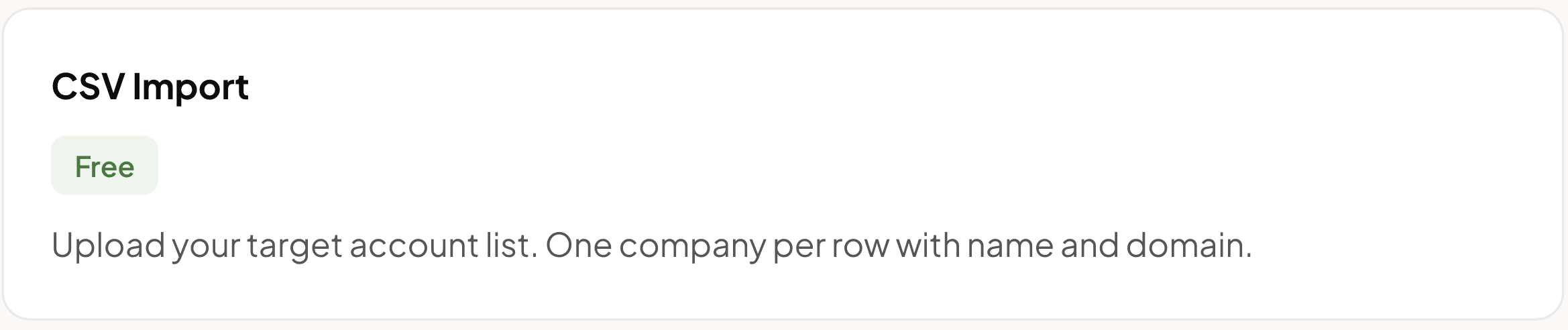
1. Import Companies (CSV Upload)
Upload a CSV with your target companies. Minimum required:
Company Name — e.g.
Salesforce,HubSpot,GongCompany Domain — e.g.
salesforce.com,hubspot.com
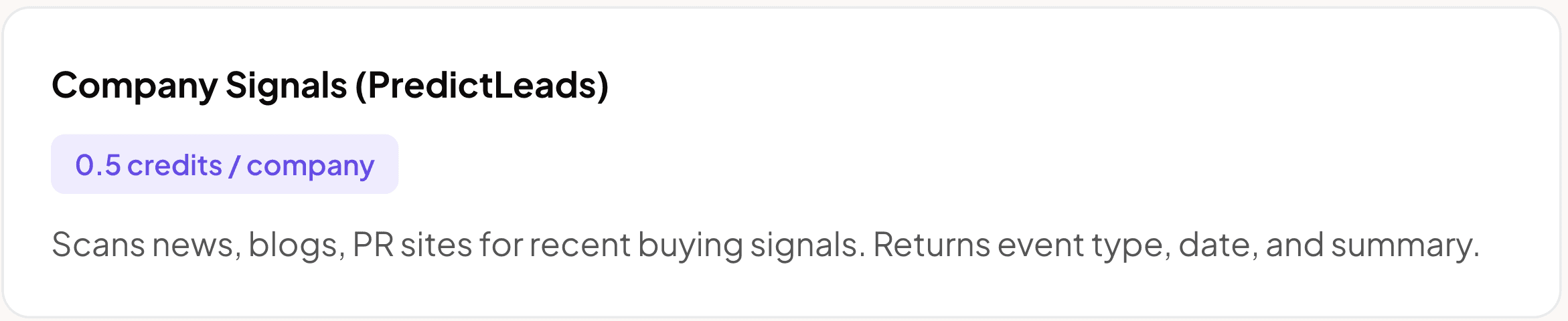
2. Find Recent Signals (PredictLeads)
Clay scans news, blogs, and PR sites for buying signals from the last 30–60 days:
News — product launches, partnerships
Fundraising — new funding rounds
Hiring — job postings, team growth
Promotions — leadership changes
Returns up to 100 events per company with summaries, categories, and dates.
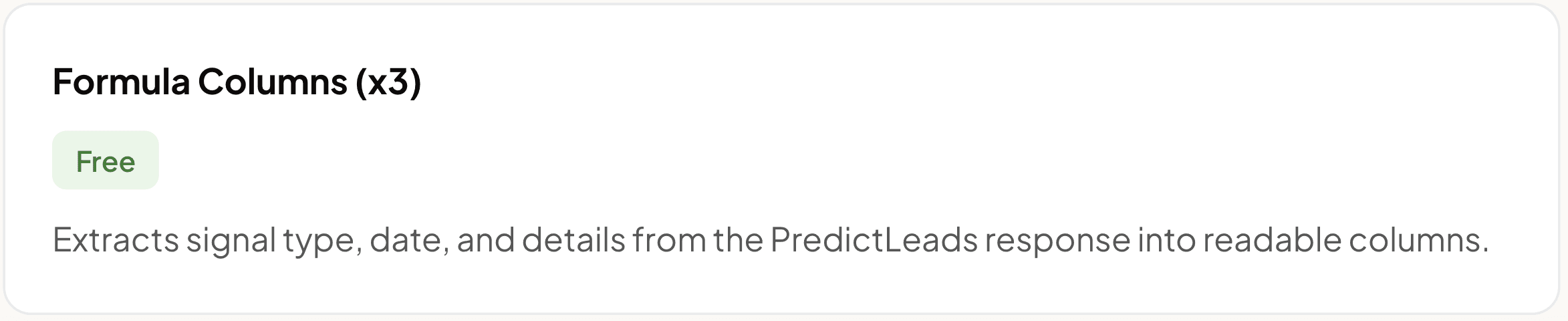
3. Extract Signal Details (Formulas)
Automatically extracts the most recent signal into clean columns:
Signal Type — e.g.
Product LaunchSignal Date — e.g.
2026-04-10Signal Details — e.g.
Salesforce announces new AI-powered sales tools
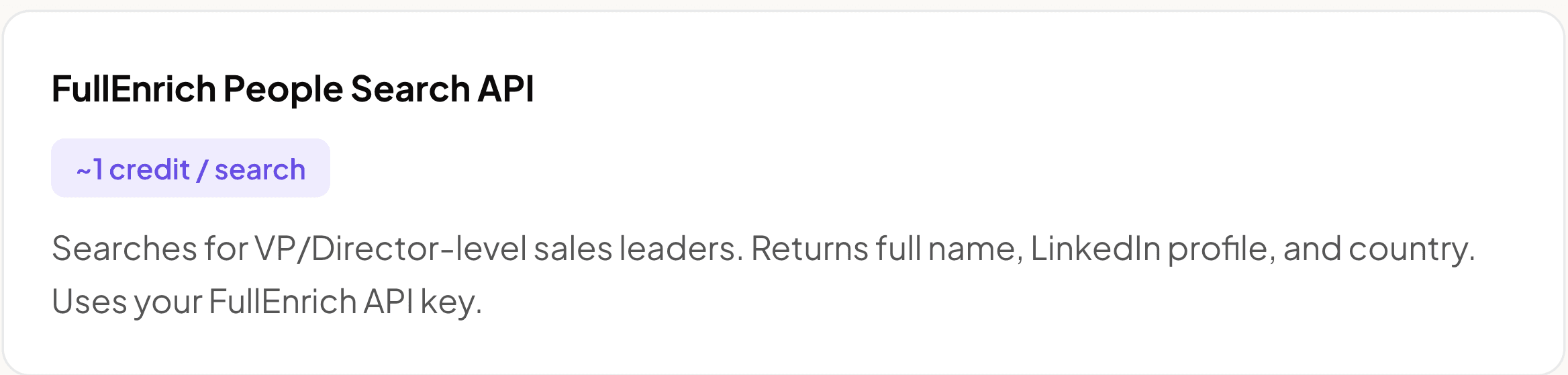
4. Find Decision Maker (FullEnrich Search API)
Calls FullEnrich's People Search API to find the sales leader at each company. Only runs if Company Domain exists.
Titles: Head of Sales, VP Sales, Chief Revenue Officer
Seniority: VP or Director level
Returns: Full Name, LinkedIn Profile, Country
POST https://app.fullenrich.com/api/v2/people/search
{
  "limit": 1,
  "current_company_domains": [
    { "value": "{{company_domain}}", "exact_match": true }
  ],
  "current_position_seniority_level": [
    { "value": "VP" },
    { "value": "Director" }
  ],
  "current_position_titles": [
    { "value": "Head of Sales" },
    { "value": "VP Sales" },
    { "value": "Chief Revenue Officer" }
  ]
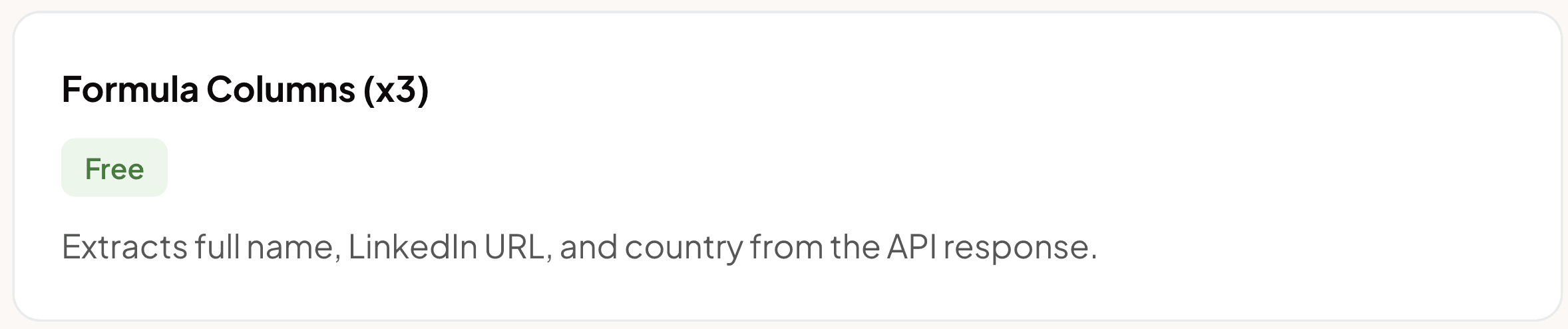
5. Extract Contact Details (Formulas)
Parses the FullEnrich API response:
Full Name — e.g.
Sarah JohnsonLinkedIn Profile — e.g.
linkedin.com/in/sarahjohnsonCountry — e.g.
United States
Uses optional chaining (?.) — returns null if no match found.
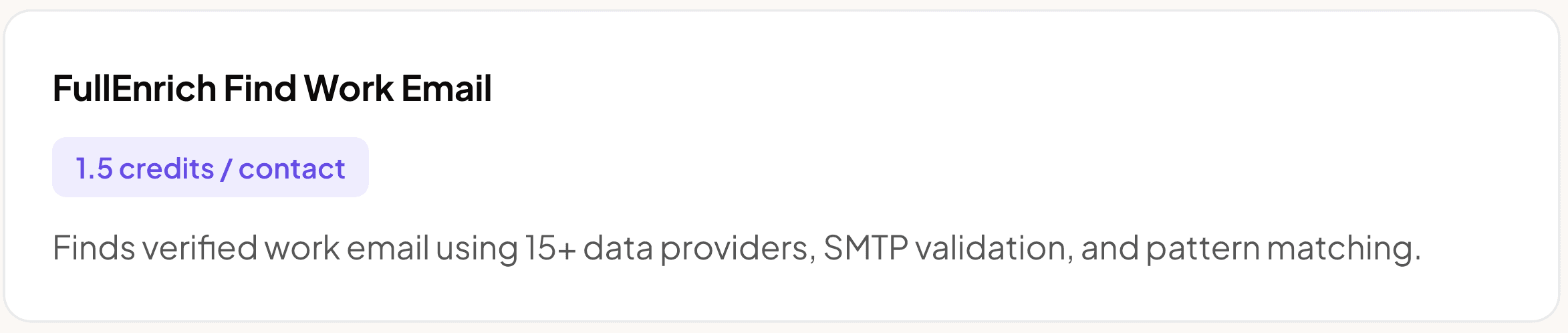
6. Enrich Work Email (FullEnrich)
Uses FullEnrich's email waterfall to find verified work emails. Only runs if Full Name exists.
Full Name → from Step 5
Company Domain → from Step 1
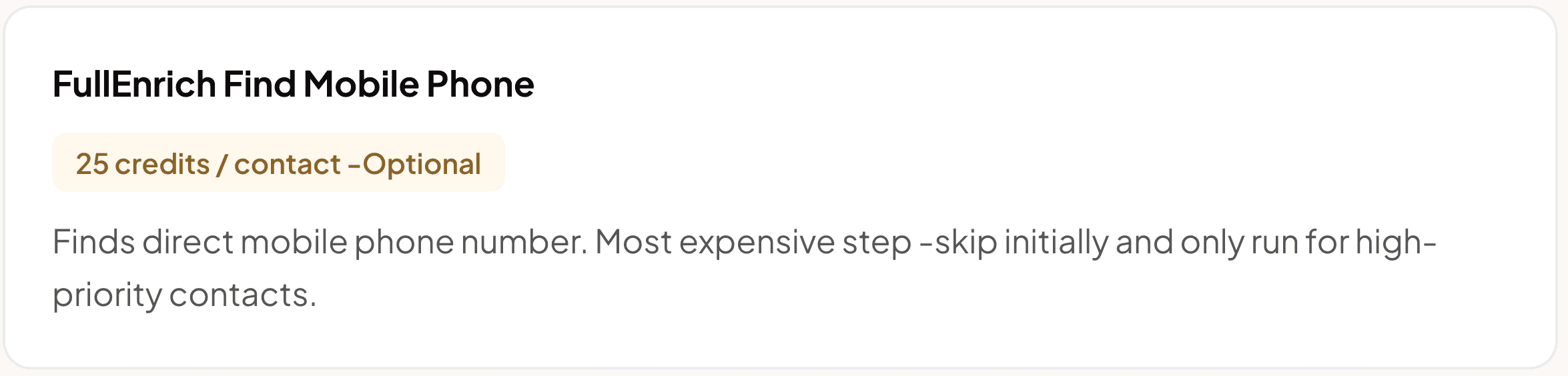
7. Enrich Mobile Phone (FullEnrich)
Uses FullEnrich's phone waterfall to find direct mobile numbers. Only runs if Full Name exists.
Full Name → from Step 5
Company Domain → from Step 1
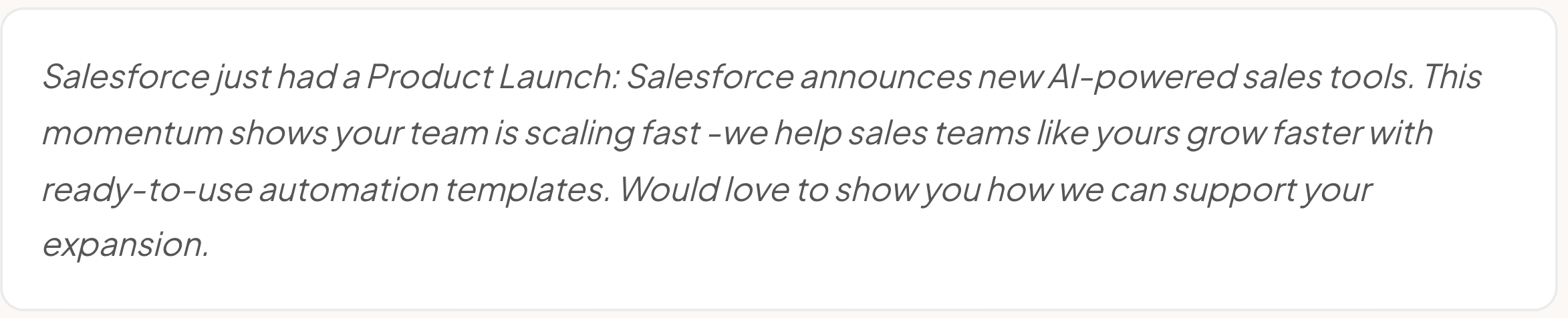
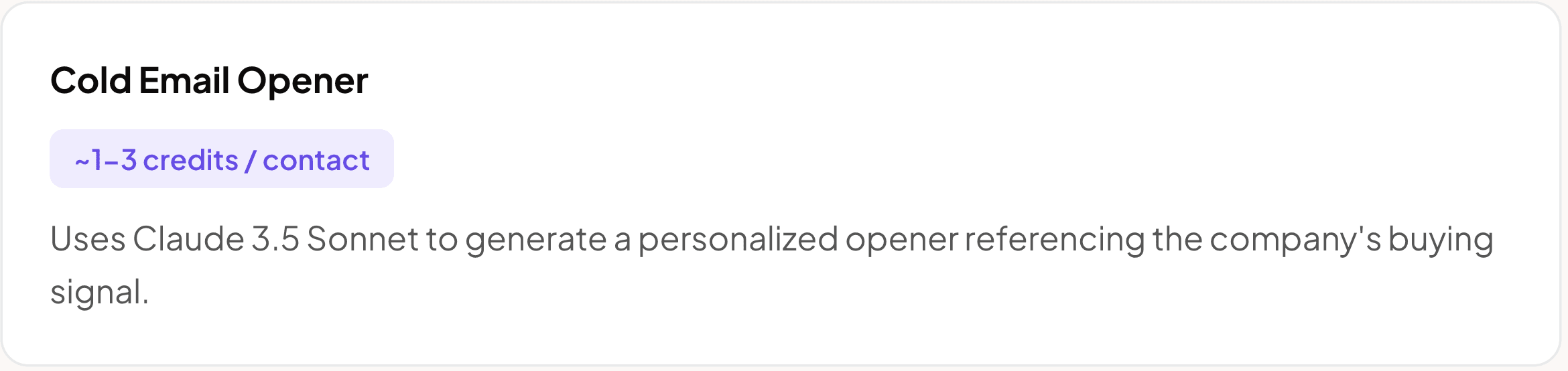
8. Cold Email Opener (AI - Claude 3.5 Sonnet)
AI writes a 2–3 sentence cold email opener that mentions the specific buying signal. Only runs if Work Email exists.
Example output:
9. Flag Outreach-Ready Contacts
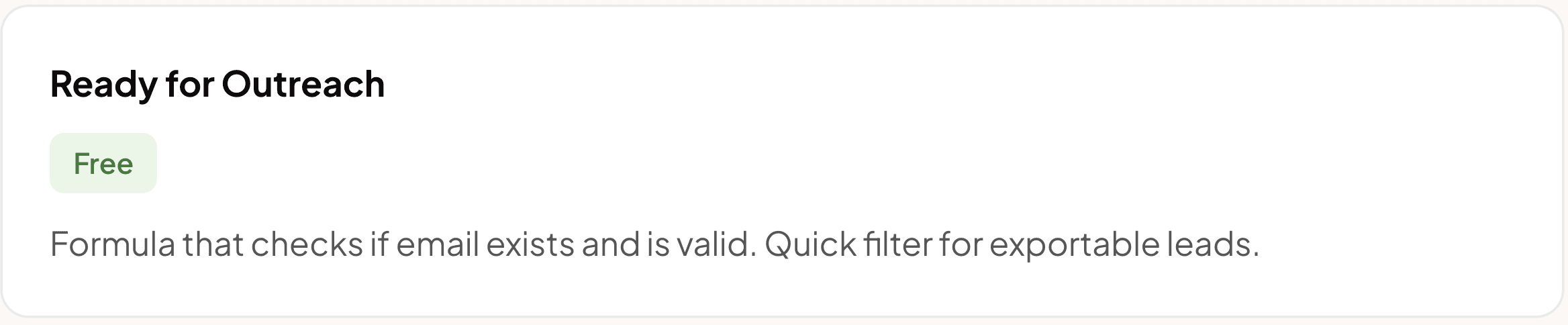
Automatically marks Yes if a valid work email exists, No otherwise. Use this to filter your table and see only leads ready to export.
Cost per company | |
|---|---|
Company Signals (PredictLeads) | 0.5 credits |
FullEnrich People Search API | ~1 credit |
FullEnrich Find Work Email | 1.5 credits |
Cold Email Opener (Claude 3.5 Sonnet) | ~1–3 credits |
Core total (without phone) | 4–6 credits |
FullEnrich Find Mobile Phone (optional) | 25 credits |
Total with phone | 29–31 credits |
Pro tip: Skip mobile phone enrichment initially to save 25 credits per row. Only run it for high-priority contacts where you need a direct phone number for cold calling.
How to execute this workflow
Upload your CSV → companies are in the table
Run Company Signals (PredictLeads) — test with 5–10 rows first
Signal formulas auto-calculate
Run FullEnrich Search API
Decision maker formulas auto-populate
Run FullEnrich Email (only rows with Full Name)
Run FullEnrich Phone — optional, high-priority only
Run AI Opener (only rows with Email)
Filter by "Ready for Outreach = Yes" → Export


