
Salesforce data enrichment means adding missing or outdated contact and company data to your Lead, Contact, and Account records. For most sales teams, the missing pieces are a work email and a mobile number.
Salesforce has several native features that enrich records. They add coordinates to addresses, infer seniority from email activity, copy fields from Data 360, and transform data in bulk. Each one works on data you already hold. None of them looks up a missing email or mobile number from an outside source.
That gap has a cost. In Validity's State of CRM Data Management in 2026 report, published 25 August 2026, 62% of organizations said they lose revenue directly because of poor CRM data quality. The survey covered 500 marketing professionals in the US, UK, Brazil, Australia, and New Zealand.
This guide covers what Salesforce fills natively, four routes to add emails and mobiles, the duplicate-rule trap that breaks write-backs, and what it all costs. For the same problem across any CRM, see the CRM enrichment guide.
A quick disclosure: FullEnrich is my company, and it's one of the tools below. I'll say plainly where other tools fit better.
Key Takeaways
- Salesforce's native enrichment (Geocode rules, Automatic Contact Enhancements, Data 360 copy fields, Data Pipelines) transforms or infers from data you already have. None of it finds a missing work email or mobile number.
- Data.com is retired, and no native feature took over its job as a source of new contact data.
- Four routes add emails and mobiles: enrich a CSV and re-import by Salesforce ID, automate new records with Zapier, Make, or n8n, call the FullEnrich API, or pair FullEnrich's MCP server with Salesforce's hosted MCP.
- Update by Salesforce ID, never create. For records added through import tools or APIs, an active duplicate rule blocks a matching save and no alert is shown.
- FullEnrich has no native Salesforce app. If you want a tool that writes straight into Salesforce objects, an AppExchange-native option may fit better.
- FullEnrich charges 1 credit per work email and 10 per mobile found. Nothing found costs nothing.
What Salesforce fills natively (and what it doesn't)?
Salesforce's native features all work on data already in your org or in Data 360. None of them finds a work email or mobile number you don't have.
Data.com: retired. Salesforce's old contact-data product is listed on its Past Product & Feature Retirements page. Nothing below took over its role.
Geocode Data Integration Rules: coordinates only. Salesforce's geocode rules "update your accounts, contacts, and leads with geocodes." They write latitude, longitude, and geocode accuracy to address fields on Accounts, Contacts, and Leads. They're free in Professional, Enterprise, Performance, Unlimited, and Developer Editions. They never touch email or phone fields.
Automatic Contact Enhancements: role data from email activity. This feature "uses generative AI to identify buyer attributes, department group, and seniority level from a user's email activity." Those values land on the Contact and show up in the buyer relationship map. It doesn't add an email or a phone number.
Data 360 enrichments: copies of data you've already ingested. Data 360 is the product formerly called Data Cloud. According to Salesforce's Data 360 help docs, record-page enrichments come as Related Lists, Direct-DMO Related Lists, and Copy Fields. Copy Fields show field data copied from objects with a one-to-one relationship to a Data 360 Individual, Unified Individual, Account, or Unified Account data model object (DMO). The source is data you've already brought into Data 360, not an outside contact-data marketplace.
Data Pipelines: transformation, as an add-on. In its Summer '21 release notes, Salesforce described Data Pipelines as a product to "modify and enrich your Salesforce data." It consolidates CRM data from services inside and outside Salesforce, and it can "transform Salesforce data in bulk without needing third-party tools." That reshapes records you already have. It doesn't look up a missing email. Data Pipelines is "available for an extra cost in Enterprise, Performance, and Unlimited editions."
Data 360 has its own platform price. On Salesforce's Data 360 pricing page (September 2026), usage costs $500 per 100,000 Flex Credits, the credits Data 360 consumes as you use it. Profiles cost $240 per 1,000 per year, or $420 per 1,000 per year for Enterprise Profiles. None of that buys you emails or phones.
The pattern holds across every feature: Salesforce transforms what you have. It doesn't find what you don't.
That matters more as AI tools start reading your CRM. In the same Validity report, just 21% of marketers said their CRM data is "very well prepared" to support AI.
Four ways to add missing emails and mobile numbers to Salesforce
FullEnrich has no native Salesforce app. The four routes below use tools you probably already run: a CSV import, a workflow tool, an API, or an AI client. Each one sends contacts through FullEnrich's waterfall enrichment across 25+ data providers, then you write the results back to the record you started from.
This is contact-level enrichment: filling in missing details, like a work email and mobile number, for one specific person.
1. Enrich a CSV export, then re-import by Salesforce ID
The simplest way to improve contact data quality in Salesforce, without building anything, is a CSV round-trip. It's manual, but it needs no code.
- Export the Leads or Contacts you want to fill. Keep a copy that includes each Salesforce record ID.
- Upload the list to FullEnrich's bulk CSV enrichment. Each row needs a first name, last name, and company, or a LinkedIn URL.
- Line up the enriched results with the record IDs from your export. Map them to the standard Email, Phone, and Mobile fields on Lead or Contact.
- Re-import with the Data Import Wizard, set to update existing records matched by Salesforce ID.
Salesforce's mass-update guide says to use the Data Import Wizard when "You need to load fewer than 50,000 records" and the wizard supports the objects you're updating. It points to Data Loader when "You need to update approximately 50,000 to 100,000 records," or when the wizard doesn't support the object.
The same guide covers using the wizard to update records "that match specified Salesforce IDs."
Match on the ID, not on name or email. An import that tries to create new records instead of updating runs straight into the duplicate-rule trap.
2. Auto-enrich new Leads and Contacts with Zapier, Make, or n8n
To enrich new Salesforce Leads and Contacts automatically, use Zapier, Make, or n8n. FullEnrich has a native action in all three, listed with FullEnrich's Zapier, Make, and n8n integrations.
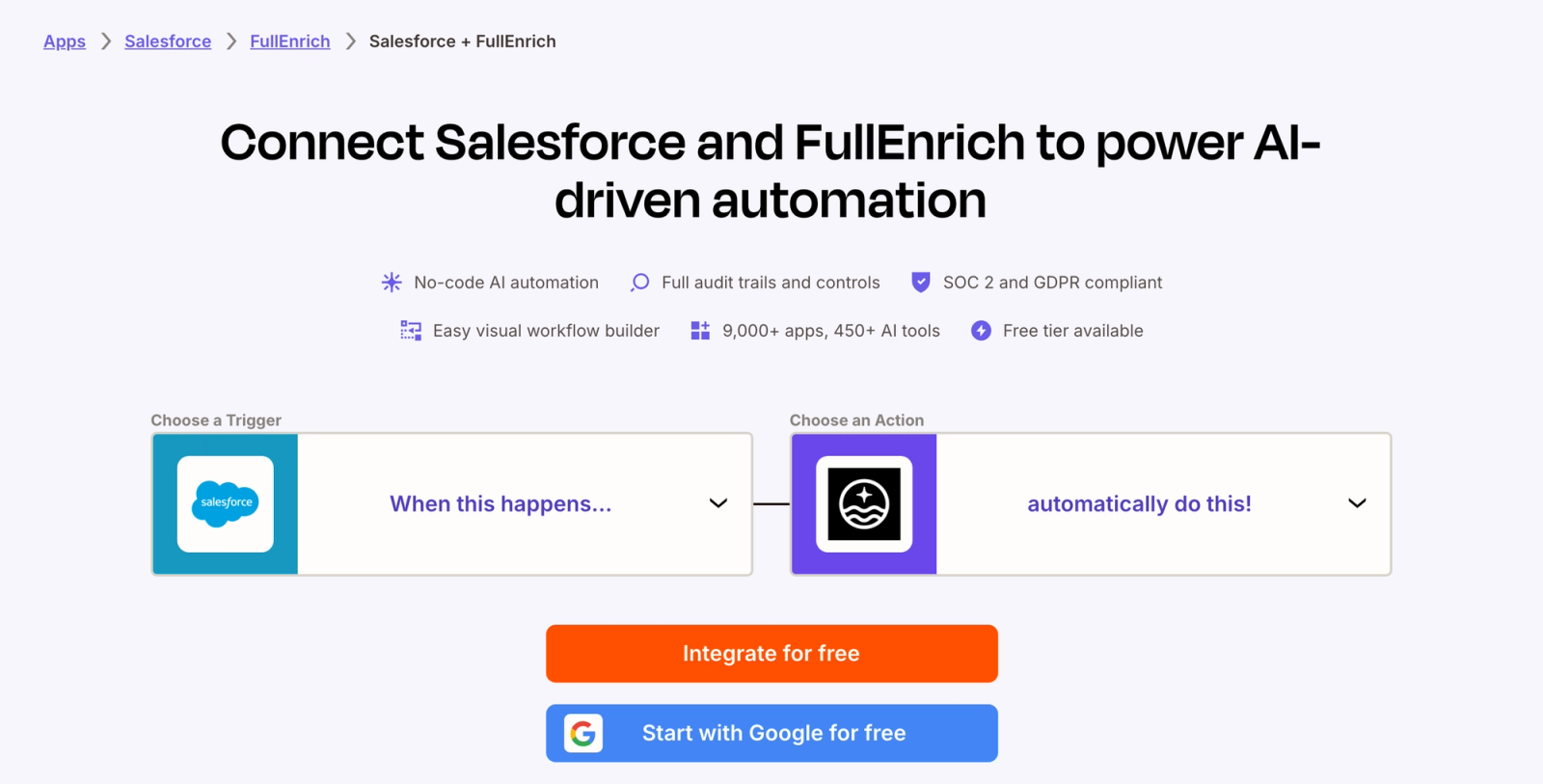
In Zapier, that takes two Zaps. FullEnrich's only Zapier event is the "Enrich Contacts" action, and its results arrive later, one contact at a time, on a webhook.
Zap 1: send new records to FullEnrich.
- Trigger: Salesforce "New Lead" or "New Contact."
- Action: FullEnrich "Enrich Contacts." Give the enrichment a name and map first name, last name, and company name.
- Custom Data: put the Salesforce record ID here.
- Webhook URL (per contact finished): paste the webhook address from Zap 2.
Zap 2: write the results back.
- Trigger: catch the webhook FullEnrich sends when each contact finishes. This uses Webhooks by Zapier, which Zapier labels a Premium app, so check that your Zapier plan includes it.
- Action: Salesforce "Update Lead" or "Update Contact," using the record ID from the custom data.
FullEnrich returns custom data "exactly as provided in the webhook payload," so the ID you send is the ID you get back.
Zapier's page for Salesforce and FullEnrich notes that "Zapier checks for new data every 15 min on the Free plan," so new Leads aren't enriched instantly.
Source: Zapier's Salesforce + FullEnrich integration page
Make and n8n cover the same job: a Salesforce trigger, a FullEnrich step, and a Salesforce update keyed on the record ID. n8n's FullEnrich action is "Start Enrichment," which starts an enrichment task. Check when its results come back before you build the update step.
- Make: the FullEnrich app for Make has an "Enrich a Contact" module that enriches "a contact with email and / or mobile phone number." Pair it with Make's Salesforce modules for the trigger and the update.
- n8n: the FullEnrich node is "built and maintained by our partners at Fullenrich and verified by n8n."
3. Enrich at scale with the FullEnrich API
For volume or custom logic, call the API yourself. The bulk enrichment endpoint is POST /contact/enrich/bulk.
- Input: first name, last name, and company (a domain or company name), or a LinkedIn URL.
- Webhooks: the main
webhookfires when the whole batch is done. The optionalcontact_finishedwebhook fires "each time a single contact is enriched, without waiting for the entire batch to complete." - Record ID: put the Salesforce ID in the custom object. It comes back unchanged in the webhook payload. Values must be strings, since "Numbers will return an error," with a maximum of 10 keys and 100 characters.
- Limits: 60 API calls per minute and 100 contacts per bulk call, which FullEnrich's docs put at "up to 6,000 contacts per minute."
- Retries: per FullEnrich's webhook docs, failed webhook deliveries retry "every minute, up to 5 times."
The Salesforce side is yours to build. Receive the webhook, read the ID, and update the Lead or Contact through Salesforce's API. Don't create.
4. Enrich and update records from an AI agent via MCP
If your team already works in an AI client, connect two MCP servers to it: FullEnrich's MCP server and Salesforce's own. They stay separate, and the AI client coordinates them.
FullEnrich's server lives at https://mcp.fullenrich.com/mcp. Paste that address into your client's connector settings, sign in, and authorize. It works with AI clients such as Claude and ChatGPT.
On the Salesforce side, Salesforce Hosted MCP Servers became generally available on 29 April 2026, for "every Enterprise Edition org and above." Salesforce calls a hosted MCP server "a Salesforce-managed endpoint that exposes your org's logic and assets" to any AI client that speaks MCP.
It runs as the person who's signed in. Their object permissions, field-level security, and sharing rules all apply. "If the agent updates a record, that person's name appears in the audit trail." If their permissions don't allow an action, the agent can't do it either.
For example, you could ask: "Find the 20 newest Leads in Salesforce with no email address, enrich them with FullEnrich, and update those Lead records with the email you find." Tell the agent to update existing records, never to create new ones.
The duplicate-rule trap: update, don't create
An enrichment write-back should never create a record. If it creates one that matches an active duplicate rule, Salesforce refuses the save, and nobody sees a warning.
Salesforce's duplicate rules help page lists the conditions where duplicate rule settings are overridden. "In the following situations, no alert is shown and users can't save records." Two of those situations are "Records are added using the data import tools" and "Records are added or edited using Salesforce APIs."
The CSV route uses a data import tool, and workflow tools and your own code write through the APIs. The second line also says "edited," so test a small batch against your matching rules before a big update.
The fix is simple: find the existing record by its Salesforce ID, then update it. Every route above carries the ID for that reason: the export column, Zapier's Custom Data field, the API's custom object. Zapier's Salesforce "Create Record" action even has an "Allow Duplicates" option. For enrichment, skip create entirely.
Decide which object you're enriching before you build. Once a Lead converts, point write-backs at the Contact it became, not at the old Lead.
Which route fits your team
The right route depends on your volume and how technical your team is.
Route | Best for | Volume | Setup effort |
|---|---|---|---|
CSV + Data Import Wizard | One-time or periodic cleanup | Fewer than 50,000 records per import | Low, no code |
Zapier, Make, or n8n | Every new Lead or Contact, automatically | One record at a time, ongoing | Medium, trigger plus webhook write-back |
FullEnrich API | High volume or custom logic | 100 contacts per call, 60 calls per minute | High, engineering time |
FullEnrich MCP + Salesforce hosted MCP | Ad hoc lookups and updates from an AI client | Per conversation | Medium, Enterprise Edition or above |
The routes stack. You can run a CSV cleanup once, then switch on a workflow for new records. If you also run HubSpot, the HubSpot version of this guide covers its native enrichment and routes.
What it costs: credits, not a license add-on
FullEnrich charges credits only when data is found: 1 for a work email, 3 for a personal email, and 10 for a mobile number. A lookup that returns nothing costs nothing. A landline found instead of a mobile costs nothing too.
As listed on FullEnrich's pricing page in September 2026, the entry Pro tier is $29 a month for 500 credits, or $0.058 per credit:
- Work email found: 1 credit, $0.058.
- Personal email found: 3 credits, $0.174.
- Mobile number found: 10 credits, $0.58.
- Email and mobile found for one contact: 11 credits, $0.638.
At that tier, 500 credits cover 45 contacts where both an email and a mobile are found. The price per credit drops at higher volumes. Unused credits roll over for 3 months on monthly plans and 12 months on annual plans. Personal email enrichment is meant for recruiting outreach, not cold prospecting.
Every plan includes unlimited users, with no seat cost. FullEnrich charges nothing extra for its Zapier, Make, n8n, API, or MCP access. The workflow tool's own plan and your Salesforce edition are separate costs. On the API, FullEnrich's credit docs state "You won't be charged for duplicate contacts."
When a Salesforce-native tool fits better
FullEnrich has no native Salesforce app. Tools that write straight into Salesforce objects have a real edge: no workflow tool, no webhook chain, and no record ID to carry through each step. If that matters most, one of these may fit better. They're listed alphabetically, not ranked.
- Apollo: installs as a managed package from the AppExchange. Its knowledge base says Apollo pulls leads, contacts, accounts, and opportunities from Salesforce and, depending on your settings, pushes contacts, leads, accounts, deals, and activities back.
- Clay: connects through its own Salesforce integration: you sign in through an OAuth prompt, and Clay's docs list create, lookup, update, and upsert actions, with batch mode for large datasets. Clay's pricing page (September 2026) lists a Free plan with 500 actions and 100 data credits a month, Launch from $167 a month, Growth from $446 a month, and custom Enterprise pricing.
- Cognism: its help center covers exporting and syncing contacts, leads, and accounts from Cognism to Salesforce, including how deduplication works.
- Lusha: its docs say the integration pushes contacts revealed in Lusha into Salesforce as Leads, Contacts, or Accounts, with field mapping for each. Lusha's pricing page (September 2026) lists a Free plan with 40 credits a month, then Starter at $49.90, Professional at $69.90, and Premium at $399.90 a month, billed monthly. Annual billing is lower.
- ZoomInfo: offers a native app on the AppExchange. ZoomInfo says its native app package includes three custom objects.
The trade-off runs the other way too. FullEnrich pulls from 25+ providers per contact and charges only for data found, but you own the write-back into Salesforce.
Bottom line
Salesforce's native features are worth using, and they improve data you already hold. They transform what you have. They don't find what you don't.
For missing emails and mobiles, pick a route by volume and skill: CSV for cleanup, Zapier, Make, or n8n for new records, the API for scale, MCP for ad hoc work. Update by Salesforce ID every time. Start a free FullEnrich trial, with 50 credits and no card, to fill the fields Salesforce leaves blank.
FAQ
What are the best data enrichment tools for Salesforce?
It depends on how you want the data to land. ZoomInfo, Cognism, Apollo, Clay, and Lusha push data into Salesforce through AppExchange packages or their own integrations. FullEnrich reaches Salesforce through a CSV re-import, Zapier, Make, n8n, its API, or MCP, and queries 25+ providers per contact. Pick by volume, budget, and how much setup your team can own.
What is CRM data enrichment?
CRM data enrichment is finding and adding missing or outdated contact and company data to CRM records. On contacts, that usually means work emails, mobile numbers, job titles, and seniority. On companies, it means firmographics like industry and headcount. In Salesforce, native features cover some fields, and an outside data tool fills emails and phones.
How do I automatically enrich new leads in Salesforce?
Use a workflow tool like Zapier, Make, or n8n. In Zapier, a Salesforce "New Lead" trigger sends each new Lead to FullEnrich's "Enrich Contacts" action, with the Lead ID in "Custom Data." A second Zap catches the per-contact webhook and runs Salesforce "Update Lead" with that ID. On Zapier's Free plan, the trigger checks for new data every 15 minutes.
Does Salesforce have built-in data enrichment?
Yes, but not for contact details. Geocode rules add coordinates, Automatic Contact Enhancements infers seniority and department from email activity, Data 360 copies fields from data already ingested, and Data Pipelines reshapes existing data as a paid add-on. None of them finds a missing work email or mobile number. Data.com, Salesforce's old contact-data product, is retired.
How much does Salesforce enrichment cost?
It depends on the tool. FullEnrich charges credits only when data is found: 1 per work email, 3 per personal email, and 10 per mobile number, with no charge when nothing is found. On the $29, 500-credit Pro tier, that's $0.058 per work email and $0.58 per mobile. Salesforce's Data 360 is priced separately as a platform (September 2026 list prices): $500 per 100,000 Flex Credits, plus $240 or $420 per 1,000 profiles per year depending on profile type.