You sit down to call a lead only to find the phone number is wrong, or the person left the company months ago. Now, one or two bad quality leads like this may not bother you much. But it will, and make you realize how frustrating bad data can be if you get a bunch of such leads.
The point is, a CRM is supposed to help you sell, but it only works if the information inside it is actually complete and correct. CRM data enrichment is a simple way to ensure this completeness and accuracy.
It’s a process in which software automatically fills in missing information, such as email addresses, mobile numbers, and job titles.
Keeping your records clean isn't just a "nice-to-have" task; it’s how you stay professional. When your data is accurate, you don't waste time on bounced emails or wrong numbers.
Instead, you can focus on having real conversations with people who are actually in a position to buy.
To help you get quality leads and ensure hassle-free communication with them, I have put together a list of CRM enrichment tools that are currently dominating the market.
What is CRM Data Enrichment
CRM data enrichment functions as an automated intelligence layer rather than a simple administrative tool. The system cross-references isolated data points against billions of public and proprietary records.
A single corporate email address acts as the initial extraction key. The enrichment engine utilizes this key to instantly populate empty CRM fields with verified direct dials, organizational hierarchies, and active technology stacks.
Let’s explain this with an example. A Financial Technology sales team targeting regional banks cannot execute account-based outreach using only a prospect's first name and a generic company domain. Enrichment platforms solve this structural data deficit by transforming a static list of names into a dynamic matrix of actionable business triggers.
This automated ingestion protocol guarantees that your revenue team operates with a fully contextualized database before initiating any outbound sequence. The technology eliminates manual web scraping and ensures that every account record reflects the most current market reality.
How to Maximize Your ROI from Data Enrichment
Indiscriminate data processing destroys operational budgets by applying the same extraction effort to every historical lead. Revenue operations leaders must restrict initial enrichment sequences exclusively to high-priority segments that strictly match the ideal customer profile.
This tactical segmentation ensures that the organization allocates extraction credits only toward prospects mathematically likely to generate revenue.
Annual batch processing leaves sales teams vulnerable to continuous market shifts. A mature infrastructure automates monthly or quarterly data refreshes specifically for tier-one accounts rather than relying on manual cleanups.
This continuous structural maintenance prevents account executives from wasting hours navigating dead-end corporate directories after unexpected executive turnover or department restructuring.
Top CRM Data Enrichment Tools
Here is a table illustration of the tools that we are going to discuss in this blog.
Tools | Best For | Core Feature | Starting Price | G2 Rating |
|---|---|---|---|---|
FullEnrich | Accurate Contact Info | Waterfall Verification | $29/mo | |
Default | Inbound Speed-to-Lead | Real-time Form Enrichment | $750/mo | |
Generect | High-Quality Discovery | Real-time Data Validation | $0.03 per valid mail | |
Reply.io | Multi-channel Outreach | Integrated B2B Database | $49/mo | |
Wiza | LinkedIn Prospecting | Live SMTP Verification | $49/mo | |
Coresignal | Fresh Public Web Data | Massive Multi-source API | $49/mo | N/A |
Now, let’s discuss each of these tools in detail.
1. FullEnrich
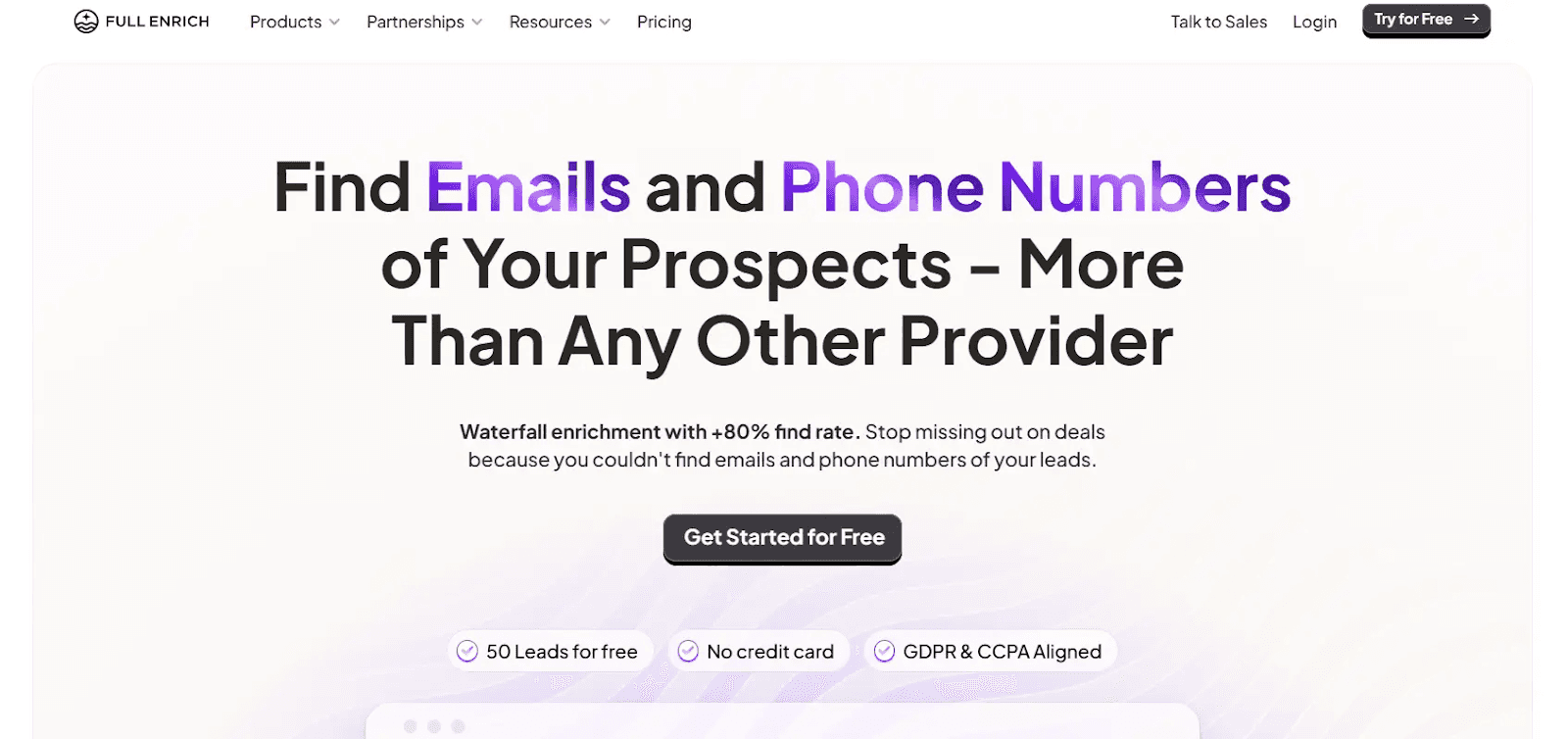
FullEnrich is a spezialised enrichment tool known for its high match rates. It uses a "waterfall" method, which means it doesn't just check one database. Instead, it queries over 20 premium providers in a row until it finds a verified match.
This makes it a go-to choice for teams that need to find direct-dial mobile numbers and verified emails that other platforms often miss.
Key Features
FullEnrich is built to ensure you never run out of leads to call or email by using a deep, multi-source search process.
- AI-Powered Waterfall Search: Automatically sequences through 20+ high-quality data vendors to find the most accurate contact details.
- Triple-Layer Email Validation: Every email is checked by three separate verifiers to make sure it’s active and safe to send to.
- Credit-on-Success Model: You only use your credits when the tool successfully finds and verifies a valid contact.
Pricing Plans
FullEnrich pricing uses a simple, credit-based system that offers flexibility for teams of different sizes.
- Free Trial: 50 free credits to test the accuracy of the waterfall engine.
- Starter Plan ($29/mo): 500 credits per month, perfect for individual prospectors.
- Pro Plan ($55/mo): 1,000 credits per month for established sales teams.
- Scale Plan (starts at $500/mo): Customized credits for high-volume growth teams and agencies.
Pros:
- Very high find-rate for direct mobile numbers.
- Simple, intuitive interface with almost no learning curve.
- Credits roll over for up to three months, so you don't lose what you don't use.
Cons:
- It is a dedicated enrichment engine, so you’ll still need a separate CRM for your outreach.
- Live searches can take a few extra seconds because it’s checking so many sources at once.
2. Default
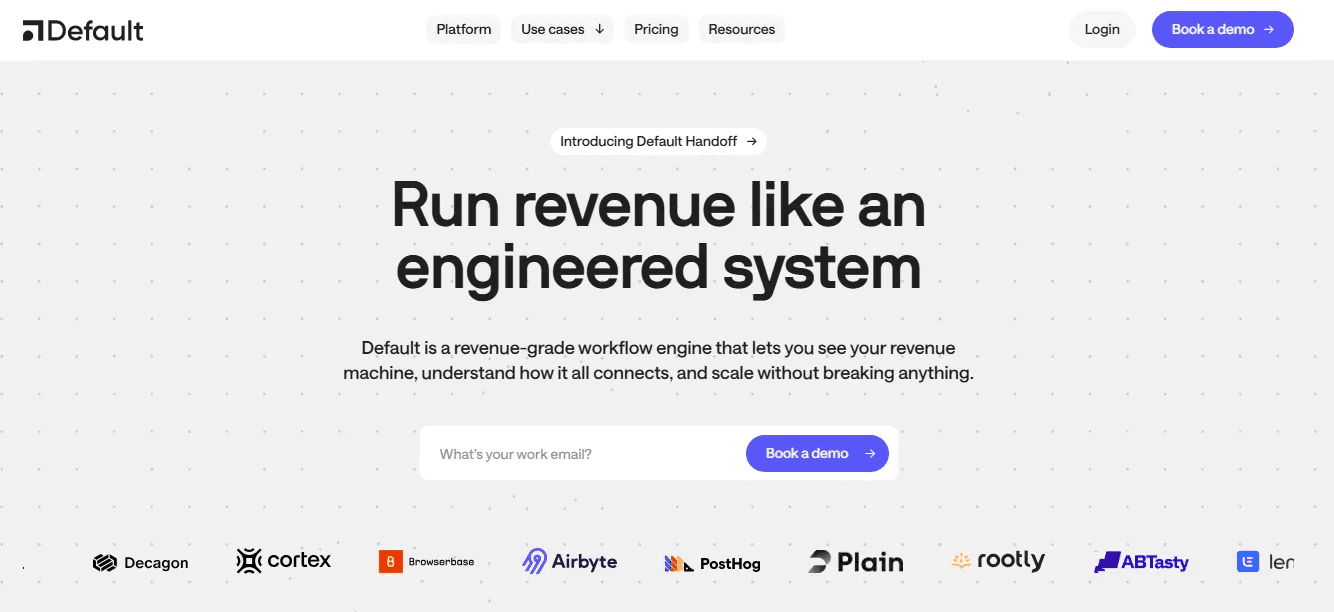
Default is a waterfall enrichment platform built for teams that want to move fast with their inbound leads. It is an advanced orchestration platform that enriches, qualifies, and routes leads the moment they fill out a form on your website.
By the time a lead hits your CRM, Default has already added their company size, industry, and tech stack, and even booked a meeting on the right sales rep's calendar.
Key Features
Default focuses on "speed-to-lead," ensuring no hot prospect waits for a manual review.
- Real-time Form Enrichment: Appends firmographic data as prospects submit forms, enabling immediate qualification.
- Automated Lead Routing: Uses the enriched data to automatically assign leads to the correct sales territory or team.
- Instant Meeting Scheduling: Qualified leads are shown a calendar immediately after form submission based on their enriched profile.
Pricing Plans
Default offers plans based on the scale of your inbound traffic and the complexity of your workflows.
- Startup Plan (starting at $750/mo): Includes 1 workflow and 10,000 enrichment credits per year.
- Growth Plan (Custom): Offers 10 workflows and 20,000 credits per year.
- Enterprise Plan (Custom): Offers unlimited workflows and unlimited credits for enterprise-level operations.
Pros:
- Drastically reduces the time it takes for a lead to get from a form-fill to a meeting.
- Replaces multiple tools (enrichment, routing, scheduling) with one platform.
- Very responsive customer support and a modern, easy-to-use interface.
Cons:
- The starting price is higher than that of standalone enrichment tools.
- Best suited for teams that want to replace their current inbound stack rather than just adding a small plug-in.
3. Generect
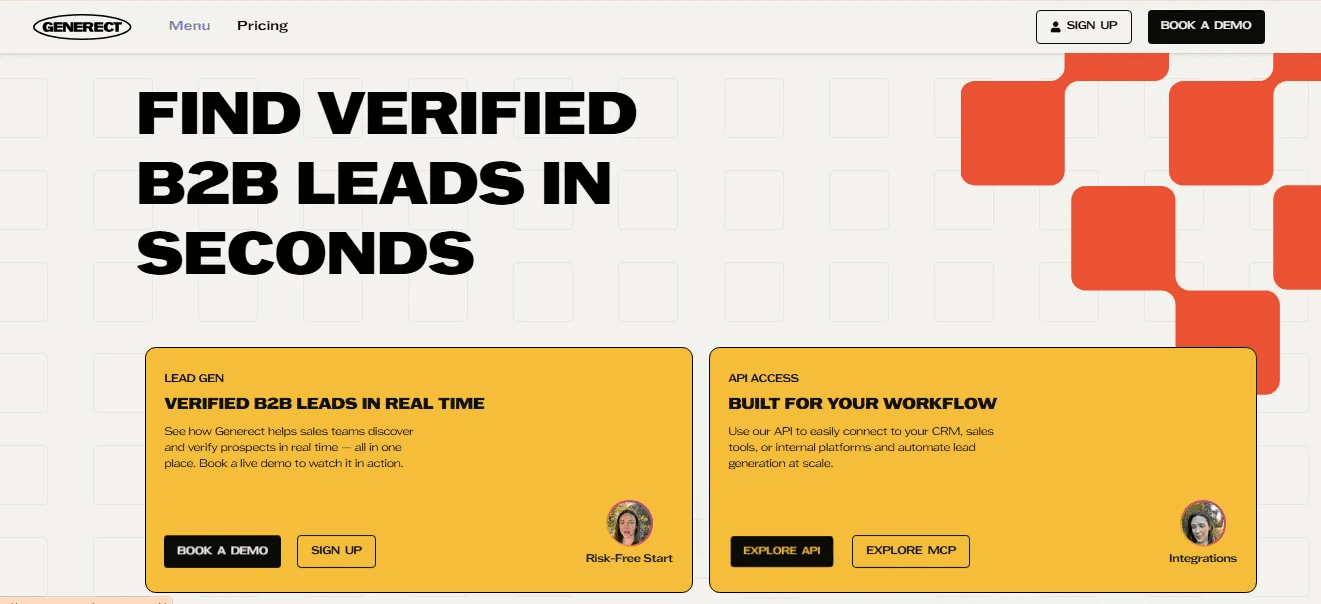
Generect is a powerful API-first platform designed for real-time B2B lead discovery and enrichment. It pulls data from multiple sources and validates it on the spot, ensuring you never work with stale information.
With an emphasis on accuracy, Generect is a favourite for teams that need deep company profiles and want to filter out low-quality leads before they ever reach the sales team.
Key Features
Generect provides deep, multi-source intelligence that helps you understand exactly who you are targeting.
- Multi-Source Company API: Offers profiles with over 500 data fields, including hiring trends and funding alerts.
- Real-time Discovery: Finds and verifies leads in real time, maintaining a 98% lead validity rate.
- Technographic & Intent Data: See what tools a company uses and get signals when they are expanding or looking for new solutions.
Pricing Plans
Generect offers flexible pricing that starts at an accessible point for growing businesses.
- Pay As You Go Plan: It is priced at $0.03 per valid mail found and $0.02 per export.
- Enterprise Plans: Custom-quoted for teams requiring high-volume API access and dedicated support.
Pros:
- Extremely high data accuracy with a very low bounce rate (around 2%).
- Deeply detailed company profiles that go beyond basic contact info.
- Great for building very specific, high-intent lead lists.
Cons:
- Some of the more advanced filtering features have a slight learning curve.
- The interface can feel a bit technical for users unfamiliar with API-style workflows.
4. Reply.io
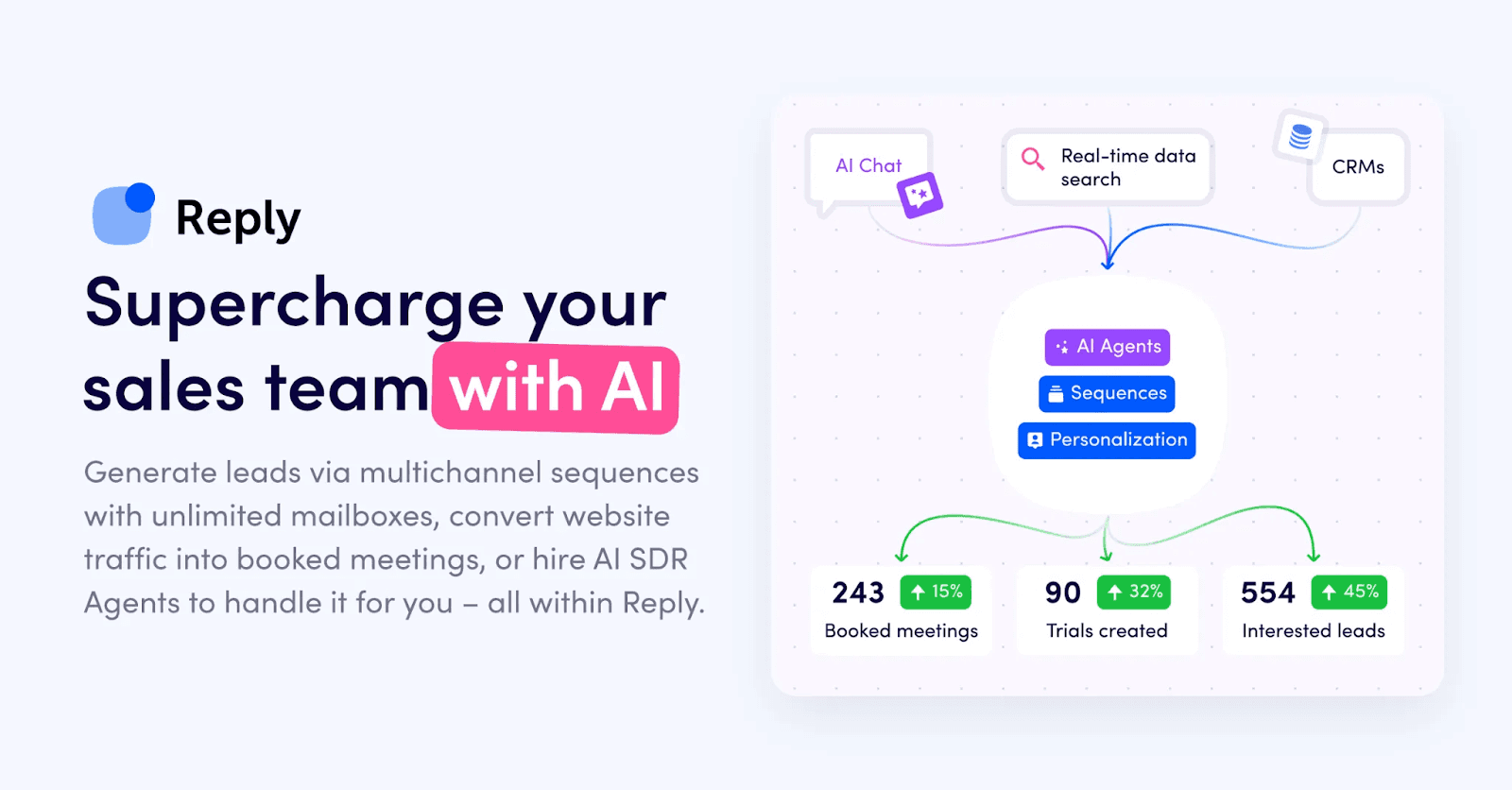
Reply.io functions as an all-in-one sales engagement platform that prioritizes AI-driven discovery over static list building. The system provides a live B2B database containing over 1 billion contacts to execute real-time CRM enrichment.
Revenue operations teams deploy this infrastructure to unify data extraction and outbound communication within a single operational dashboard. This consolidated architecture allows representatives to locate a target account, verify firmographic coordinates, and initiate an automated sequence without switching software environments.
Key Features
Reply.io executes active enrichment, deploying extracted data immediately to power multi-channel sales campaigns.
- AI SDR Agent: An automated protocol that investigates prospects, secures contact coordinates, and autonomously generates personalized outreach copy.
- Global Contact Database: A unified repository providing access to over 1 billion verified B2B records to eliminate missing CRM data fields.
- Dynamic AI Variables: The engine automatically extracts live data points, such as recent news or executive role changes, and injects them directly into email templates for structural personalization.
Pricing Plans
The platform operates on a tiered pricing model separating core email volume from advanced multi-channel capabilities.
- Free Tier ($0/mo): Provides baseline system access and 200 data credits for initial infrastructure testing.
- Email Volume ($59/mo): Supports high-volume outbound email operations, providing 1,000 active contacts and unlimited connected mailboxes.
- Multichannel ($89/mo): Unlocks the complete engagement suite across email, LinkedIn, and phone channels while providing advanced sequence routing.
- Agency Core ($166/mo): Delivers multi-workspace management for client operations, dedicated support, and high-volume data extraction capabilities.
Pros:
- Consolidates continuous data enrichment and multi-channel outreach into a singular operational workflow.
- Deploys advanced AI writing protocols to execute structural personalization at enterprise scale.
- Provides immediate access to a highly verified global database spanning over 150 countries.
Cons:
- Creates unnecessary infrastructure complexity for smaller teams requiring only basic static data extraction.
- Demands a significant financial investment to unlock the fully autonomous AI SDR capabilities.
5. Wiza
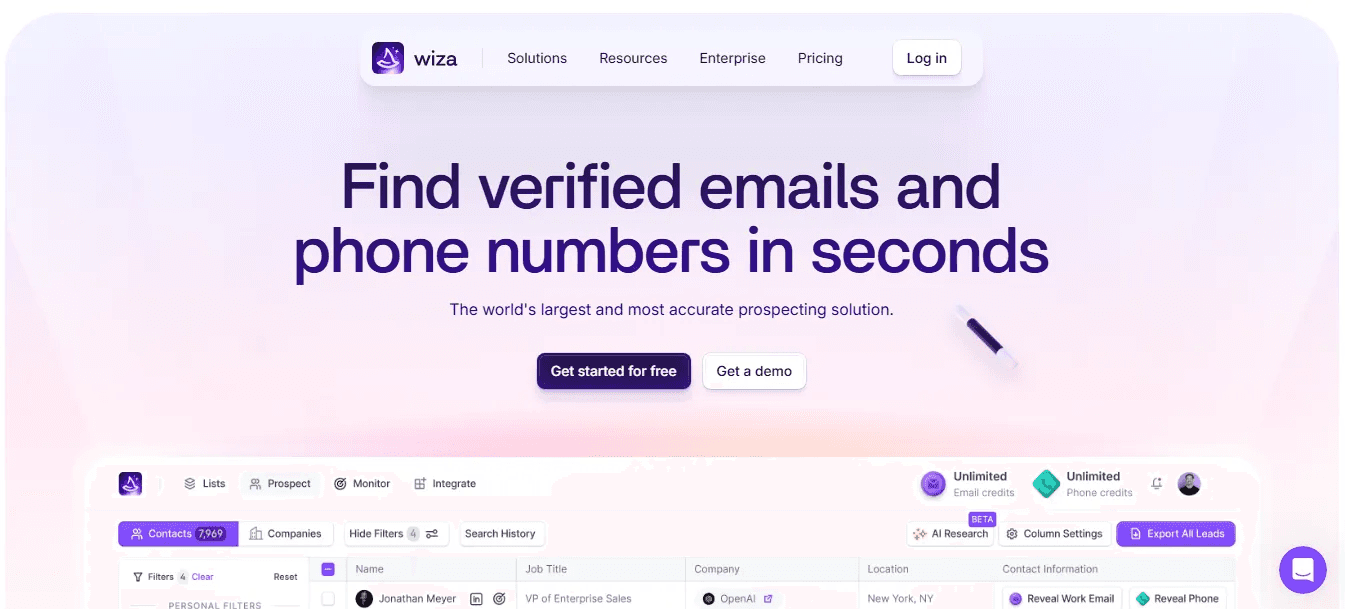
Wiza is a LinkedIn-first enrichment tool that specializes in turning Sales Navigator searches into verified lead lists. It is known for its "live" verification; the second you request a lead, Wiza performs a real-time SMTP check to ensure the email is 100% valid.
This makes it an ideal choice for sales reps who live on LinkedIn and need a fast, reliable way to move those prospects into their CRM with zero bounce risk.
Also Read: 12 Best Wiza Alternatives & Competitors
Key Features
Wiza is built to be the bridge between LinkedIn browsing and a clean, enriched CRM database.
- Live Email Verification: Every email is verified the moment you find it, ensuring your data is never "stale."
- Sales Navigator Scraper: Export up to 2,500 leads at a time from a LinkedIn search directly into a CSV or your CRM.
- Phone Number Enrichment: Finds direct-dial mobile numbers and office lines for your LinkedIn prospects.
Pricing Plans
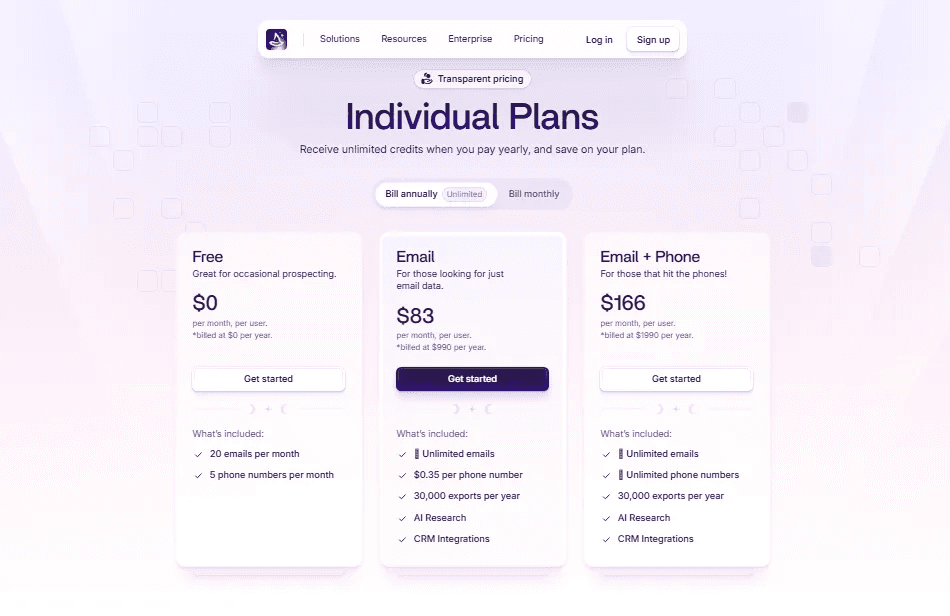
Wiza offers a range of monthly plans customized to the specific types of data your team needs to find.
- Free Plan: Includes 20 emails and 5 phone numbers per month to test the accuracy.
- Starter Plan ($49/mo per user): Provides 100 emails and 100 phone numbers per month, along with CRM integrations and team analytics.
- Email Plan ($99/mo per user): Offers 500 email credits per month for teams focused strictly on digital outreach.
- Email + Phone Plan ($199/mo per user): Provides 500 emails and 500 phone numbers per month for a complete multichannel prospecting strategy.
Learn more about Wiza pricing
Pros:
- Extremely accurate email verification (the "no-bounce" guarantee is solid).
- The best LinkedIn Sales Navigator integration on the market.
- Very fast processing for bulk lead exports.
Cons:
- Requires a LinkedIn Sales Navigator subscription to get the most value.
- Credit usage can add up quickly if you are doing very high-volume prospecting.
6. Coresignal
Coresignal is a data-heavy platform designed for teams that need "raw" B2B intelligence at a massive scale. It doesn't just offer a search tool; it provides high-frequency data APIs and datasets that pull from multiple public sources.
Coresignal is ideal for organizations that want to build their own internal enrichment engines or need to track deep market trends, such as hiring patterns and headcount growth.
Key Features
Coresignal provides the deep, structured data that helps you understand the health and movement of companies globally.
- Massive Public Web Data: Access to over 100 million company records and 800 million professional profiles.
- Real-time API Enrichment: Use their API to instantly pull firmographic and employee data into your internal systems.
- Historical Headcount Tracking: See how a company’s size has changed over the last 5 years to identify growth signals.
Pricing Plans
Coresignal offers flexible pricing plans ranging from self-service API access to full enterprise datasets.
- Starter Plan ($49/mo): Includes 250 "Collect" credits and 500 "Search" credits per month.
- Pro Plan ($800/mo): Designed for high-volume data needs with 20,000 search credits and a dedicated account manager.
- Premium Plan ($1500/mo): Customized for massive data consumption, offering 150,000 search credits and Historical headcount API access.
Pros:
- Incredible data freshness with over 415 million records refreshed every month.
- The best tool for tracking long-term company growth and hiring trends.
- Highly scalable API capable of handling millions of requests.
Cons:
- The raw data often requires some processing to be "sales-ready."
- It’s a technical tool, so it might be overkill for a single sales rep just looking for one email.
What is the Best CRM Data Enrichment Tool
The best enrichment tool for your CRM is the one your team actually uses. If your sales reps spend all day on LinkedIn, a tool like Wiza is a clear winner. If you need to build a high-volume, automated system that handles everything from inbound forms to meeting scheduling, Default or Reply.io is the way to go.
For most teams, the goal is simply to have accurate information they can trust. A specialized "waterfall" engine like FullEnrich is often the best place to start because it ensures you get a verified contact even when other tools come up empty.
No matter which you choose, the key is to stop letting your CRM sit with old data and start using enrichment to make your outreach more professional and effective.
Refresh Your CRM with FullEnrich
Ready to see how a high-accuracy waterfall can fix your CRM's data gaps? Getting started with FullEnrich is simple:
- Sign Up for Free: Create your account at FullEnrich.com and get your first 50 credits for free.
- Import Your List: Upload your current CRM list or a fresh CSV file.
- Choose Your Filters: Decide if you want to find verified work emails, personal emails, or direct mobile numbers.
- Sync Your Results: Once the AI waterfall finishes, sync the new, accurate data directly back to your CRM and start selling.
Frequently Asked Questions (FAQs)
Can enrichment tools help me shorten my website forms?
Yes. You can use "real-time enrichment" to find a lead's company size, industry, and job title using just their email address. This means you can ask for fewer fields on your forms, which usually leads to more sign-ups.
What is the difference between "Cleansing" and "Enrichment"?
Cleansing is fixing mistakes in your current data (like fixing typos or removing duplicates). Enrichment is adding new information that wasn't previously available (such as a phone number or a LinkedIn profile).
How often should I refresh the data in my CRM?
Professional data changes fast about 3% of B2B records go stale every month. To stay accurate, it's a good habit to refresh your most important accounts once every quarter.
Why do I need "Technographic" data?
Technographics tell you what software a company uses. If you know a lead is using a competitor's product or a complementary tool, you can mention it in your outreach to come across as more researched and professional.
Do I need a technical team to set up these tools?
Not usually. Most modern tools, such as FullEnrich and Wiza, offer "no-code" integrations. You just click a few buttons to connect them to HubSpot or Salesforce, and the data flows automatically.
Can enrichment help with "Lead Routing"?
Definitely. Enrichment can instantly find a lead's location or company size. You can then set up rules in your CRM to automatically send those leads to the right "Small Business" or "Enterprise" sales rep.
Does enrichment work for leads outside the US?
Yes, but coverage varies by provider. While most are strong in the US, tools like Generect are known for their stronger data in Europe and international markets.
What is "Buying Intent," and can enrichment find it?
Buying intent is a signal that a company is seeking a solution. Some enrichment tools flag things like recent funding, job hires, or even specific web searches, letting you know it’s a great time to reach out.
How does enrichment lower my "Cost per Lead"?
When your sales reps have better data, they waste less time on wrong numbers and dead ends. This means they can handle more leads and close more deals in less time, which makes your entire sales process more profitable.