
You can still find social media accounts from an email address with a free email lookup across social networks. Just not the way most older guides describe it.
Facebook's email search is gone. The other big networks only match emails through opt-in contact sync. What still works is a short list: Google search operators, pivoting from the username, a few free checker tools, and contact sync on the apps that allow it.
This guide covers each method, where it stops working, a 10-minute workflow, and the legal line you shouldn't cross. Every platform fact links to the platform's own page, checked in September 2026.
One disclosure: I'm the co-founder of FullEnrich, which sells a reverse email lookup tool for work emails. It appears in one section (Method 5). Everything else here is free.
TL;DR
- Facebook turned off search by email and phone in April 2018. It hasn't come back.
- X (the network formerly called Twitter), LinkedIn, TikTok and Instagram only match emails through contact sync, and only when the account owner allows it.
- Start with Google: put the email in quotes, then add
site:to search one platform. - Try the part before the @ as a username. Sherlock and WhatsMyName check it across hundreds of sites.
- Free checkers (Holehe, EPIEOS, Gravatar, Have I Been Pwned) each cover a slice. None covers everything.
- Confirm every match with photo, bio and location before you act on it.
- For work emails at volume, a paid reverse email lookup beats doing it by hand.
What still works in 2026, and what stopped
Facebook's email search has been dead since April 2018. That's the biggest thing older guides still get wrong.
Meta announced the change on 4 April 2018 and updated the post on 9 April. Until then, anyone could type an email or phone number into Facebook search and find the account. Meta said bad actors had abused search and account recovery to scrape public profiles, so it disabled the feature. As of September 2026, Meta hasn't announced its return.
Everything else now runs through contact sync. You upload your contacts. The app suggests matching accounts. And it only works if the other person allowed it.
Platform | Search by email today? | How it works now | Source (checked Sept 2026) |
|---|---|---|---|
No | Email and phone search disabled in April 2018 after scraping abuse | ||
X | Only if the user opts in | A "find you by your email" setting; the email is never shown publicly | |
Only through contact import | Reads your contact list only if you authorize it | ||
TikTok | Only through contact sync | Optional sync, matched with hashing and private set intersection | |
Only through contact sync | Contact syncing exists; email matching not confirmed |
The short version: no major network lets you paste a stranger's email into a search box and get their profile. The five methods below work around that, inside the rules.
Method 1: Search the email in Google
Google is still the best first step. It's free and takes a minute.
Put the full address in quotation marks. That forces an exact match:
"jane.doe@example.com"
You're looking for pages where the email appears in plain text. Think forum posts, author bios, conference speaker pages, GitHub profiles and personal sites. Any of those can link out to social accounts.
Then narrow it to one platform with the site: operator:
"jane.doe@example.com" site:linkedin.com
Swap in x.com, instagram.com, reddit.com or github.com. Most people never publish their email on a profile, so expect a lot of empty results.
Don't read an empty result as proof. Google's own documentation says the site: operator "doesn't necessarily return all the URLs that are indexed" under that domain. A miss means "not found here." It doesn't mean "doesn't exist."
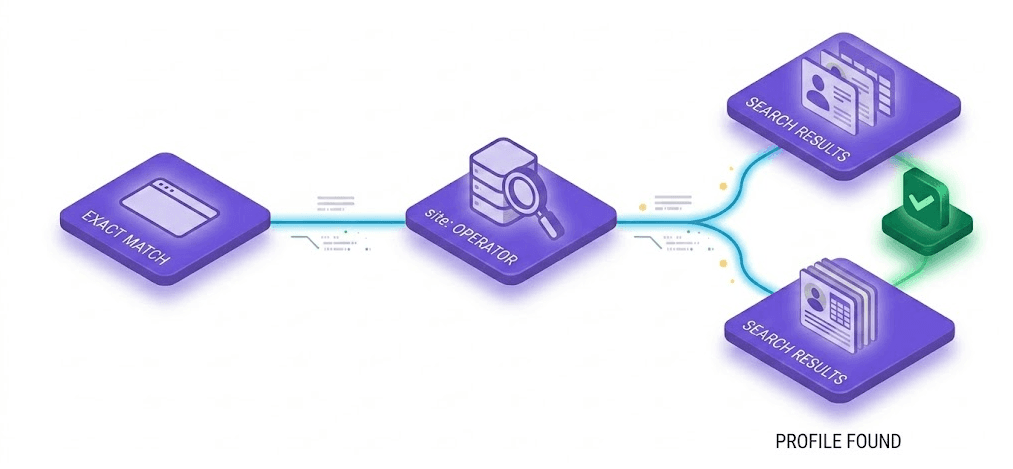
Exact match first, then site: to narrow the search to one platform.
Why Google comes first
It costs nothing and needs no signup. And it often turns up the one page that ties the email to a real name.
Once you have a name, every other method gets easier.
Method 2: Pivot from the username
The part before the @ is often a username too. People reuse handles. Someone at jane.doe87@gmail.com might be janedoe87 somewhere else.
That gives you a second search key when the email itself dead-ends. Three free tools check one username across many sites at once (site counts as listed on each project's page, September 2026):
- Sherlock: an open-source command-line tool that hunts down accounts by username across 400+ sites (GitHub). It takes usernames only, not emails.
- WhatsMyName: a community-maintained dataset that checks a username across "over 700 websites," shared under a CC BY-SA 4.0 license (GitHub). Also username only.
- UserSearch: free username checks across popular networks, with no login or card, on UserSearch.org. UserSearch is moving to a new domain: email search now lives on UserSearch.com, which mixes free modules (Have I Been Pwned, Gravatar) with paid ones, and the .org site is for usernames only.
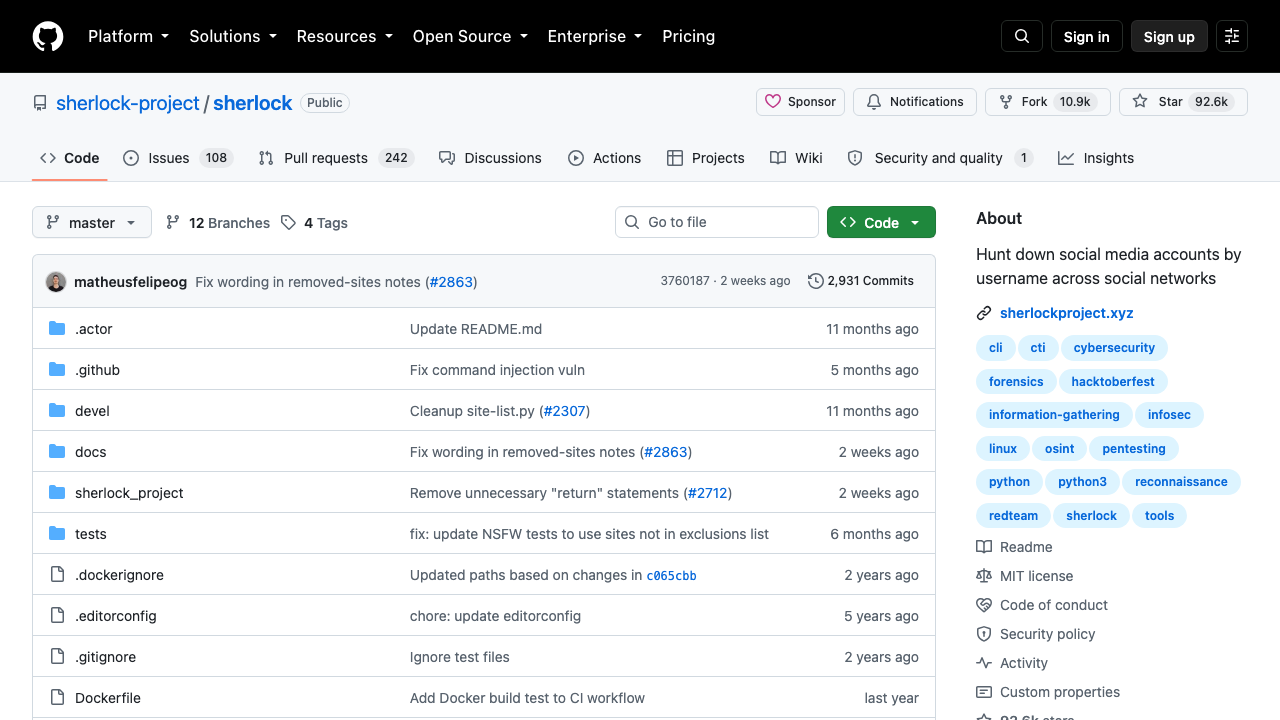
Sherlock's GitHub repository page. Source: https://github.com/sherlock-project/sherlock, captured 24 September 2026.
A few habits keep this honest. Try variations, with and without dots or numbers. Treat every hit as a lead, not a match.
Common handles like "jdoe" will match dozens of strangers. The more unusual the prefix, the more a hit means.
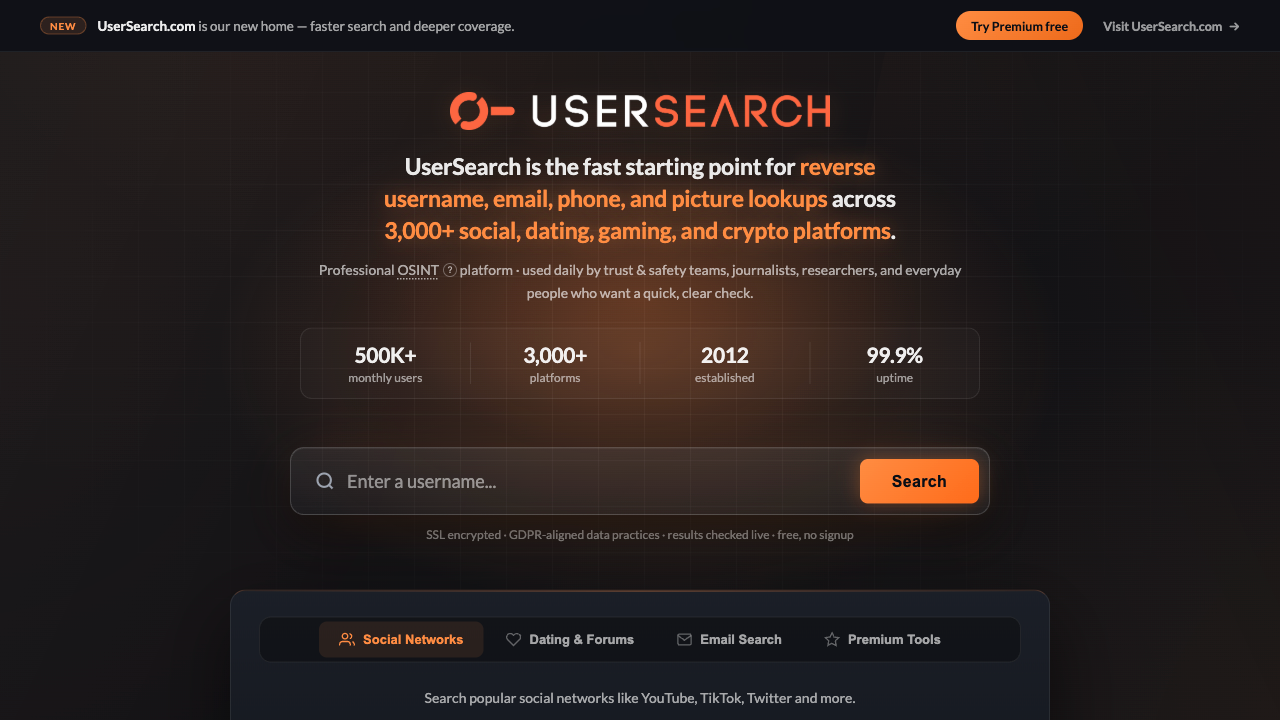
UserSearch.org's homepage. The banner points to UserSearch.com, the service's new domain. Source: https://www.usersearch.org/, captured 24 September 2026.
Work addresses rarely help here. A prefix like jane.doe@company.com follows the company's naming pattern, not a personal habit. For those, Method 5 is the better route.
Method 3: Free email-to-account checkers
A handful of free tools test one email against many sites at once. They're the closest thing left to a free reverse email lookup for social networks. None is complete, and their limits change often.
The screenshots below show each tool's own homepage (or its GitHub page for the open-source ones), captured on 24 September 2026. Prices and limits are as listed on that date.
Holehe. Holehe is open source and checks whether an email is attached to an account on more than 120 sites, including Instagram and X. It gets its answers from each site's forgotten-password flow. That's the "password-reset hint" trick other guides describe, automated. Meta named account recovery as one of the features abused to scrape profiles when it restricted search in April 2018. You run Holehe from the command line.
One caveat: as of 24 September 2026, its GitHub page shows the last commit about two years ago. Sites change their sign-up and reset pages all the time, so some checks may be stale.
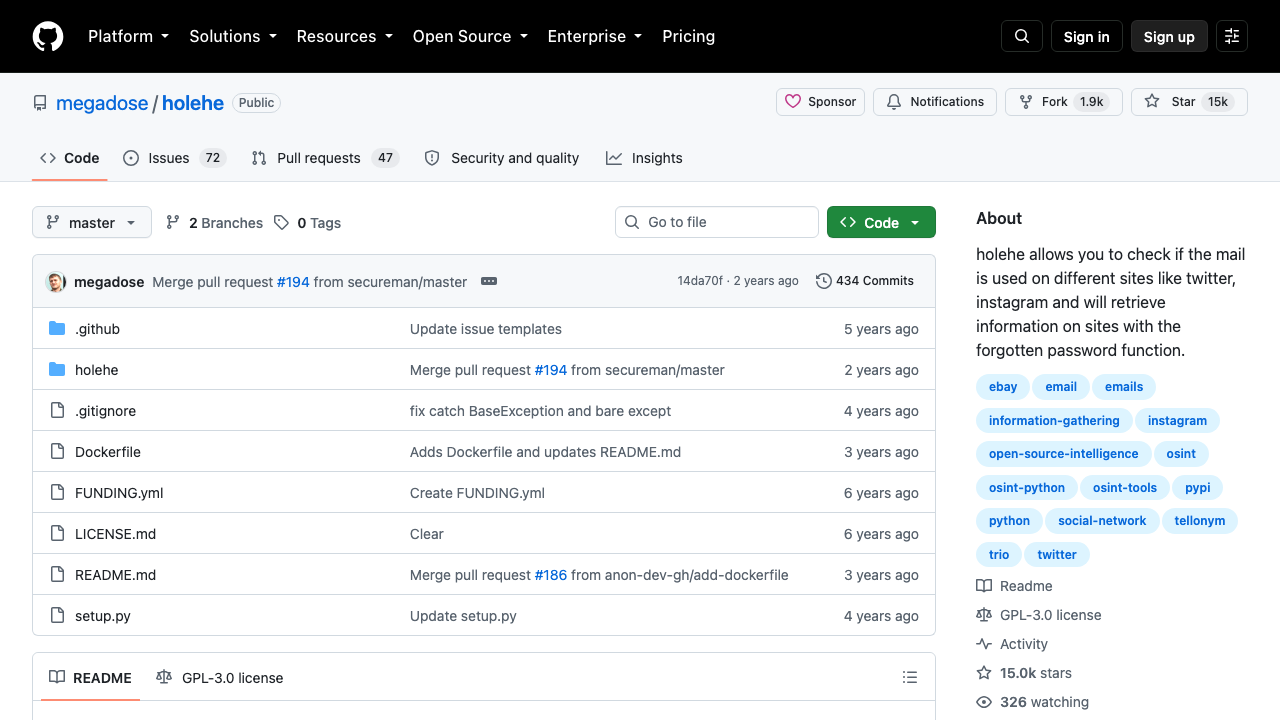
Holehe's GitHub repository page. Source: https://github.com/megadose/holehe, captured 24 September 2026.
EPIEOS. EPIEOS's pricing page lists a free "member" plan. You sign in, and you get the Google, Email Checker and Skype modules. The Email Checker module alone covers 200+ sites. Results carry a heavy watermark.
The paid Osinter plan costs €29.99 a month. It unlocks every module, LinkedIn included, with 30 full-access requests a month and a lighter watermark.
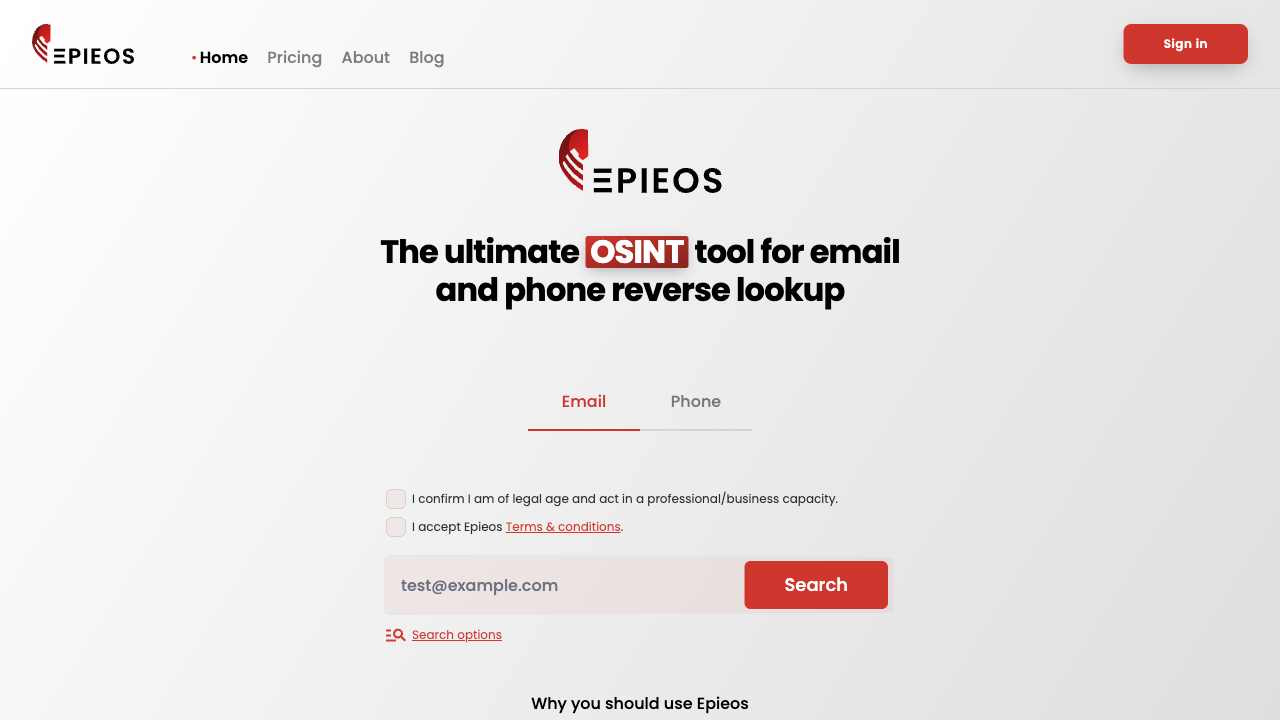
EPIEOS's homepage. Source: https://epieos.com/, captured 24 September 2026.
Gravatar. Many people attach a Gravatar profile to their email so it follows them across sites. Gravatar profiles are free and can hold an avatar, a bio, social connections and verified links. The homepage has a lookup box: paste an email and see if a public profile exists.
When it hits, it's a strong signal. The owner linked those accounts on purpose.
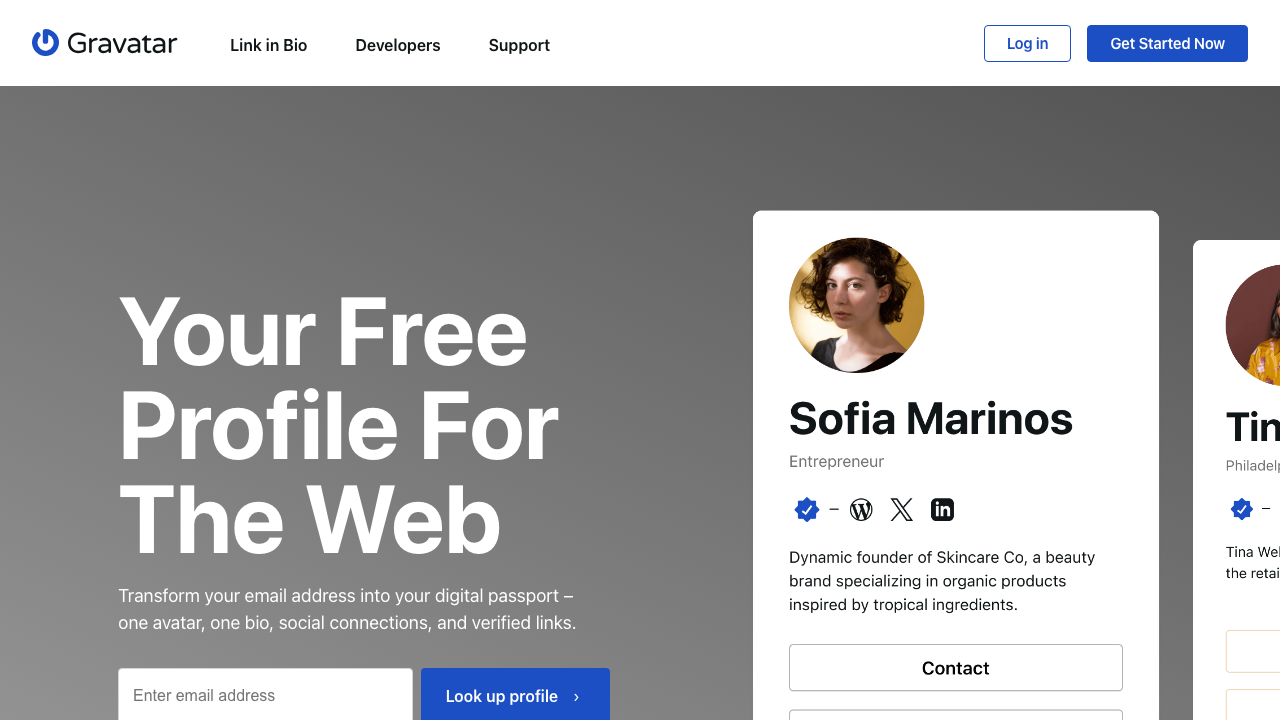
Gravatar's homepage. Source: https://gravatar.com/, captured 24 September 2026.
Have I Been Pwned. Have I Been Pwned is a free breach search, not a social finder. But if an email shows up in a breach of a given service, that service almost certainly had an account for it. Use it as an indirect clue. API access is paid.
Predicta Search. Predicta lets you search for accounts linked to an email or phone number, and says "you don't even need to be logged in to do it." Bulk search and exports are paid.
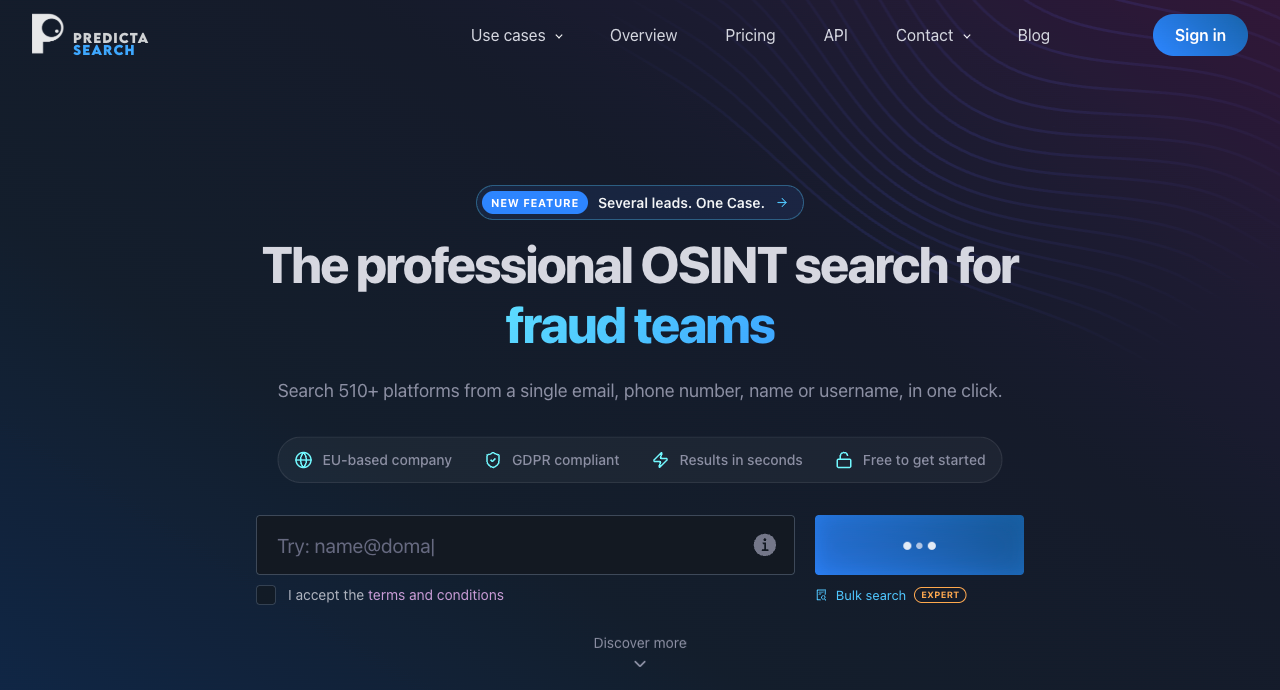
Predicta Search's homepage. Source: https://www.predictasearch.com/, captured 24 September 2026.
FootprintIQ. FootprintIQ's pricing page offers a free basic scan with no credit card. The free version has limited platform detection and a basic exposure count. Pro costs £12.99 a month, and a one-off Deep Scan costs £24.99.
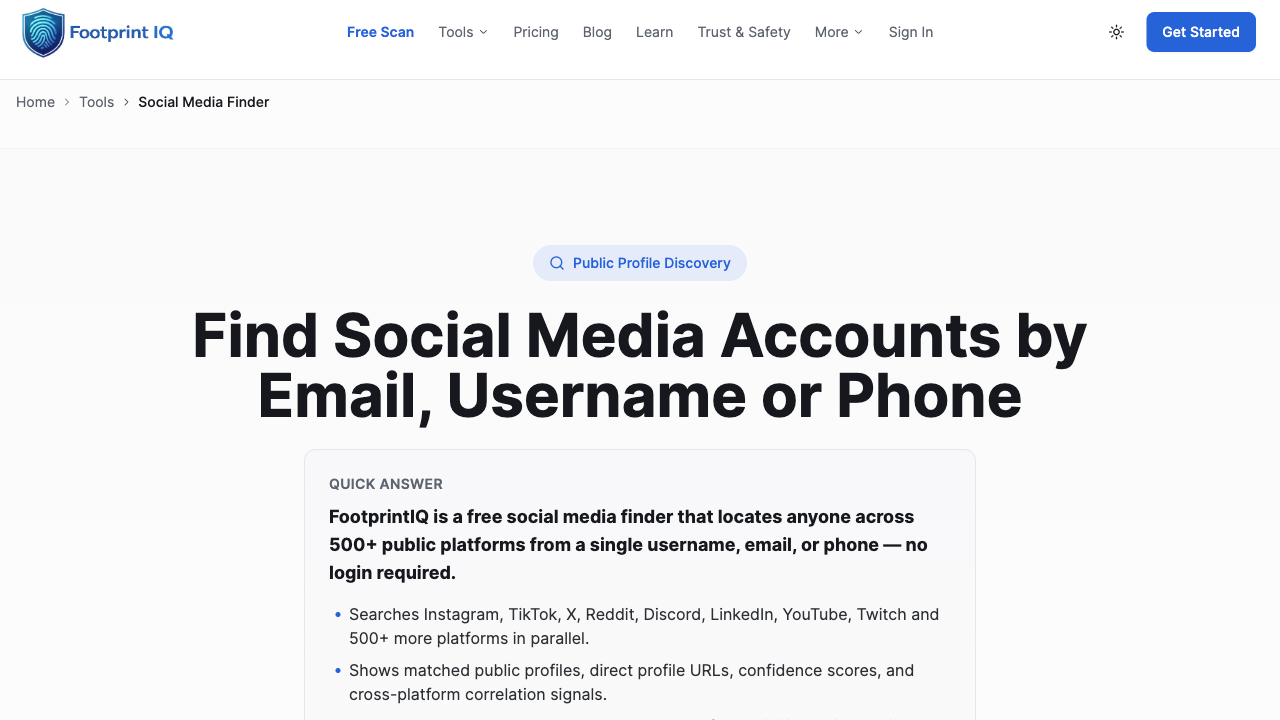
FootprintIQ's social media finder page. Source: https://footprintiq.app/social-media-finder, captured 24 September 2026.
Social Searcher. Social Searcher tracks public social media mentions. Its own homepage and third-party write-ups describe its free limits differently, so check its site first.
Free tiers at a glance
Tool | Free tier gives you | Where it stops | Signup needed? |
|---|---|---|---|
Holehe | Checks 120+ sites for a registered email | Command line only; last commit about two years ago | No |
EPIEOS | Google, Email Checker (200+ sites) and Skype modules | Heavy watermark; LinkedIn needs Osinter at €29.99/month | Yes, free account |
Gravatar | Public profile, avatar and linked accounts | Only works if the owner made a profile | No |
Have I Been Pwned | Breaches the email appears in | Indirect clue only; API is paid | No |
Predicta Search | Email or phone search | Bulk search and exports are paid | No |
FootprintIQ | Basic scan, limited platform detection | Deeper scans paid; Pro £12.99/month | No card needed |
For a wider list, see this roundup of the best free reverse email lookup tools.
Method 4: Contact sync on LinkedIn, X, TikTok and Instagram
None of these four lets you paste an email into search and get a direct hit. All four match through contact sync, and only when the account owner allows it.
The mechanic is the same everywhere. You save the email in your phone or email contacts. You let the app read them. It suggests accounts that match.
- LinkedIn: it accesses your contact list "if and only if you authorize it" (LinkedIn Help). Matches then surface as suggested connections. There's a full guide to finding a LinkedIn profile by email if that's your main target.
- X: each user chooses whether others can find them by email, under "Discoverability and contacts." Even with the setting on, X says the email address isn't publicly displayed (X Help Center).
- TikTok: syncing is "completely optional." TikTok says it matches contacts using private set intersection, hashing and encryption (TikTok).
- Instagram: its help page confirms "You can find people you already know on Instagram by syncing your contacts" (Instagram Help, checked 24 September 2026). I couldn't confirm whether it matches on emails, phone numbers or both, so don't count on an email alone.
Opt-in limits mean this works best on people you already know
A suggested account is weaker evidence than a profile that shows the email. Apps suggest people for many reasons, not just your contact list. Cross-check before you trust it.
And if someone switched discovery off, no amount of syncing will surface them. That's the setting doing its job.
Method 5: Reverse email lookup for work emails
This is the one paid method, and the only section about FullEnrich.
If the email belongs to a lead, a demo request or a candidate's work address, the free methods are the slow way. A reverse email lookup tool takes the email and returns the person and their company in one request.
That's the job FullEnrich's reverse email lookup does. You send an email. You get back the person (name, job title, seniority, LinkedIn URL) and the company (name, domain, industry, headcount, location).
It runs each request through a waterfall of data providers: 25+ providers, with results cross-checked before they reach you. If one source has no match, the next one gets a try.
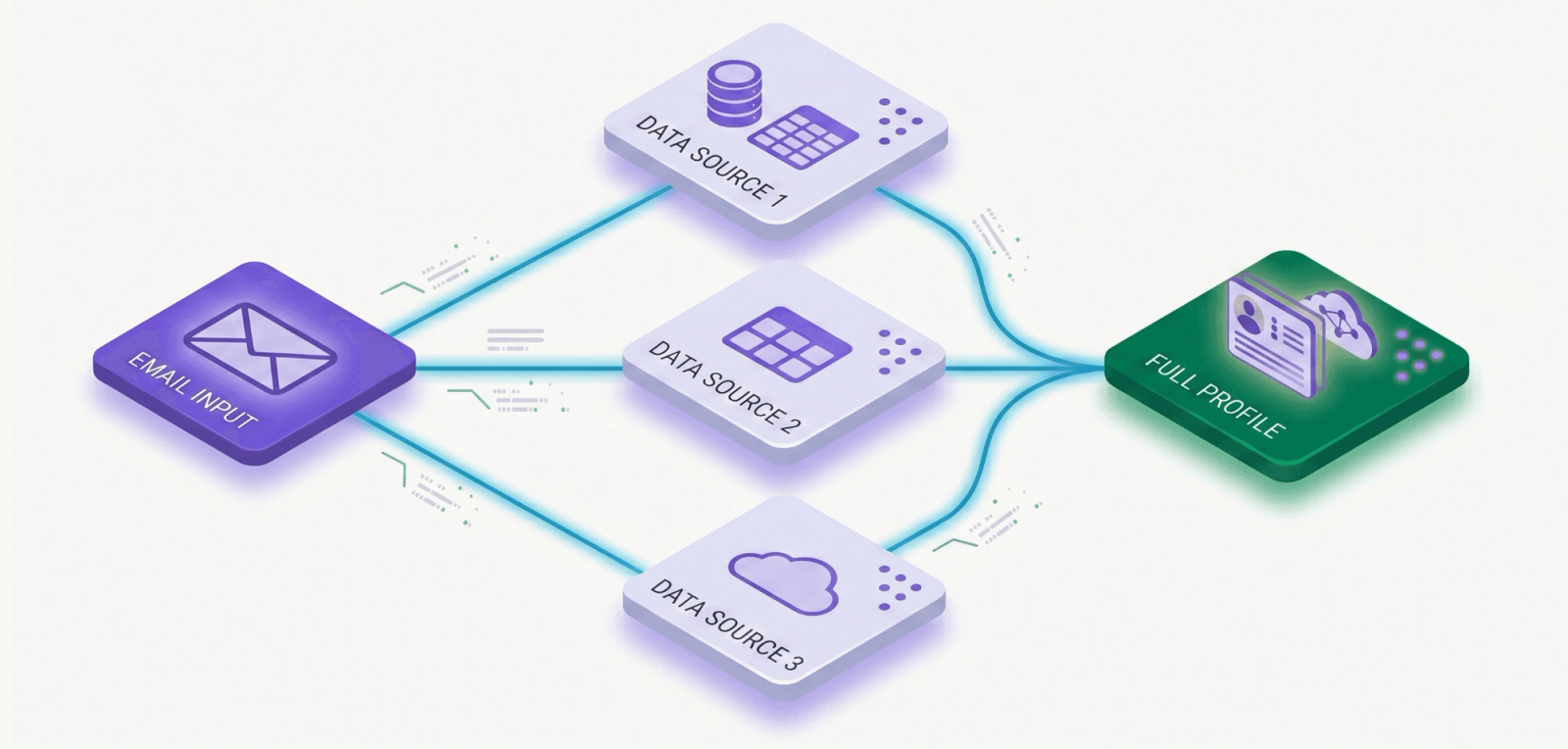
One email in, several sources checked, one profile out.
The facts that matter, from FullEnrich's pricing as of September 2026:
- Cost: 1 credit per reverse lookup.
- Free start: 50 credits, no credit card.
- Access: web app, API or MCP. The web app handles a one-off lookup with no API setup. The API is for teams that route inbound leads automatically.
It also works on personal addresses: the reverse email lookup page runs a Gmail address as its example. That matters when someone signs up for your product with a Gmail account and you need to know who they are. That's the use it's built for: people who came to you, not strangers.
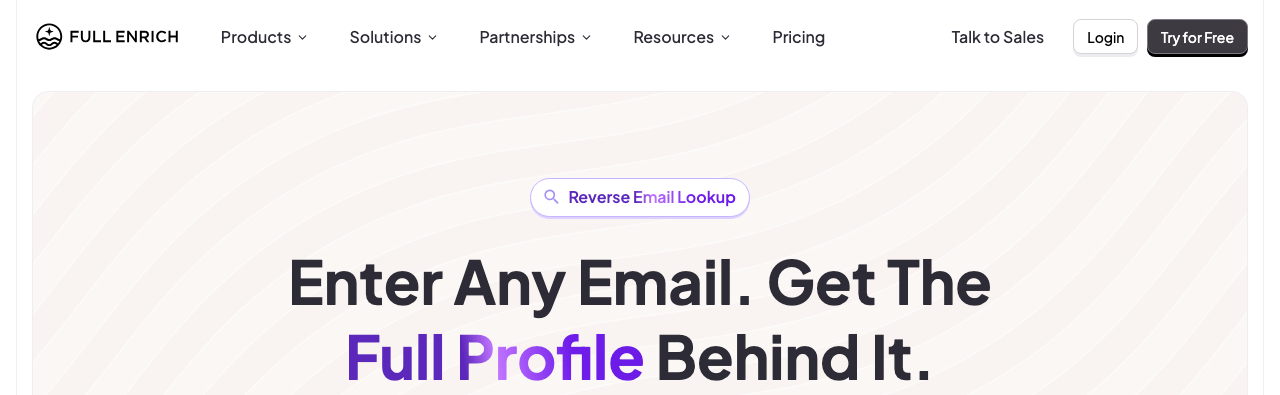
FullEnrich's reverse email lookup page. Source: https://fullenrich.com/reverse-email-lookup, captured 24 September 2026.
If you're comparing options first, this list of B2B data enrichment tools covers the wider category. If you just want to test it on your own inbound leads, start with the 50 free credits.
A 10-minute workflow
Run the free methods in order of effort. Stop the moment you have a confirmed match.
- Google, about two minutes: exact-match quotes, then
site:for the platforms you care about. - Username pivot, about three minutes: run the prefix through WhatsMyName or UserSearch.org.
- One or two checkers, about three minutes: Holehe or EPIEOS, plus a Gravatar lookup and Have I Been Pwned.
- Contact sync, only if you already know the person: check LinkedIn's suggestions once the email is in your contacts.
- Cross-check, about two minutes: photo, bio, employer, location. You want at least two signals that agree before you call it a match.
The timings are a rough budget, not a benchmark. The point is to cap the effort.
If all five steps turn up nothing, the person probably doesn't want to be found by email. Respect that and stop.
What breaks at volume
Free methods work for one email. They fall apart on a list.
Every step above is manual. Free tiers watermark results or ask you to sign in. EPIEOS's paid plan still caps you at 30 full-access requests a month. Holehe is a script you run and maintain yourself. And you still cross-check each hit by hand.
So the math is simple. Ten minutes per email is fine once. Across a whole list of signups, it's days of work.
If those are work emails with a business reason behind them, that's where Method 5 makes sense. If they're personal and you have no business reason, the answer isn't a faster tool. It's to stop.
The legal line is what you do with the data
Looking up a public profile isn't the risky part. What you do with the data, and how you collect it, is.
This isn't legal advice. It's the short version of what regulators actually say.
In the UK and EU, B2B use can rest on legitimate interest. The ICO says you must identify a legitimate interest, show the processing is necessary, and balance it against the person's rights. France's CNIL says prospecting professionals can rely on legitimate interest when the message relates to their job. It also notes that generic addresses like contact@company.fr fall outside those rules. A named work address doesn't: it's personal data.
Background reports for the wrong purpose get punished. In September 2023, the FTC announced a $5.8 million settlement with TruthFinder and Instant Checkmate. The FTC said they violated the FCRA by providing background reports to people who didn't have a permissible purpose, while advertising on searches like "best background check for landlords."
Scraping is out. Section 8.2 of LinkedIn's User Agreement bans using software, scripts, robots, crawlers or browser plugins "to scrape or copy the Services, including profiles and other data." That's why no scraper appears in this guide.
Data brokers face new rules. California's DROP launched on 1 January 2026. It lets residents send one deletion request to all active data brokers. From 1 August 2026, brokers must process those requests at least once every 45 days. The direction is clear: less room for collecting people data without a reason.
Lock down your own accounts
The same methods work on you. Four quick fixes:
- Discovery settings: turn off find-by-email on X, and review contact sync on LinkedIn, TikTok and Instagram.
- Separate emails: one address for work, another for personal accounts. A third for sign-ups helps too.
- Audit yourself: run your own email through Google, Gravatar and Have I Been Pwned.
- Two-factor authentication: turn it on everywhere. It won't hide an account, but it protects it if your email leaks.

Four habits that make your own accounts harder to find by email.
Where to start
If you want to search social media accounts by email for free, start with Google and the username. Both cost nothing and settle more cases than any tool.
If both miss, run one checker (Holehe or EPIEOS) and a Gravatar lookup. For personal emails, stop there.
A paid tool only earns its place when the address is a work email with a real business reason behind it, like an inbound lead. And whatever you find, check it twice before you act. A wrong match is worse than no match.
Frequently asked questions
Is there a totally free social media email lookup?
Yes, but no single free tool covers everything. Google search, username pivoting, Holehe, Gravatar and Have I Been Pwned are all free. Each covers a slice. EPIEOS, an email lookup site, also has a free plan, with a heavy watermark. Combine two or three before you give up.
Can I find someone's social media through their email?
Sometimes. It depends on whether they published the email somewhere public, reused the username, or left discovery settings on. Direct email search on Facebook has been gone since April 2018, and X, LinkedIn, TikTok and Instagram only match emails through contact sync or discovery settings the account owner controls.
Does Facebook still let you search by email?
No. Facebook let people type an email address or phone number into search to find someone until April 2018. Meta then disabled the feature because it was being abused to scrape public profiles. As of September 2026, it hasn't come back. To find a Facebook profile from an email today, you need Google, a username pivot or a free checker.
How can you find out if someone has a hidden social media account?
If someone chose to hide an account, that's usually where it should end. Covertly tracking another adult, a partner included, can cross into harassment or misuse of personal data, depending on the purpose and the country. In the US, background-style reports come with strict purpose rules, as the FTC's 2023 TruthFinder case shows. If you have a safety concern, talk to a lawyer or use the platform's own reporting tools.
How accurate is email-to-social matching?
Not very, with free methods. People split work and personal inboxes, abandon accounts, and share common names. GWI found online adults use an average of 6.75 social platforms each month (DataReportal, 2026), so one email rarely maps to a single account. Confirm photo, bio, employer and location before you trust any hit.